Using your
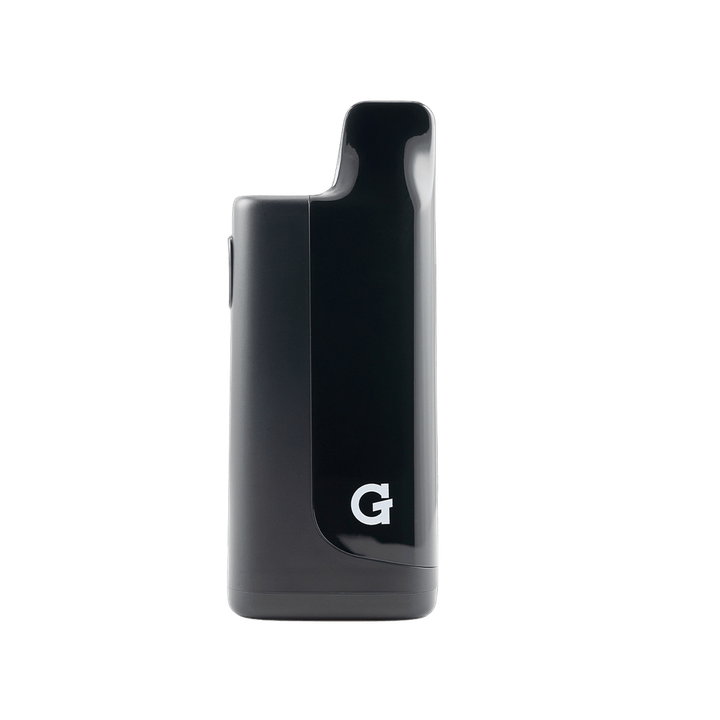
Micro II
Register your productHow to use
-
 1
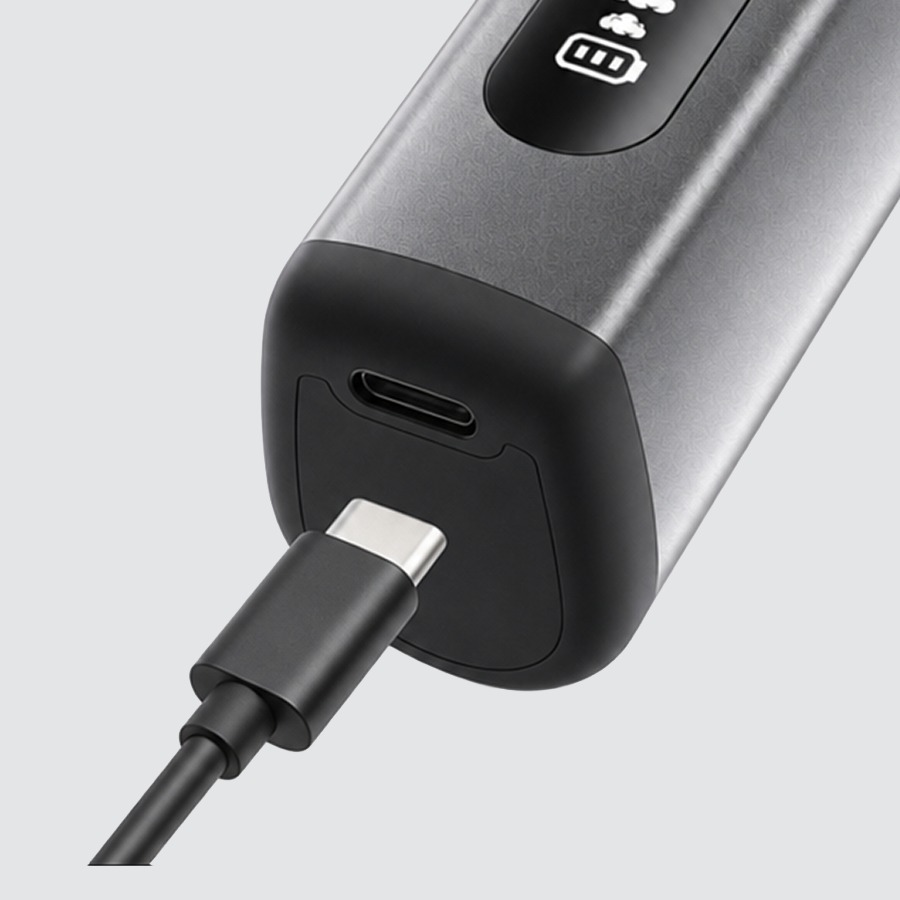
1Charge
- Plug any USB-C cable into the port on the device.
- Give it a full charge before first use.
USB-C cable not included.
-
 2
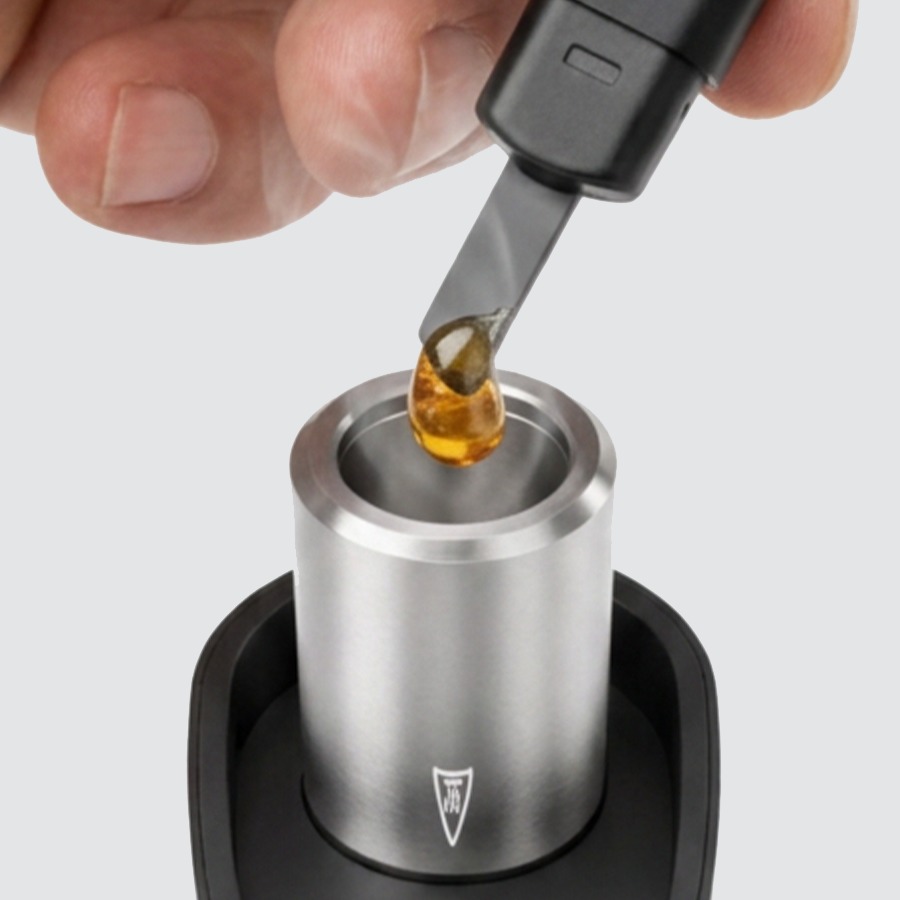
2Load
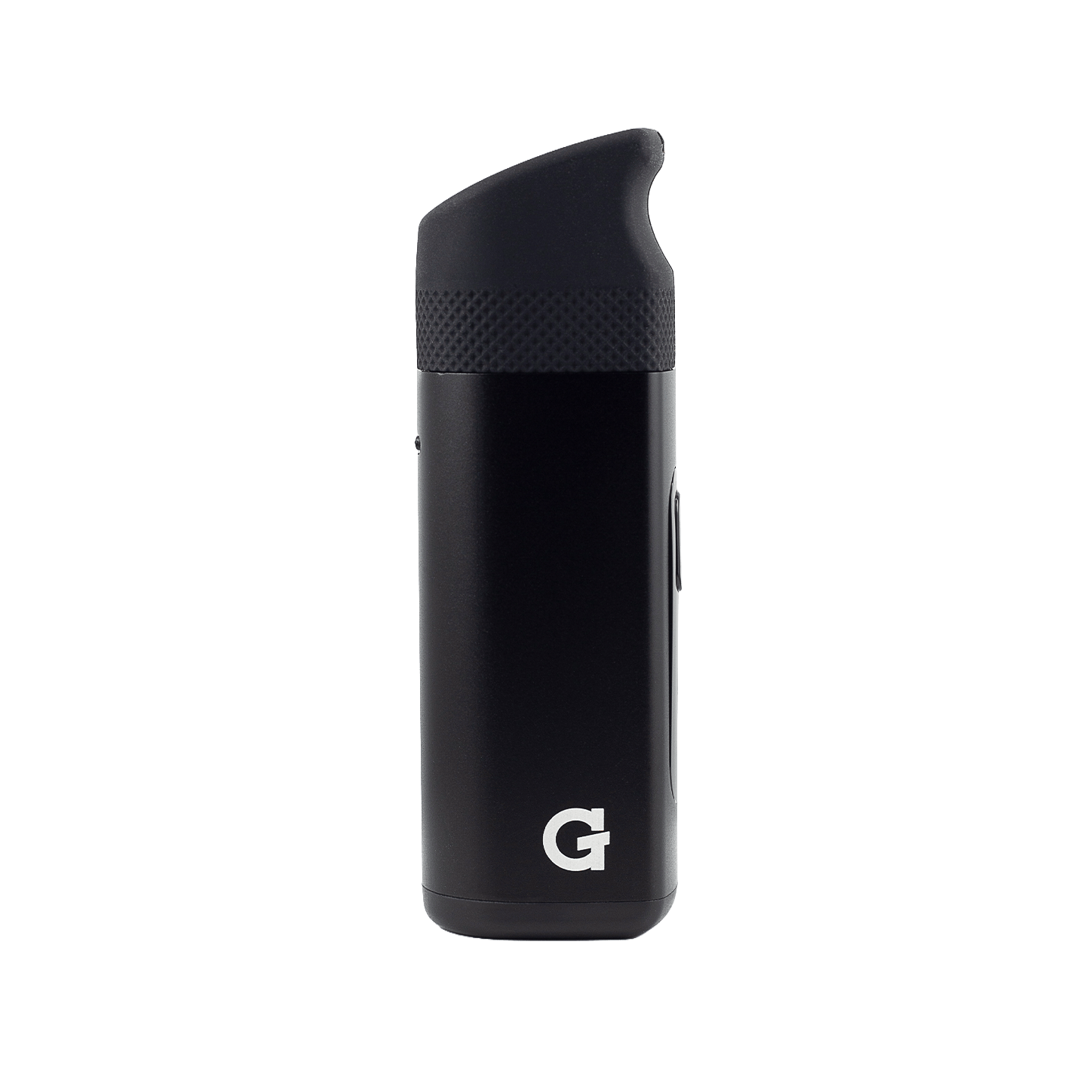
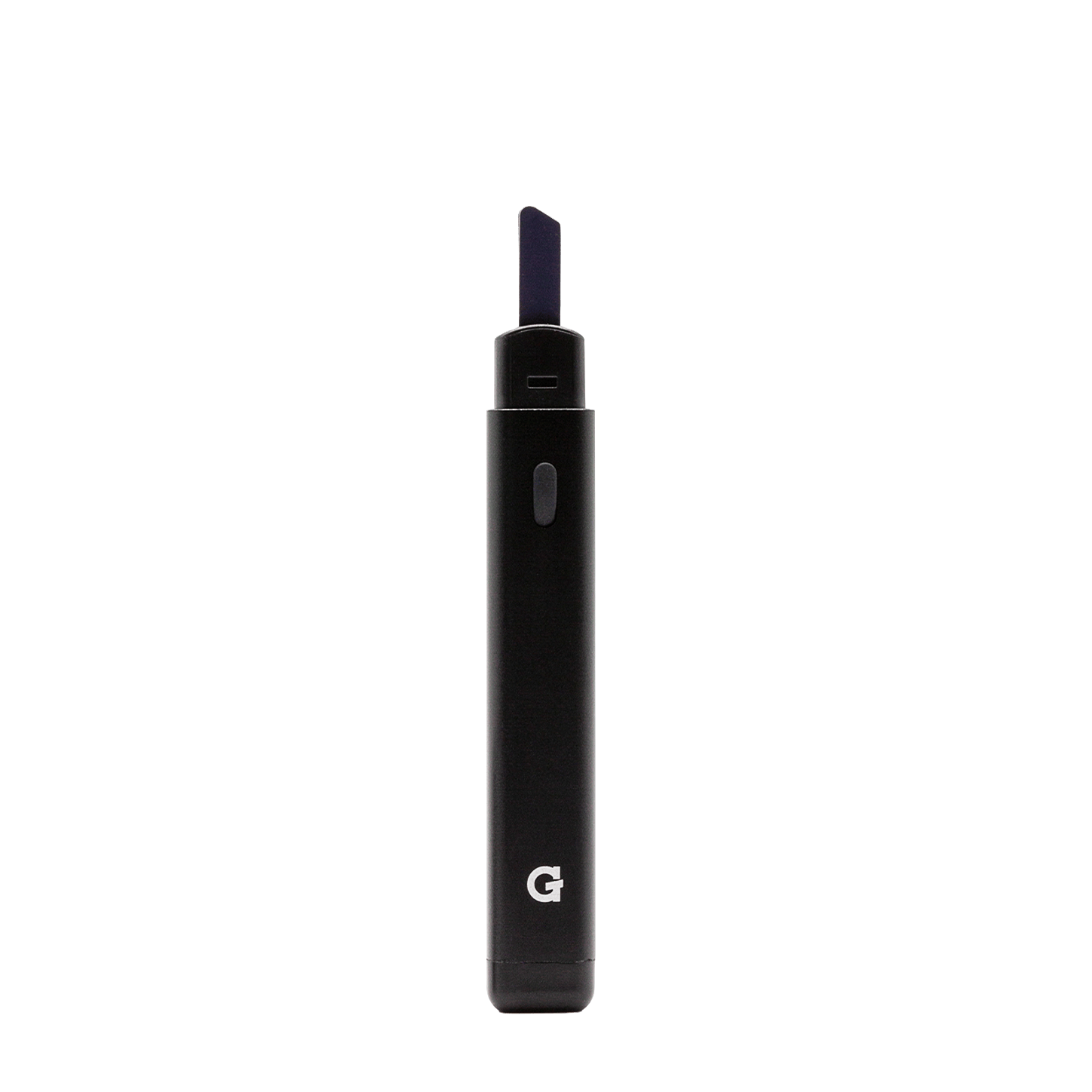
- Remove the mouthpiece to access the ceramic heating chamber.
- Load the chamber with your concentrate — do not overfill.
A small amount of concentrate goes a long way. Overfilling can clog the chamber and reduce airflow.
-
 3
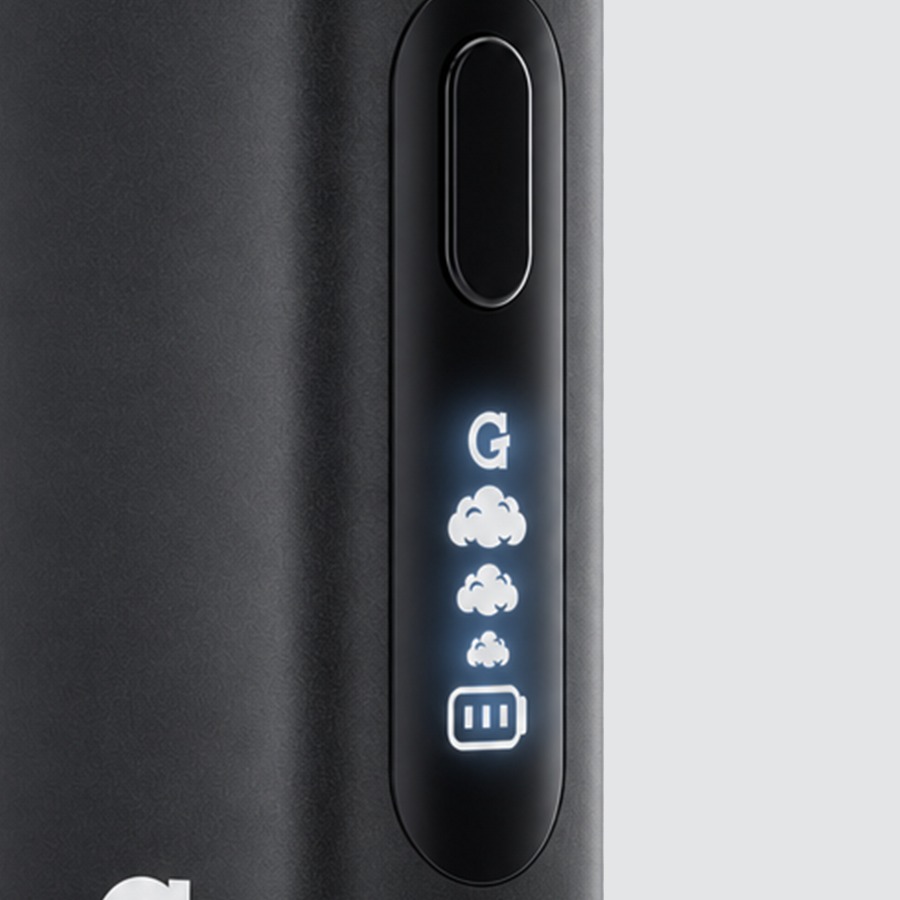
3Activate
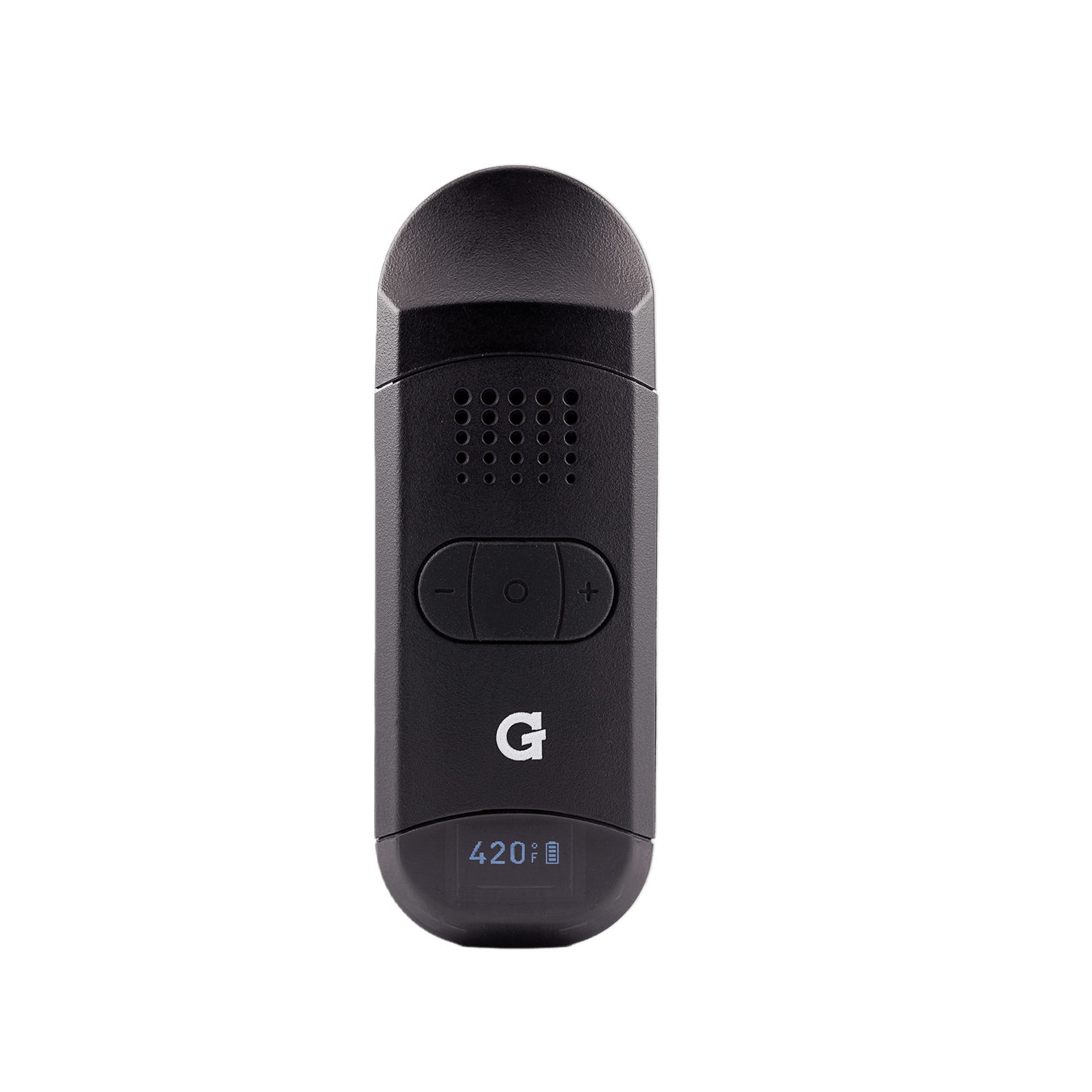
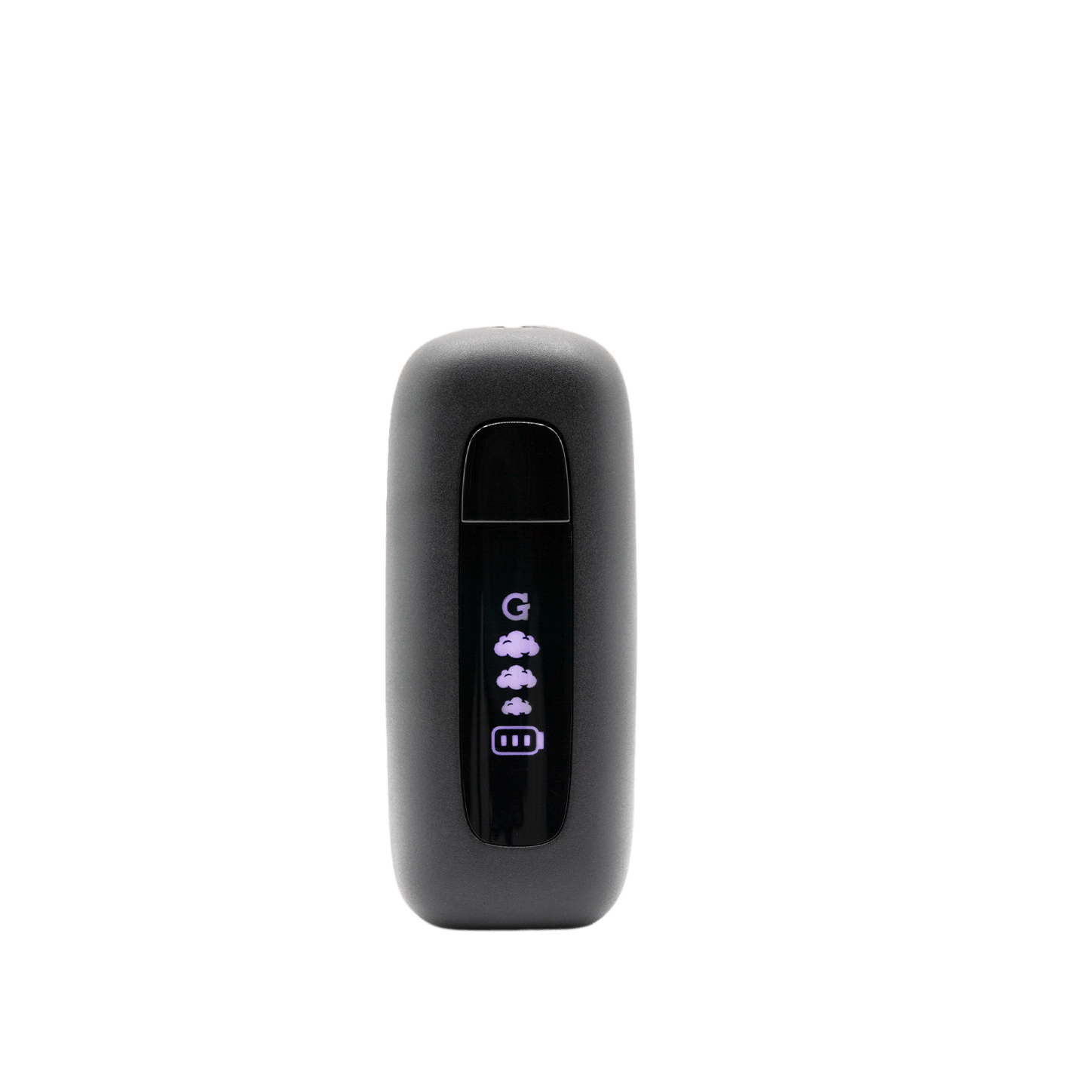
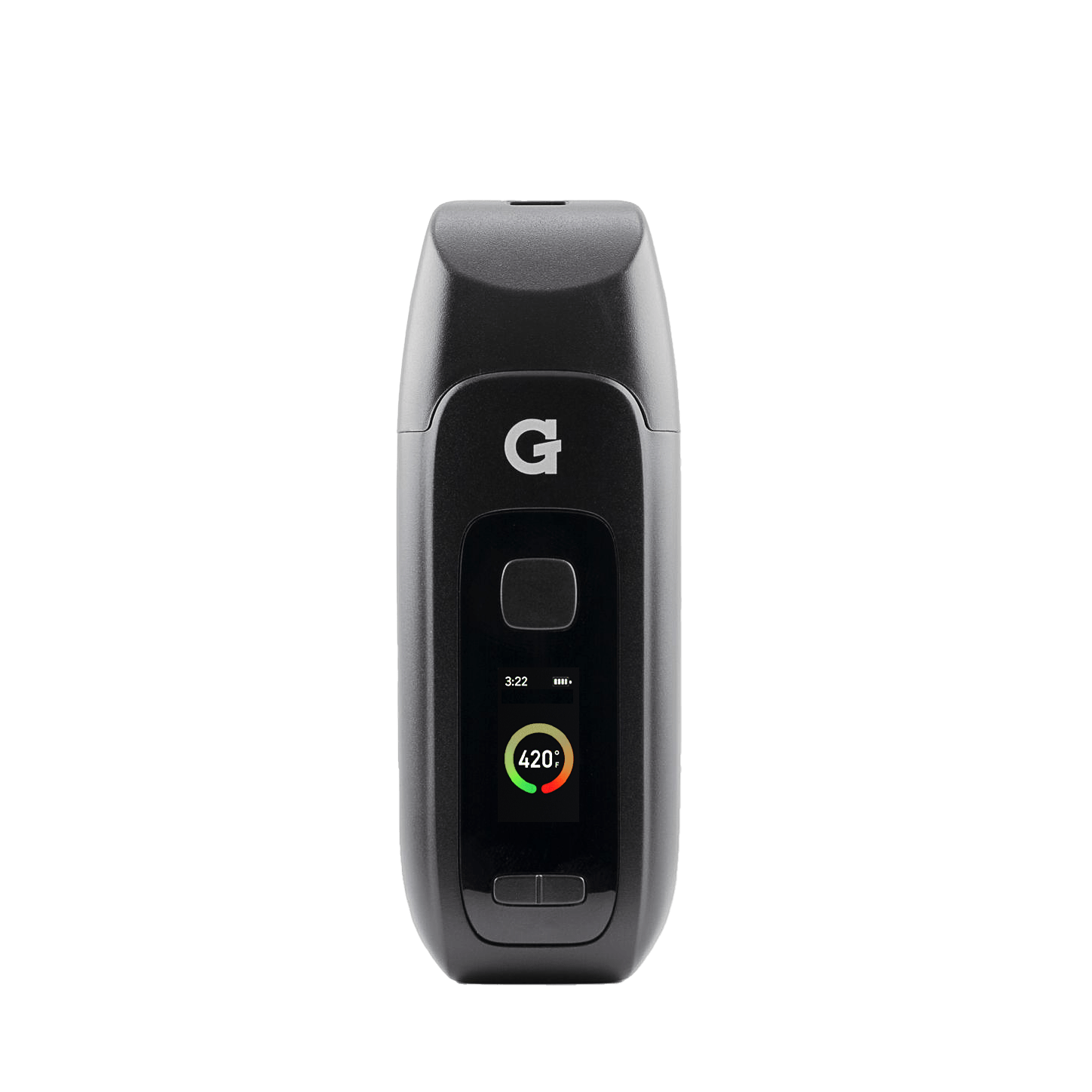
5×Turn on Five quick presses3×Adjust temperature 1 cloud = ~295°F (low) · 2 = ~340°F (medium) · 3 = ~395°F (high)2×Start session mode Double-tap to begin a 20-second cycle2×Cancel session mode Double-tap again to stop earlyholdManual heat Hold to heat while you draw, up to 25 seconds5×Turn off Auto shut-off after 10 minutesLower temperatures preserve flavor terpenes. Higher temperatures produce bigger, more intense vapor.
-
 4
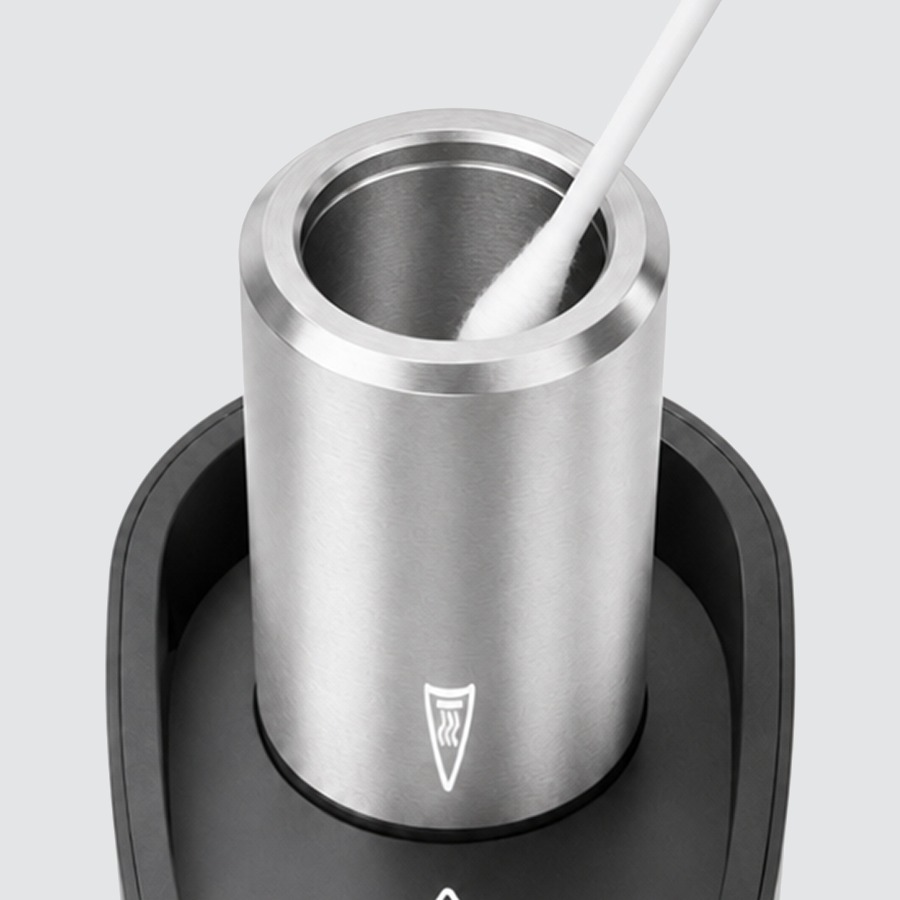
4Clean
- Allow the device to completely cool before cleaning.
- Use a cotton swab + isopropyl alcohol (ISO).
- Clean inside the ceramic heating chamber and the mouthpiece — ensure air holes are clear.
- Allow the device to completely dry before using again.
Never soak the battery in alcohol or any liquid.
-
 5
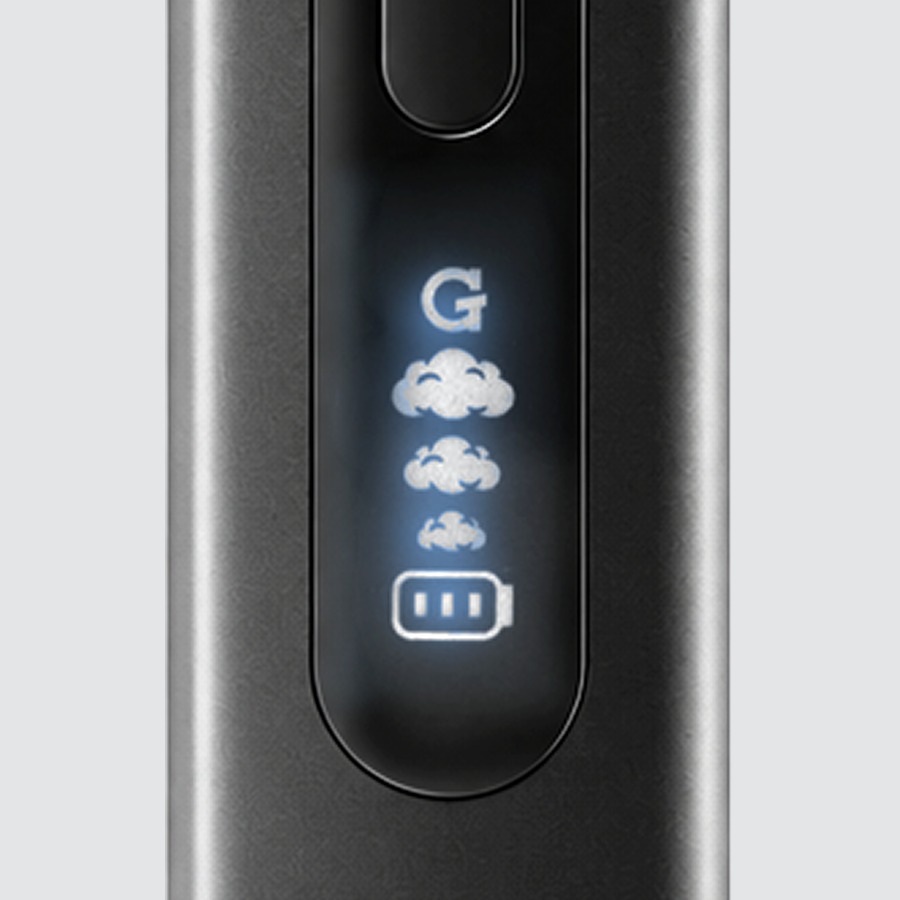
5Alerts
- G logo flashing = the tank isn't screwed in all the way, or the battery is dead. Screw the tank in firmly; if it keeps flashing, charge the device.
Need help?
Videos
Using Attachments
-
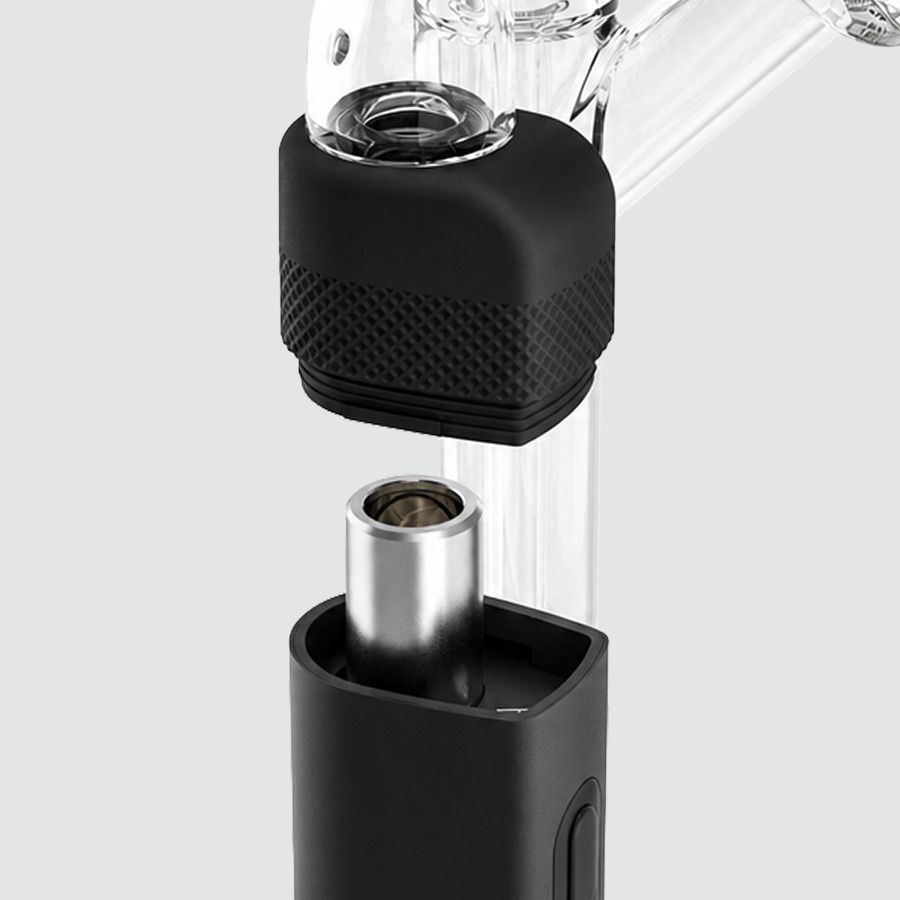
Sidecar
- Remove the mouthpiece and attach via the included silicone adapter.
- Control airflow with the built-in carb hole.
- The showerhead percolator filters and cools vapor for smoother sessions.
-
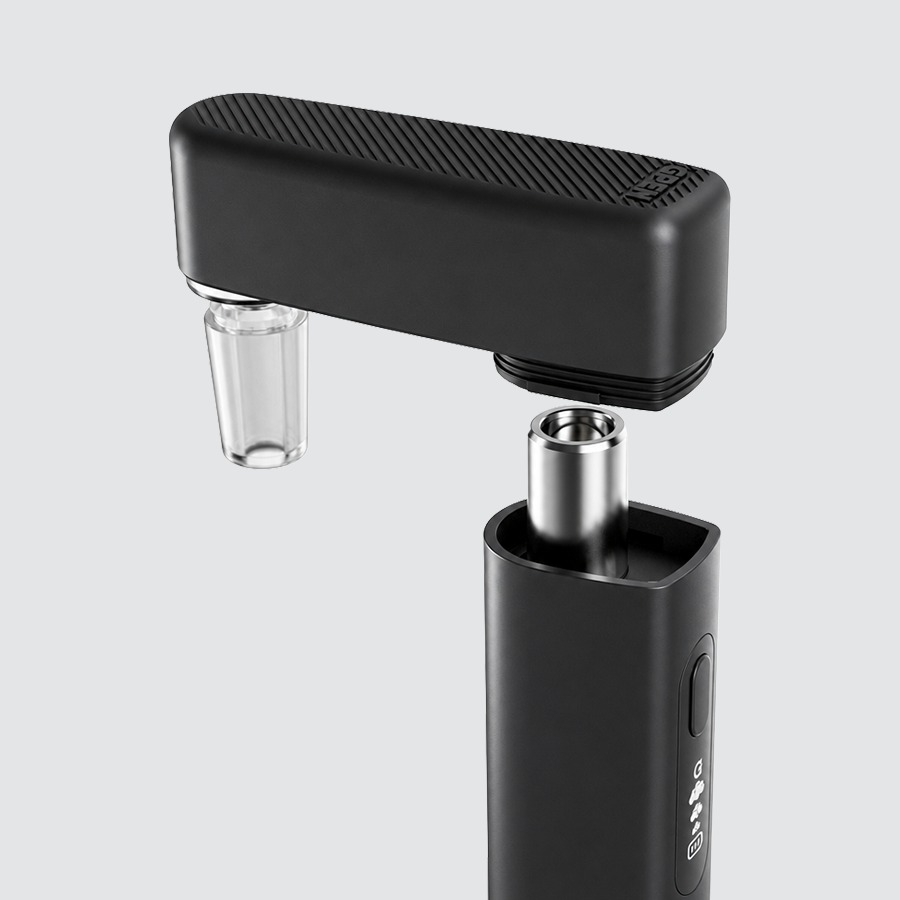
Rig Adapter
- Remove the mouthpiece and attach the Rig Adapter, then connect 14 mm glass to a compatible glass rig.
- Control airflow with the built-in carb hole.
- The L-shape design gives maximum flexibility when connected to a rig.
Upgrades
Accessories & replacement parts for your Micro II.


Specs
View Product Details
| Type | Concentrate Vaporizer |
|---|---|
| Battery | 1,250 mAh |
| Charging | USB-C |
| Heating element | Ceramic chamber |
| Temperature settings | 3 · ~295°F / ~340°F / ~395°F |
| Session mode | Double-tap to start / cancel |
| Manual mode | Press and hold to activate |
| Auto shut-off | 10 minutes |
| Compatible attachments | Sidecar, Rig Adapter (14 mm) — sold separately |
| Dimensions | 98.6 × 24 × 32 mm |
| Weight | 86 g |
| SKU | GPM-001-APZZ |
| UPC | 811736020343 |
| Warranty | 6-Month Limited Warranty (1 year with registration) |
Help
Common questions
Nothing happens when I press the button
Press the button five times quickly to turn the device on. The LED will light up when it is powered on. If it still doesn't respond, charge the device first.
Which temperature should I use?
Start at ~295°F for the most flavorful, terpene-rich experience. Step up to ~340°F for a balance of flavor and vapor. Use ~395°F for maximum vapor production.
The G logo keeps flashing
A flashing G logo means the tank isn't screwed in all the way, or the battery is dead. Remove the mouthpiece, screw the tank in firmly, and try again. If it keeps flashing, charge the device. If it still flashes after charging, contact G Pen support.
How do I use the device with a glass rig?
Remove the mouthpiece from the Micro II and attach the Rig Adapter (sold separately). Connect 14mm glass to your compatible glass rig for water-cooled vapor.
How often should I clean the chamber?
Clean the ceramic heating chamber after every few sessions to maintain performance. Let the device cool fully, then use a cotton swab with ISO to wipe the chamber and mouthpiece, and dry completely before use.
What does the warranty cover?
The Micro II comes with a 6-Month Limited Warranty, or a 1-Year Limited Warranty when you register your device at gpen.com. Read the full terms on gpen.com, or contact support with your order details.