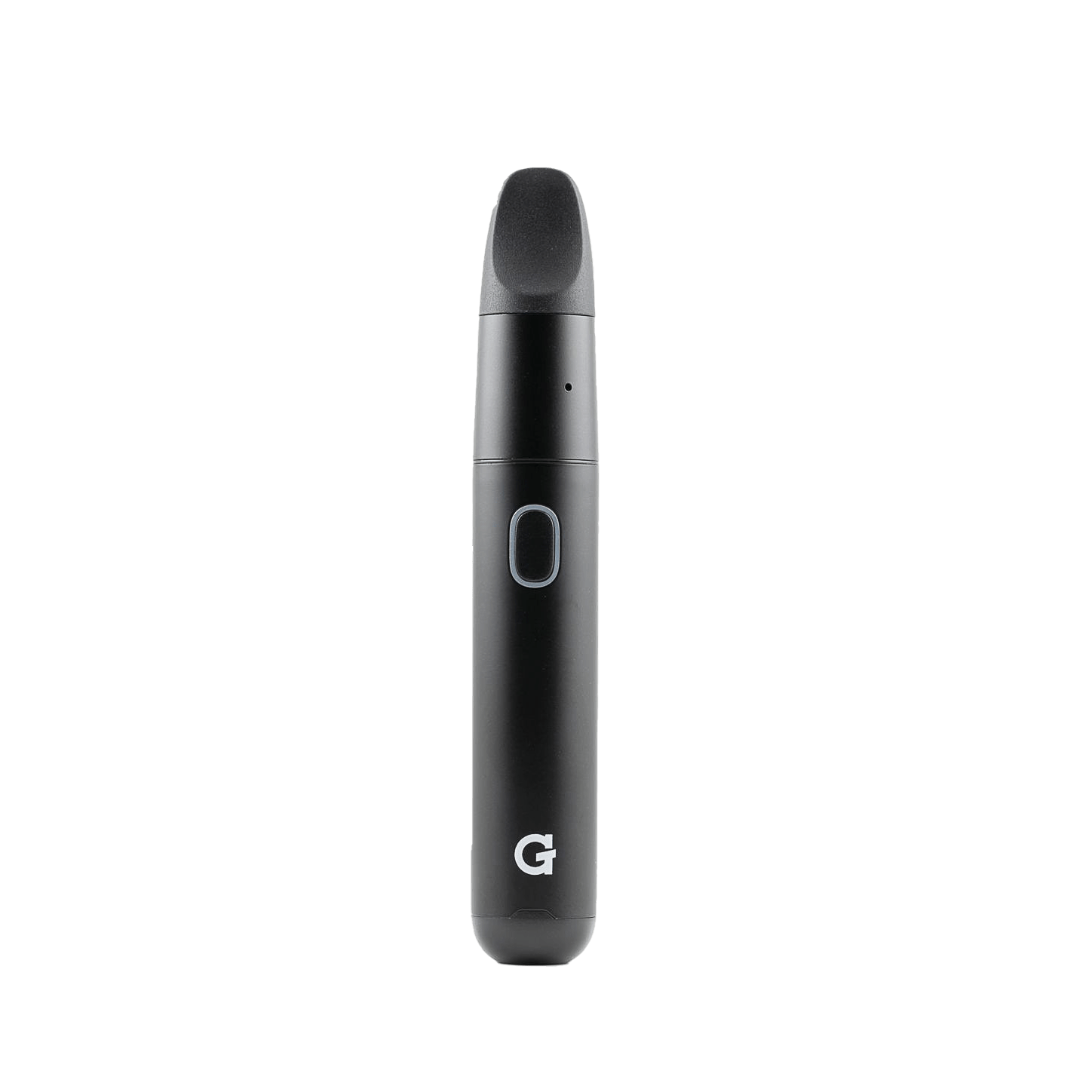
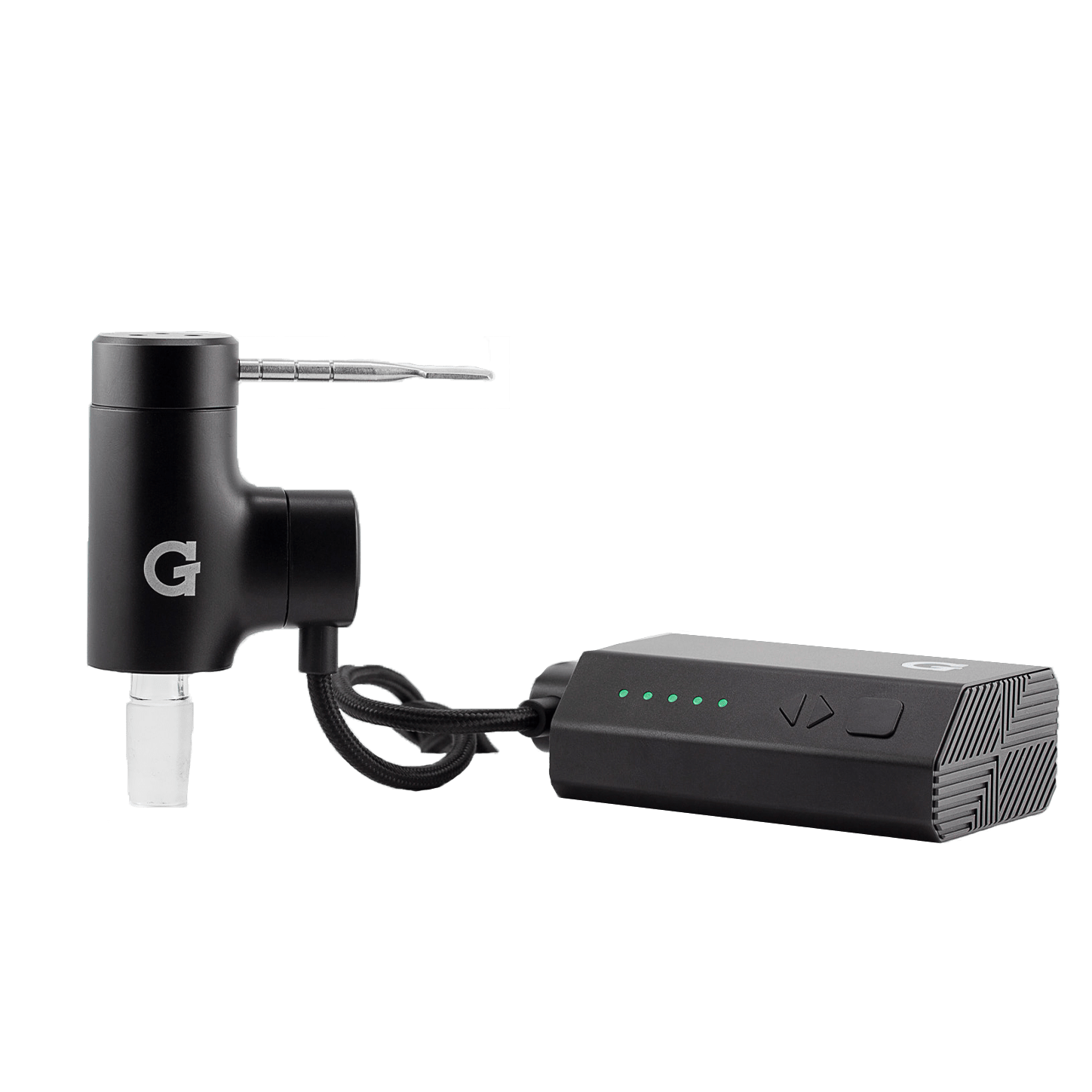
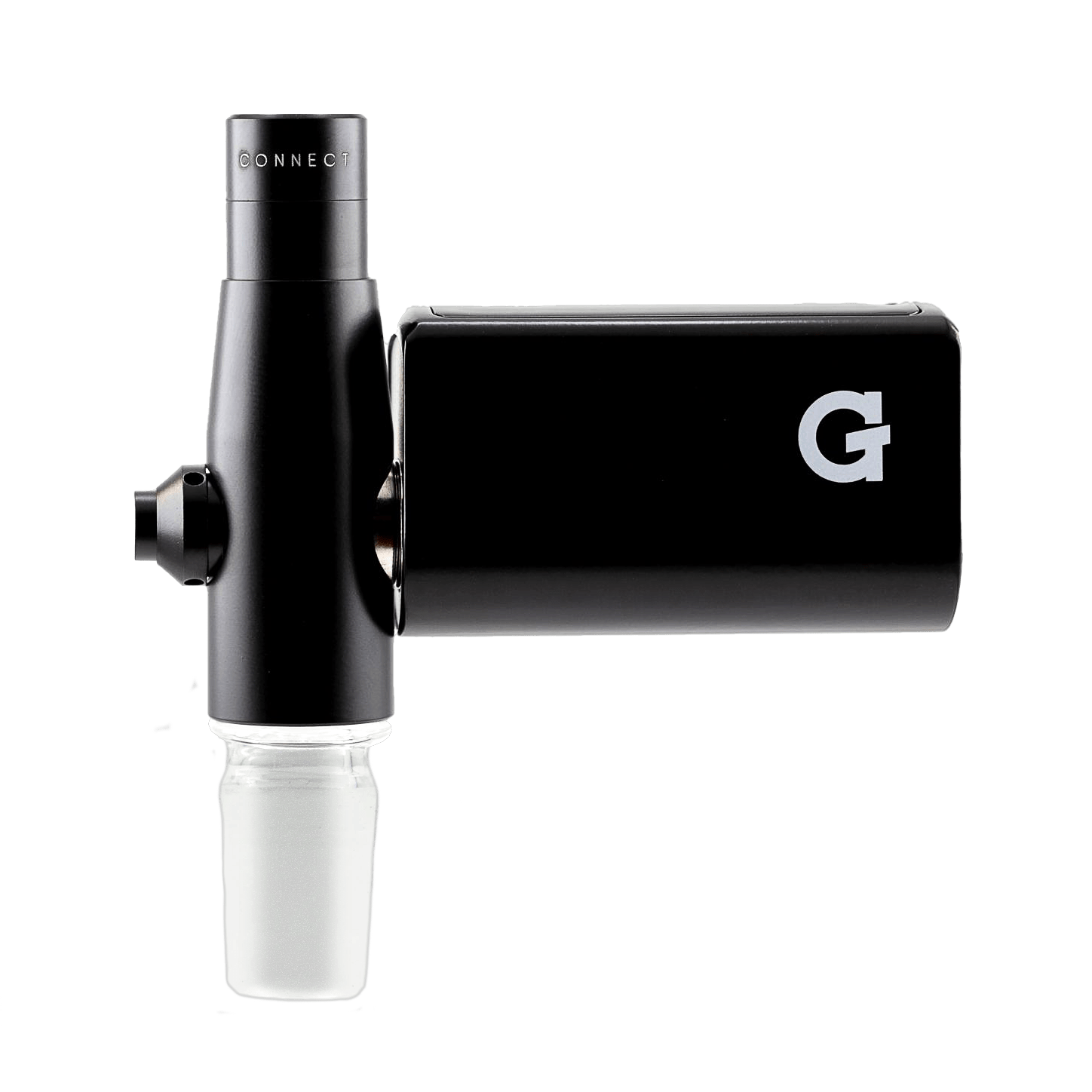
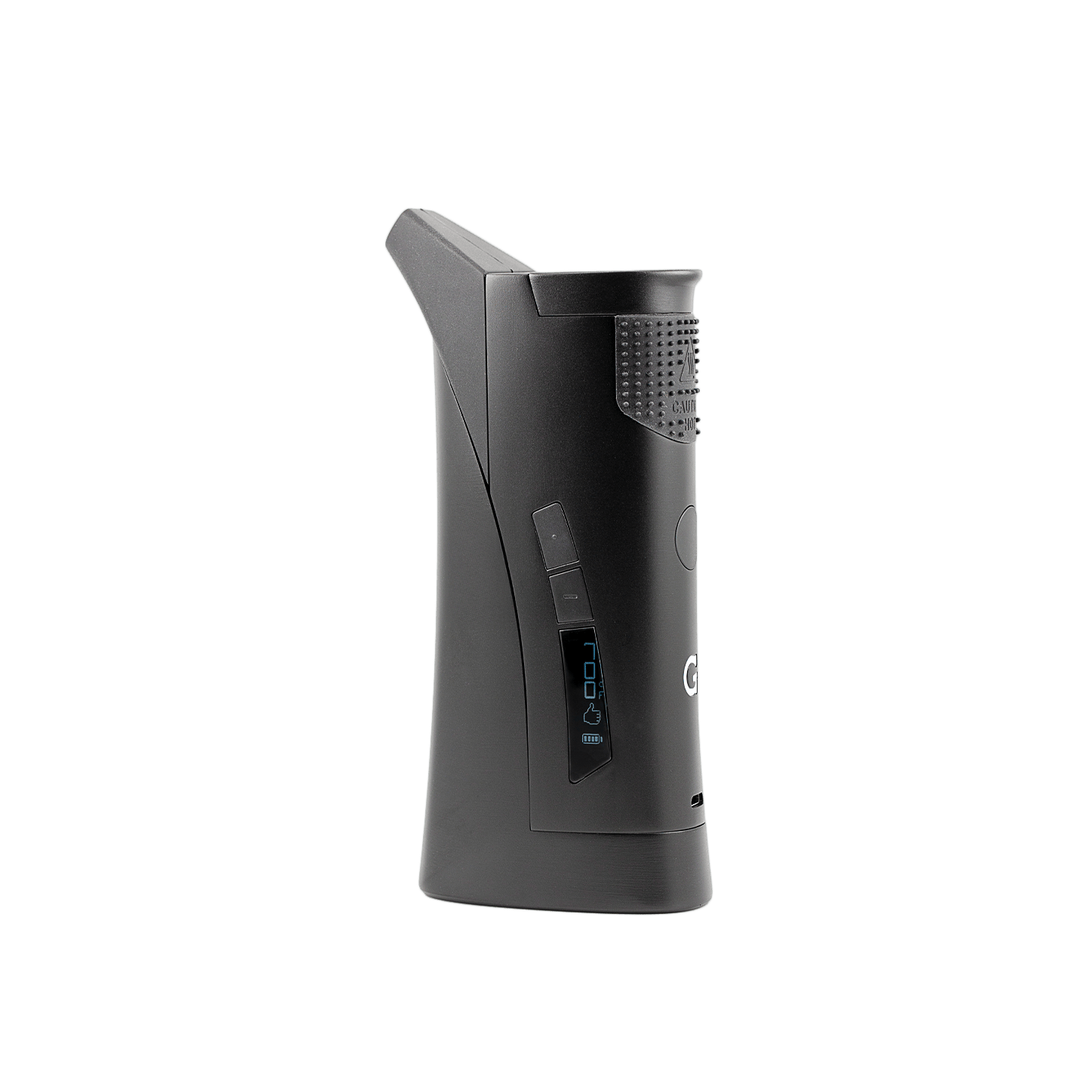
Using your
G Pen Elite II
Register your productHow to use
-
 1
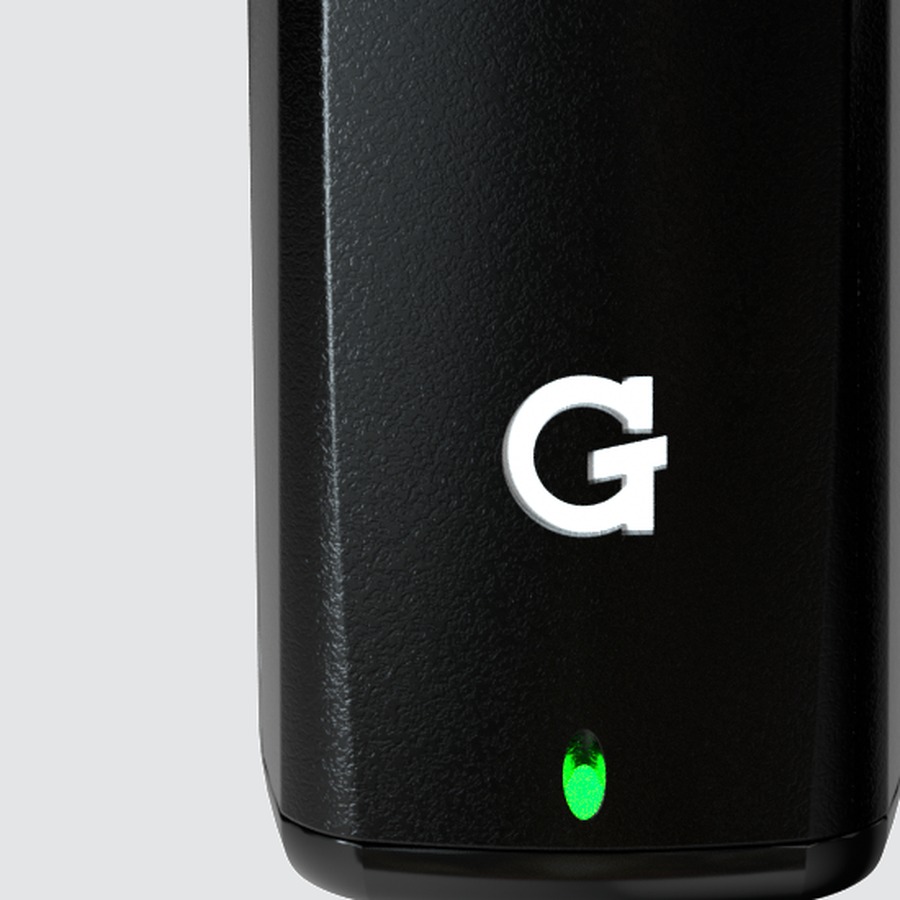
1Charge
- Plug any USB‑C cable into the charging port on the bottom.
- Give it a full charge before first use.
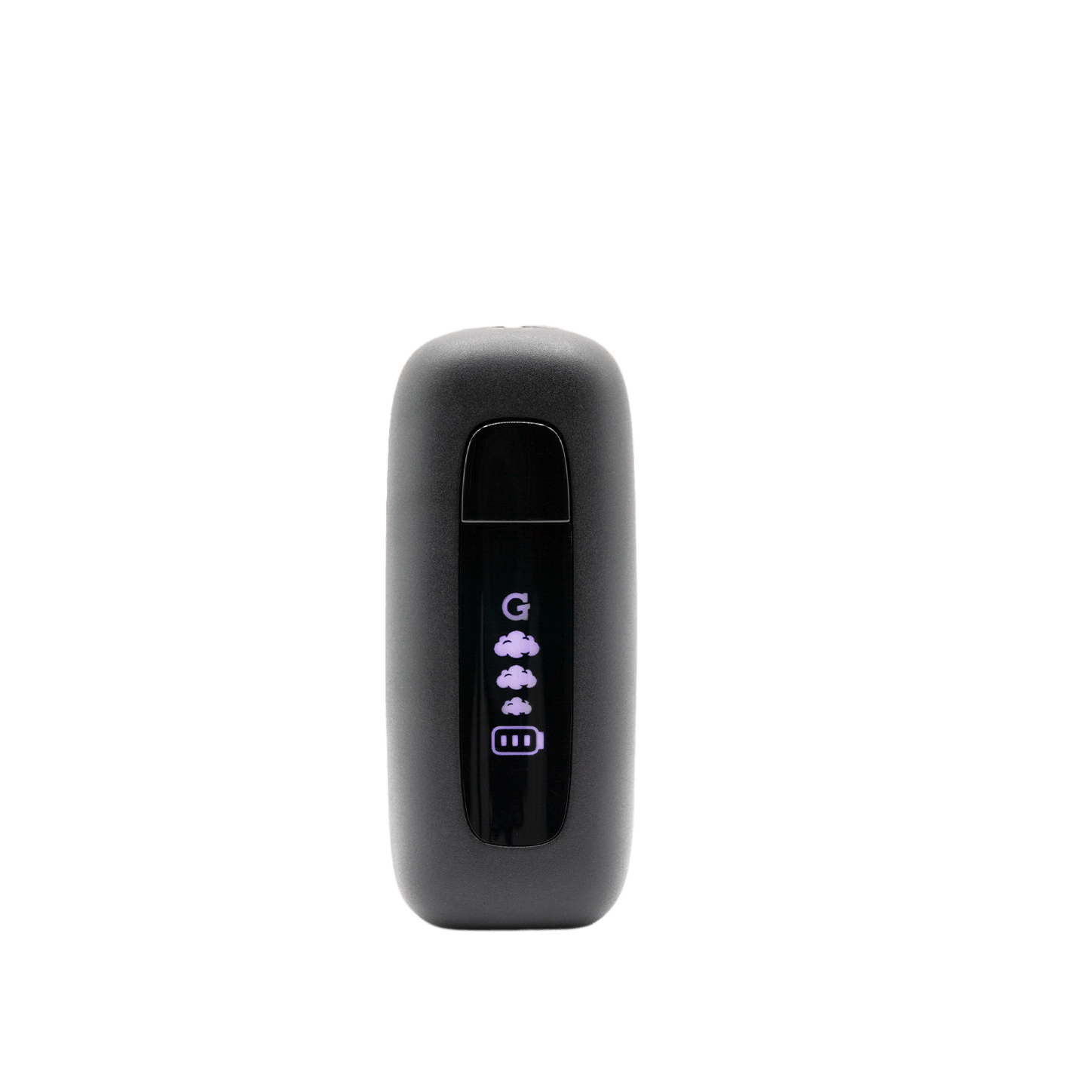
- The battery indicator on the display shows when the battery is low.
-
 2
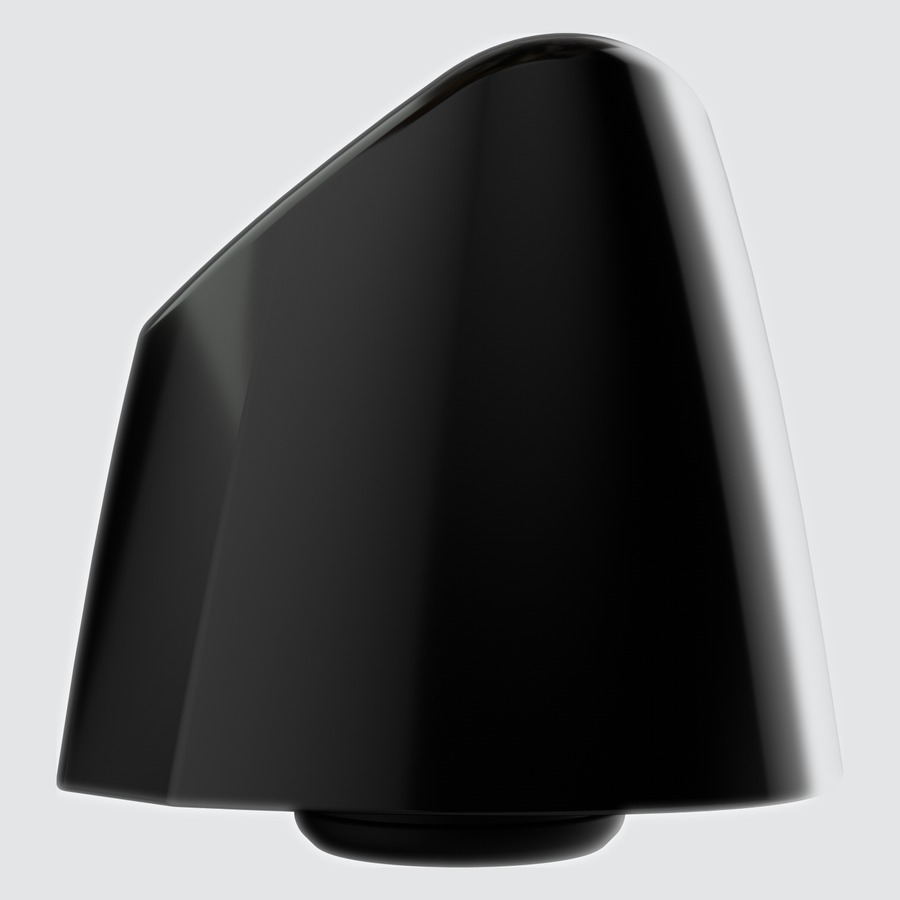
2Load
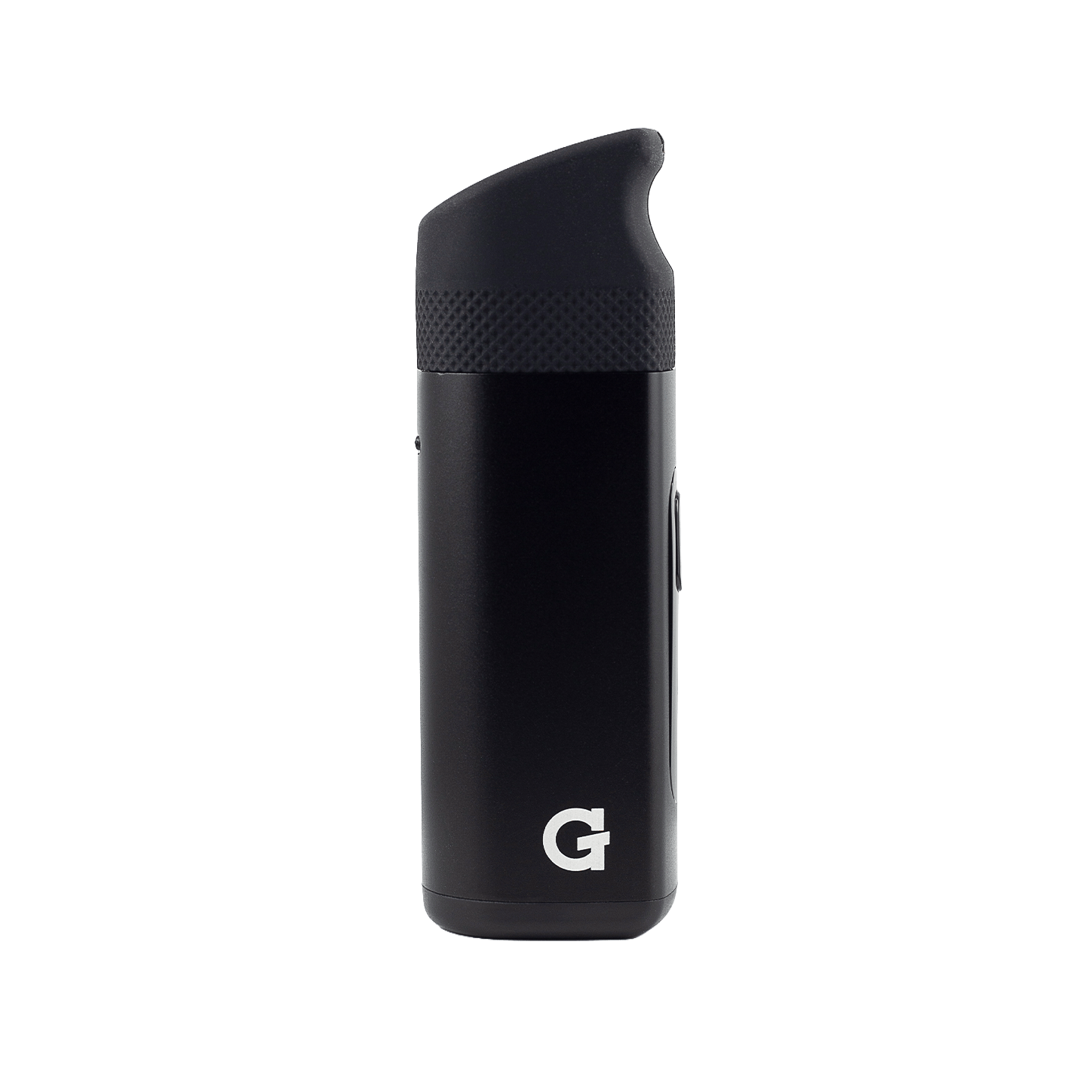
- Remove the mouthpiece by pulling it straight up.
- Fill the ceramic oven with ground dry herb. Don't pack tight.
- Replace the mouthpiece before powering on.
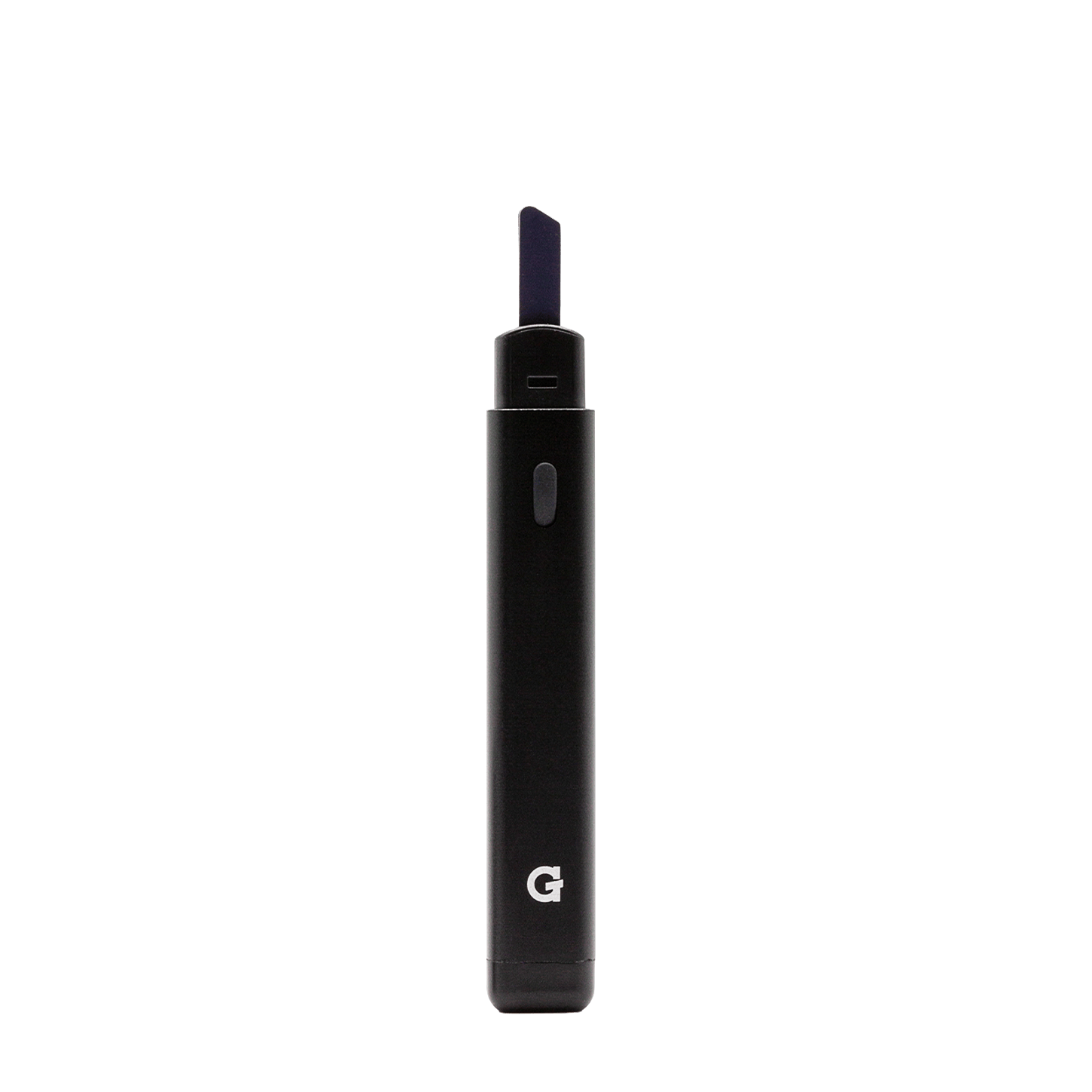
Tip: Use the built-in pick tool stored at the base of the device to pack and stir the chamber.
-
 3
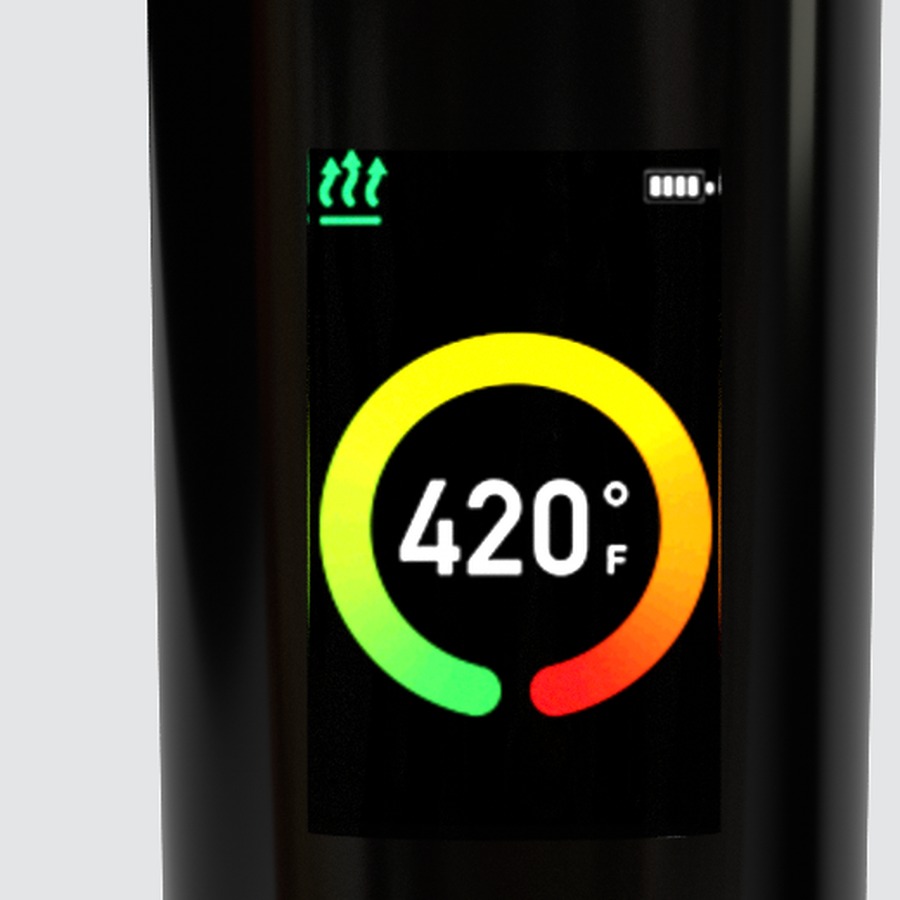
3Set & Heat
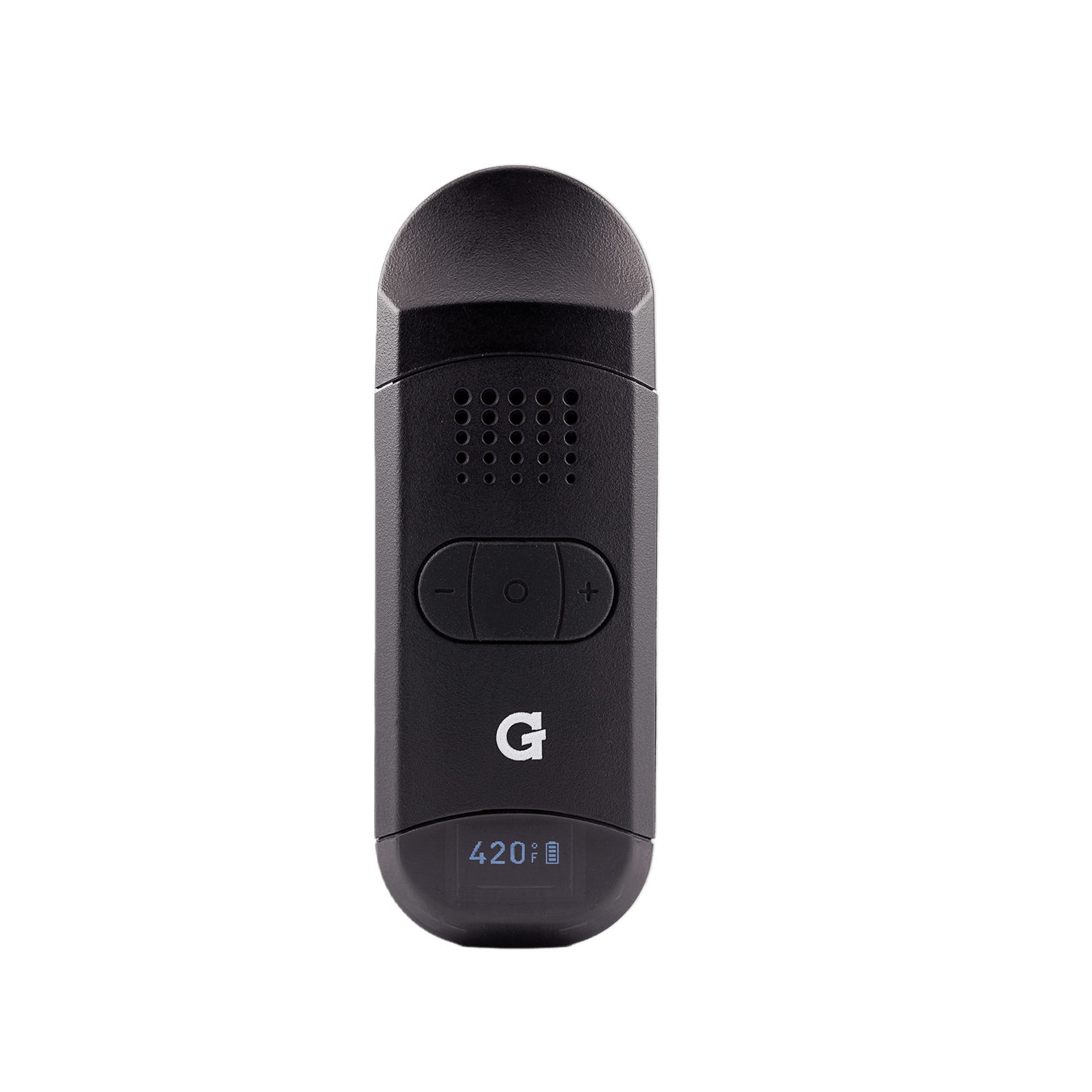
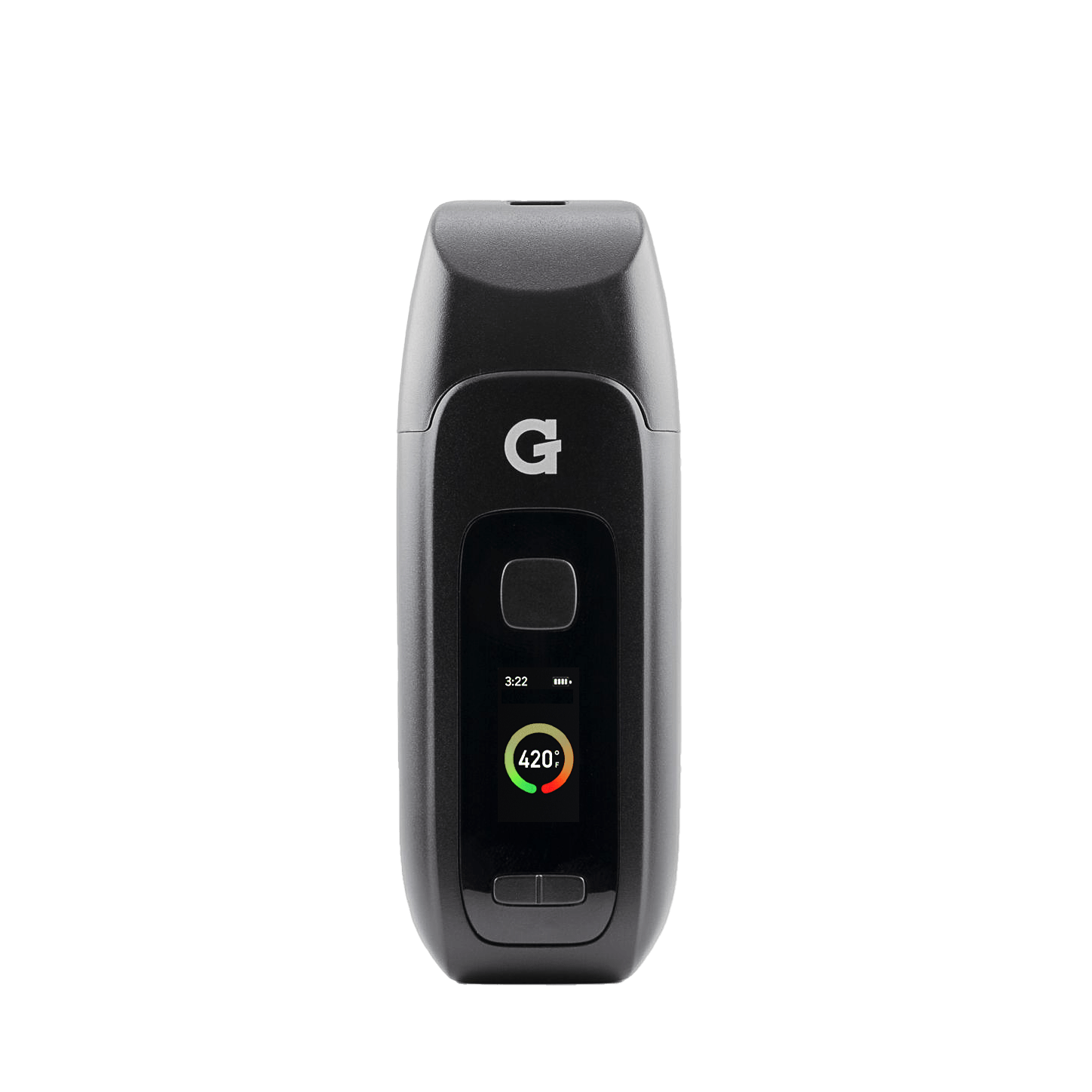
- Hold the power button for 3 seconds to power on. The display lights up.
- Press + / − to dial in your temperature.
- Double-click to start a session. The device vibrates twice when it reaches temperature.
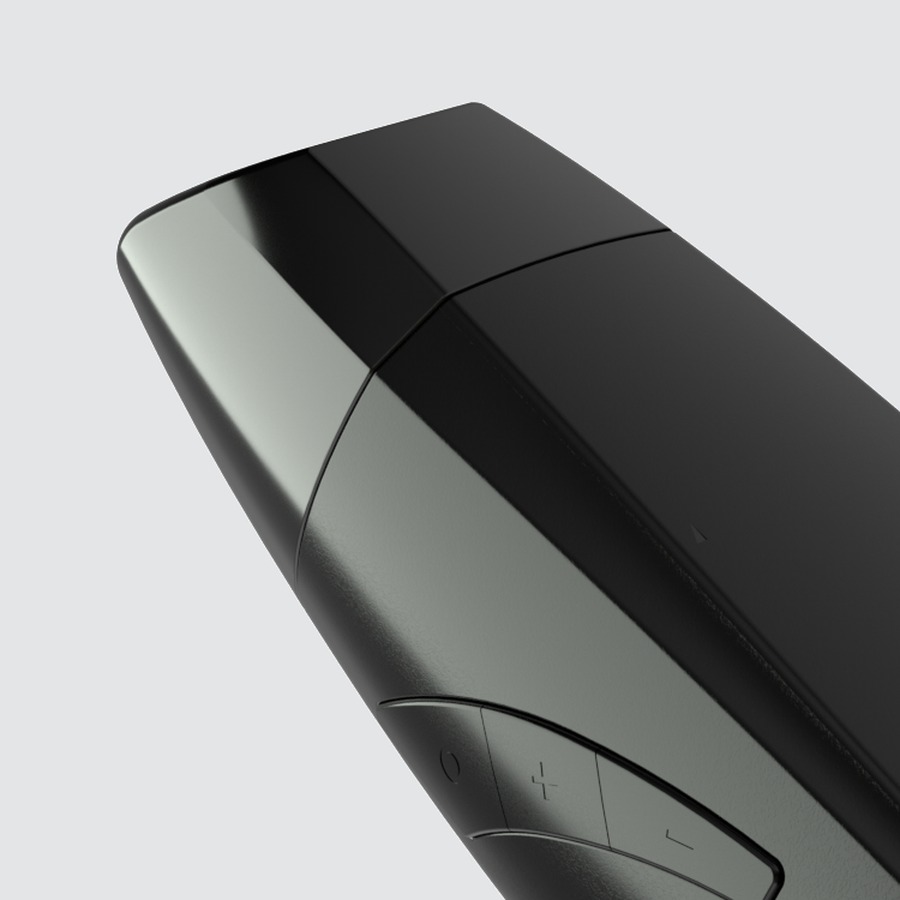
HoldPower on / off Hold the power button for 3 seconds+/−Adjust temperature + = increase · − = decrease2×Start / cancel session Double-click the power button5×Settings menu Brightness · Haptics · °F/°C · Firmware -
 4
4Draw
- Once the device vibrates, draw slowly and steadily through the mouthpiece.
- Device powers off automatically after 1 minute of inactivity.
After your session: Let cool, then use the pick tool to stir the chamber and brush out residue. Regular cleaning keeps flavor at its best.
Videos
Upgrades
Accessories & replacement parts for your Elite II.


Specs
View Product Details
| Type | Dry Herb Vaporizer |
|---|---|
| Battery | 2,100 mAh · ~60 minutes of vape time |
| Temperature range | 200°F – 430°F (93°C – 221°C) |
| Chamber | Ceramic oven |
| Charging | USB‑C |
| Pick tool | Built-in (stored at device base) |
| Auto shut-off | 1 minute of inactivity |
| Warranty | 2‑Year Limited Warranty |
| Dimensions | 118 × 30 × 27 mm |
| Weight | 146 g |
| SKU | GPE-001‑AKZZ |
| UPC | 811736026154 |
Help
Common questions
Device won't turn on
Hold the power button for a full 3 seconds. If nothing happens, charge the device. The battery may be depleted.
How do I know it's ready?
After double-clicking to start a session, the device vibrates twice when it reaches your set temperature.
Vapor is thin or tastes off
Try a finer grind and check that the chamber isn't overpacked. Use the built-in pick tool to stir the load mid-session. Clean the mouthpiece and chamber regularly.
What does the warranty cover?
The Elite II comes with a 2‑Year Limited Warranty covering electronics and manufacturing defects. Physical damage is not covered.