Using your
Melt
Register your productHow to use
-
 1
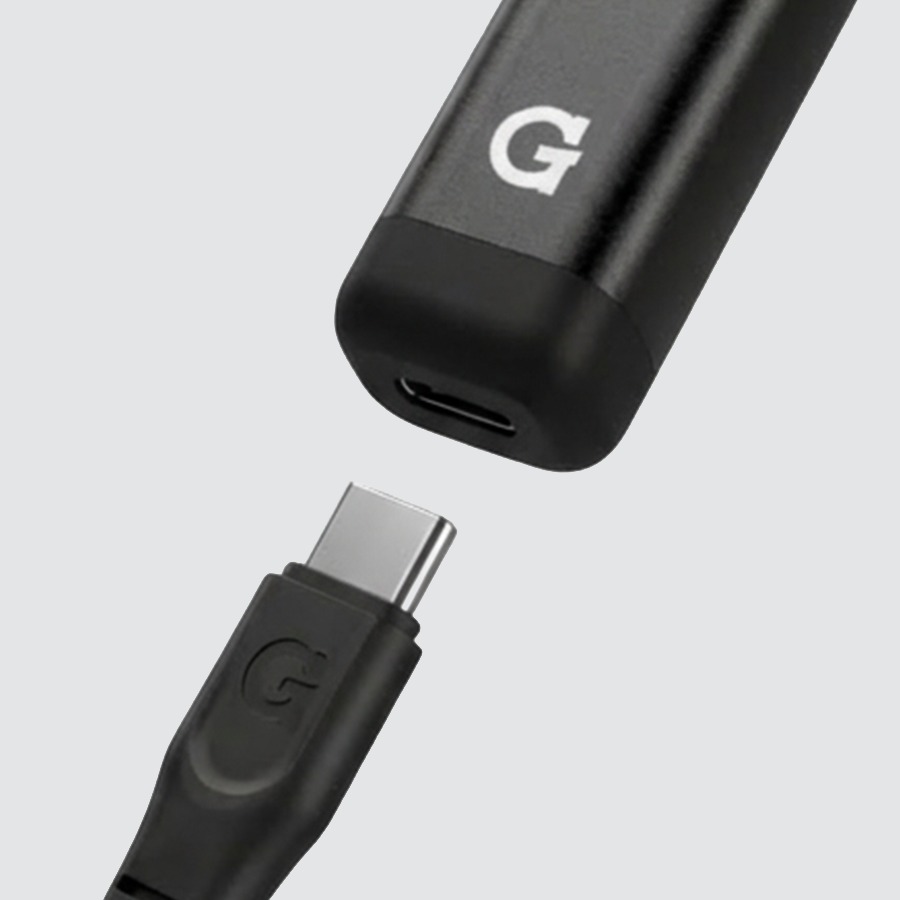
1Charge
- Plug any USB-C cable into the charging port on the bottom.
- Give it a full charge before first use — takes about 1 hour.
- The LED blinks 8 times when the battery is low.
Always ready: Melt supports pass-through charging — you can use it while it's plugged in. USB-C cable not included.
-
 2
2Power On & Scoop
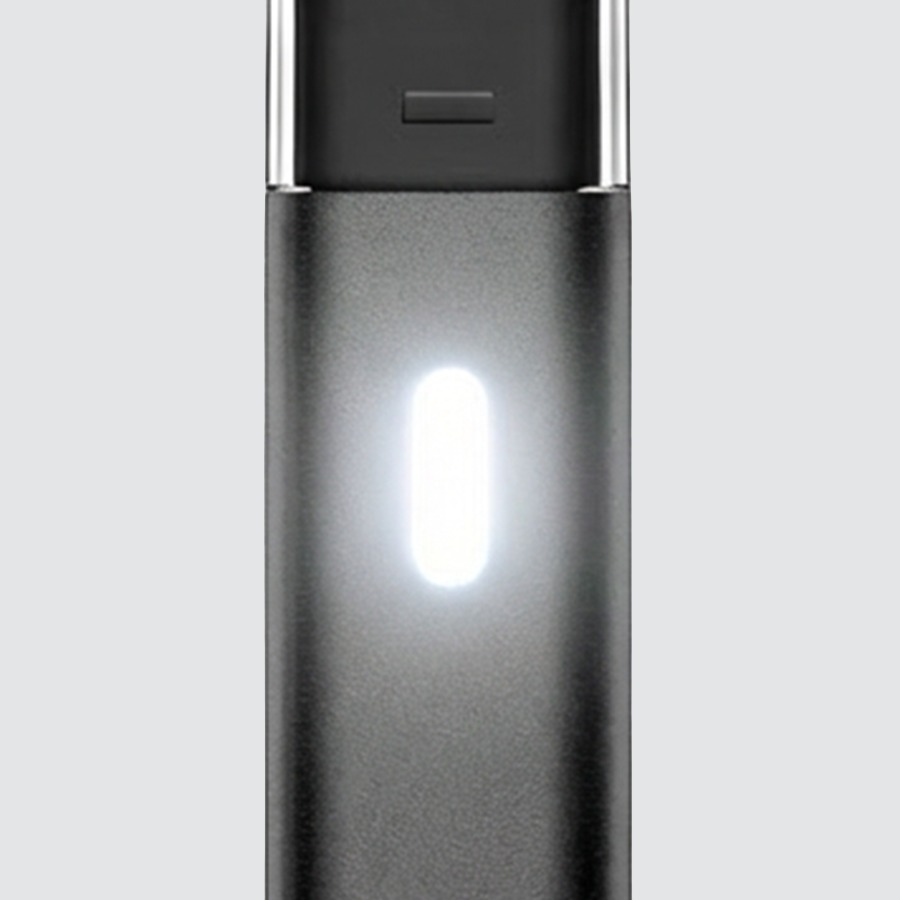
- Click 5 times quickly to power on. The LED lights to confirm.
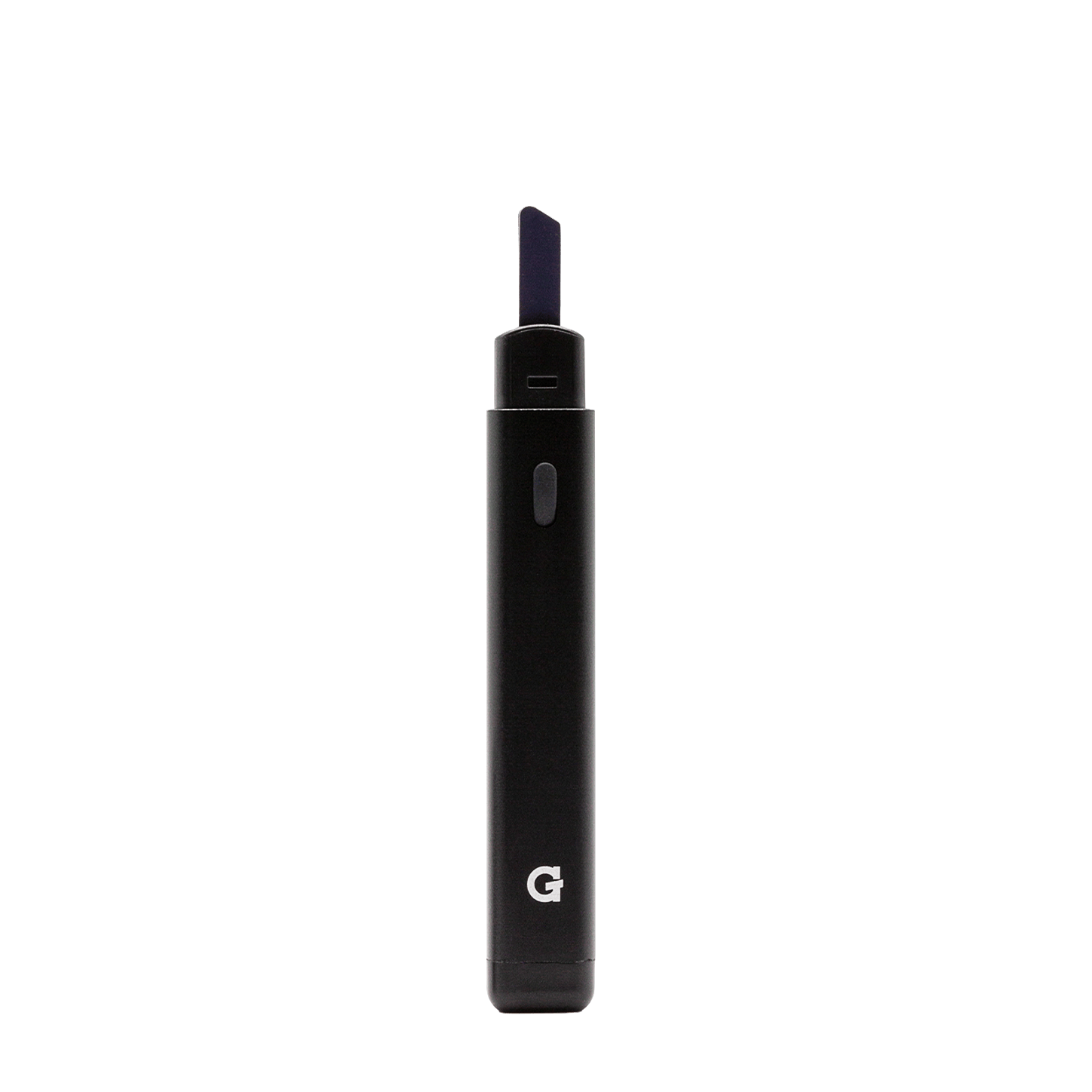
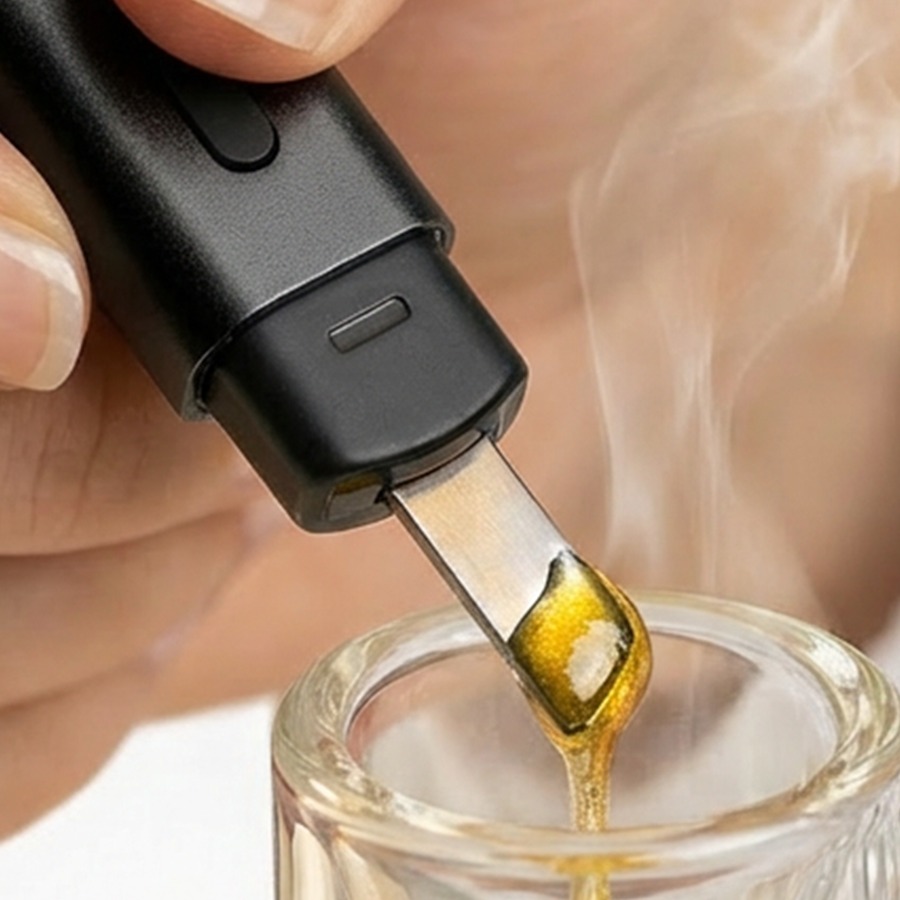
- Touch the tip to your concentrate to scoop up a small amount.
- Device auto-shuts off after 10 minutes of inactivity.
- Click 5 times again to power off.
5×Power on / off Click button 5 times quickly -
 3
3Heat & Drop
- Hold the button to heat the ceramic tip — it heats for up to 5 seconds per hold.
- The tip stays hot for a moment after you let go — don't touch it.
- Let your concentrate melt cleanly into your rig, bowl, or device.
- Works with bangers, e-rigs, and the G Pen Micro II.
HoldHeat tip Hold to heat, release to stop — 150 °C / 302 °F -
 4
4Clean
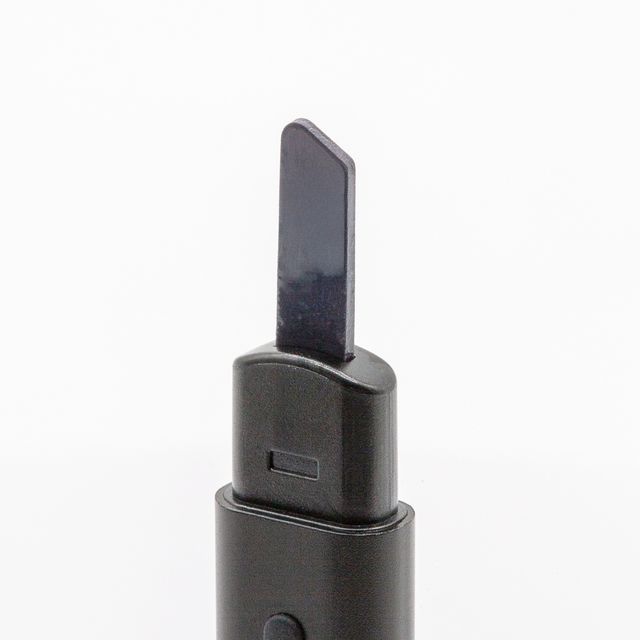
- Power it off and let the tip cool completely first.
- Clean the tip and plastic housing by wiping them with a clean cloth.
- Clean the plastic connection points on the cap and the base of the tip.
- Do not soak or submerge the device.
- Remove excess reclaim with a cotton swab soaked in isopropyl alcohol (ISO).
Videos
Upgrades
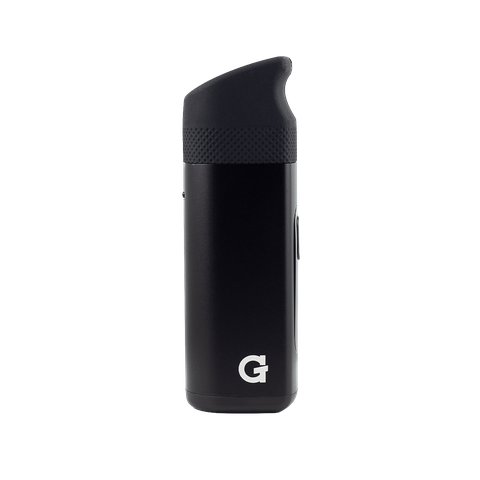
Step up to a G Pen concentrate vaporizer.
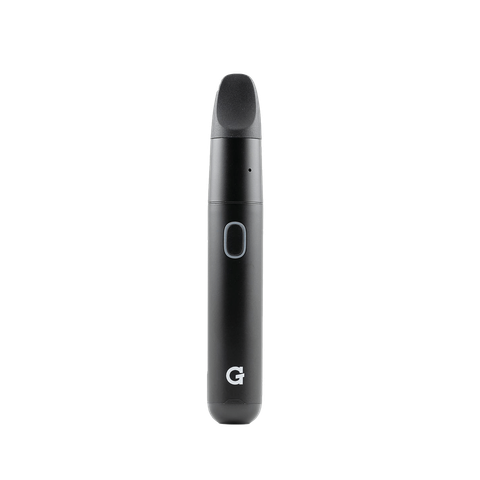
Specs
View Product Details
| Type | Electric Hot Knife |
|---|---|
| Tip material | Ceramic |
| Heat | 150 °C / 302 °F (instant-heat) |
| Battery | 160 mAh · 40–50 uses per charge |
| Charging | USB-C, ~1 hour (pass-through capable) |
| Auto shut-off | 10 minutes |
| Dimensions | 3.94" × 0.5" × 0.25" |
| Weight | 17 g |
| SKU | GHK-001-AOZZ |
| UPC | 811736029711 |
| In the box | Melt hot knife, protective travel cap |
| Warranty | 90-Day Limited Warranty |
Help
Common questions
Nothing happens when I press the button
Press the button five times quickly to power on. The LED will light up to confirm. If it still doesn't respond, charge the device and try again.
How do I use the Melt?
Power it on (5× click), touch the ceramic tip to your concentrate to scoop it up, hold the button to heat, and let it melt cleanly into your device.
Does the Melt have variable heat?
No — the Melt uses a precisely tuned heating element optimized for smooth, controlled melting without burning. No settings to adjust.
Can I use Melt while it's charging?
Yes. The Melt supports USB-C pass-through charging — plug it in and keep using it without waiting.
Is the Melt easy to carry?
Its compact size (3.94" tall) and the included protective travel cap make it easy to carry, and the 5× click lock prevents accidental activation. Check local laws and airline rules before you travel with it.
What does the warranty cover?
The Melt comes with a 90-Day Limited Warranty covering electronics. It does not cover physical damage. Register your device and contact support with your order details.