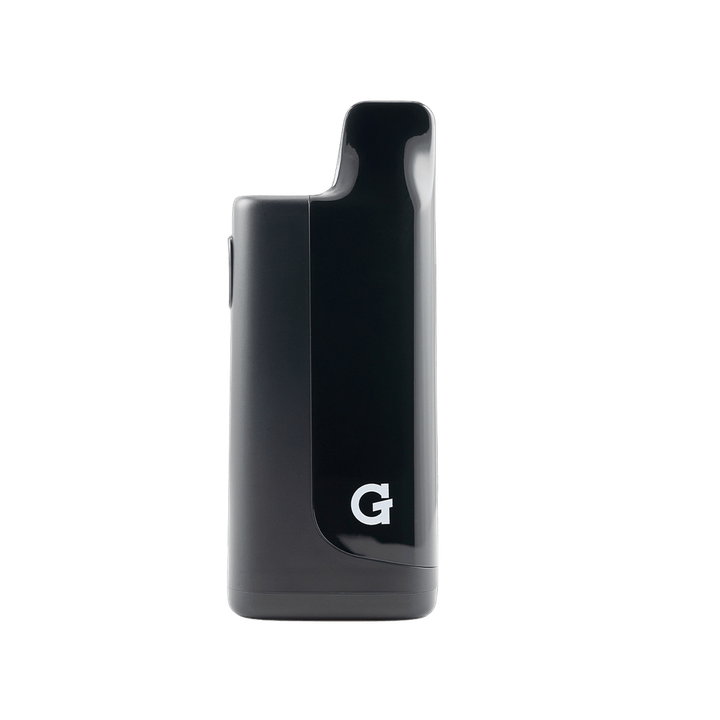
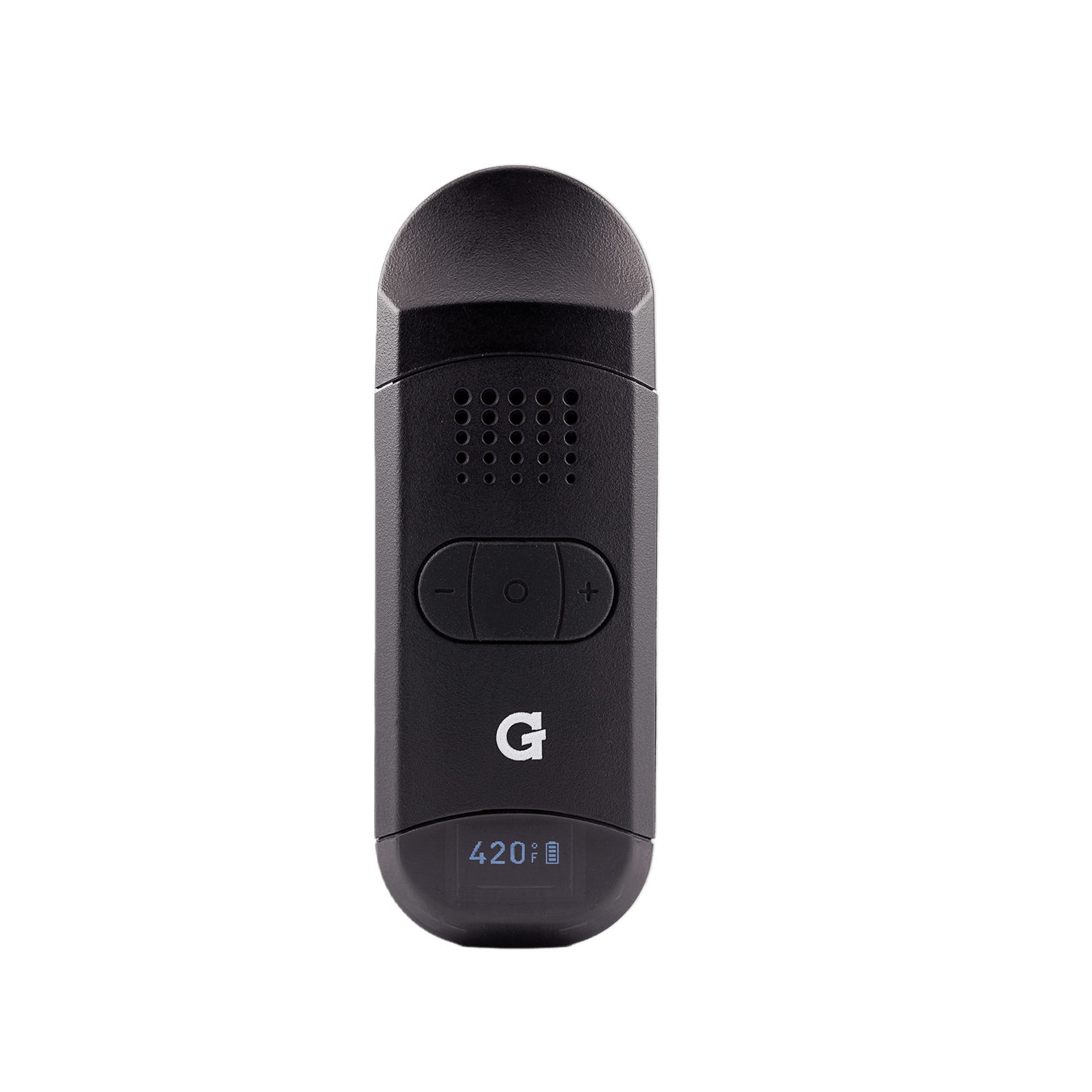
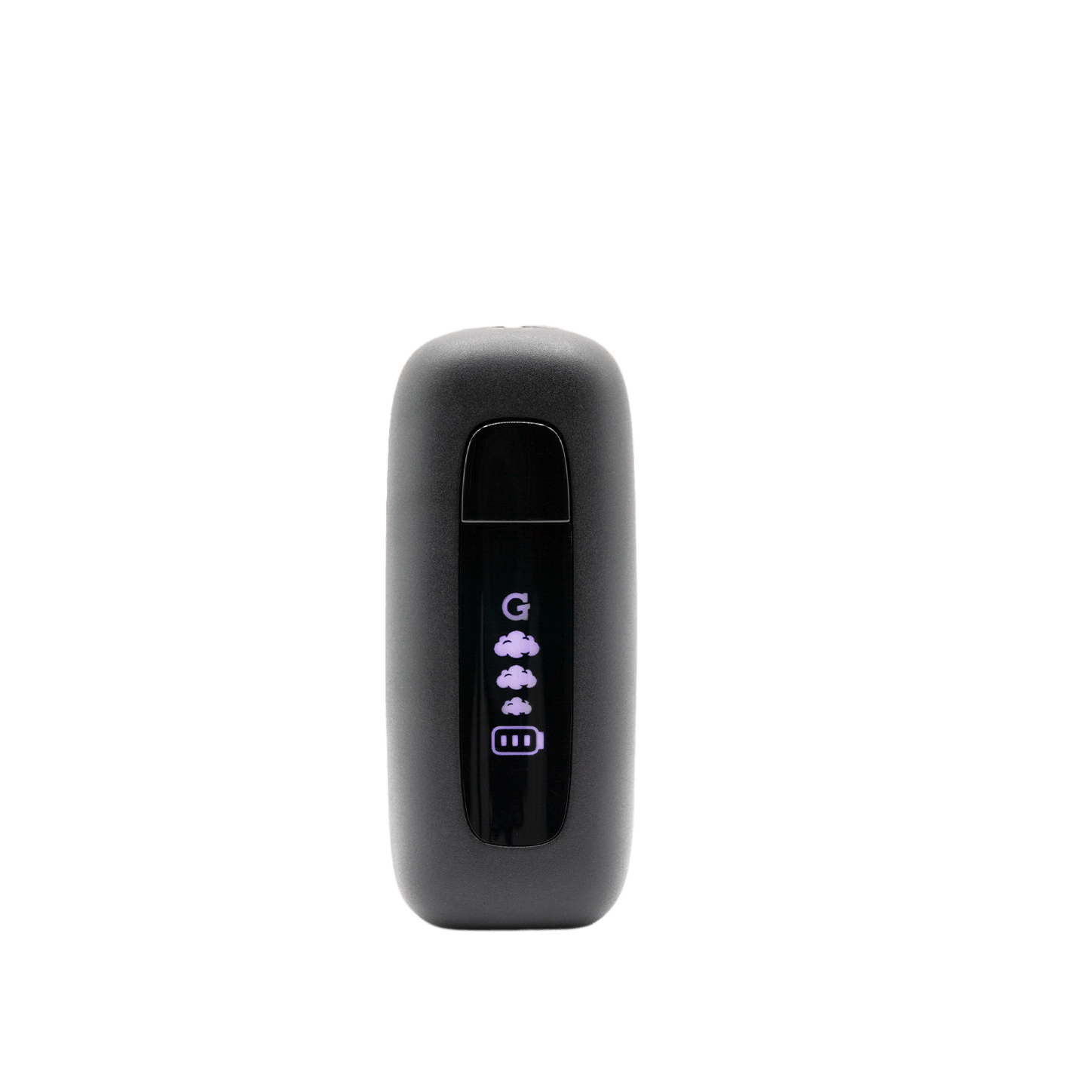
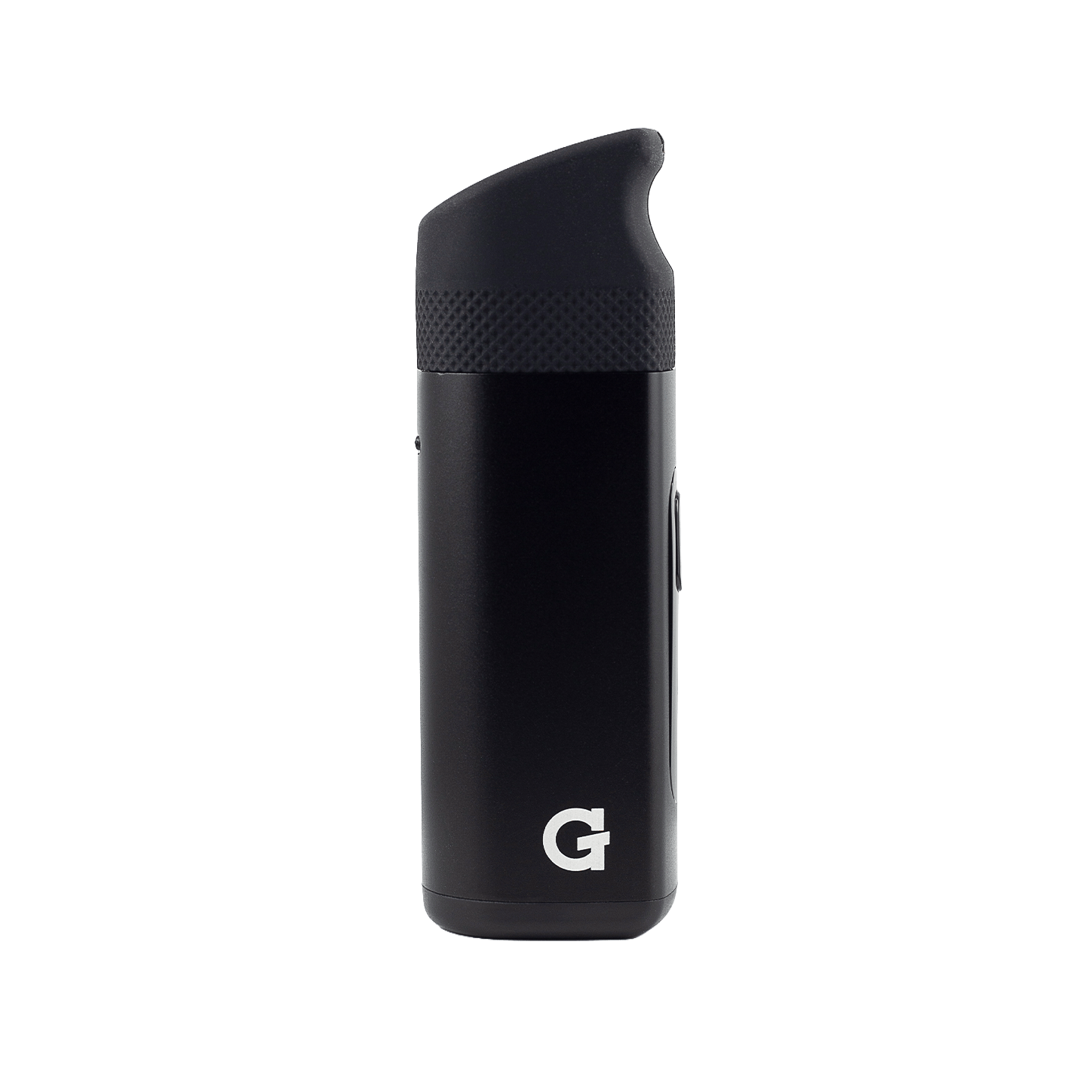
Using your
Dash II
Register your productHow to use
-
 1
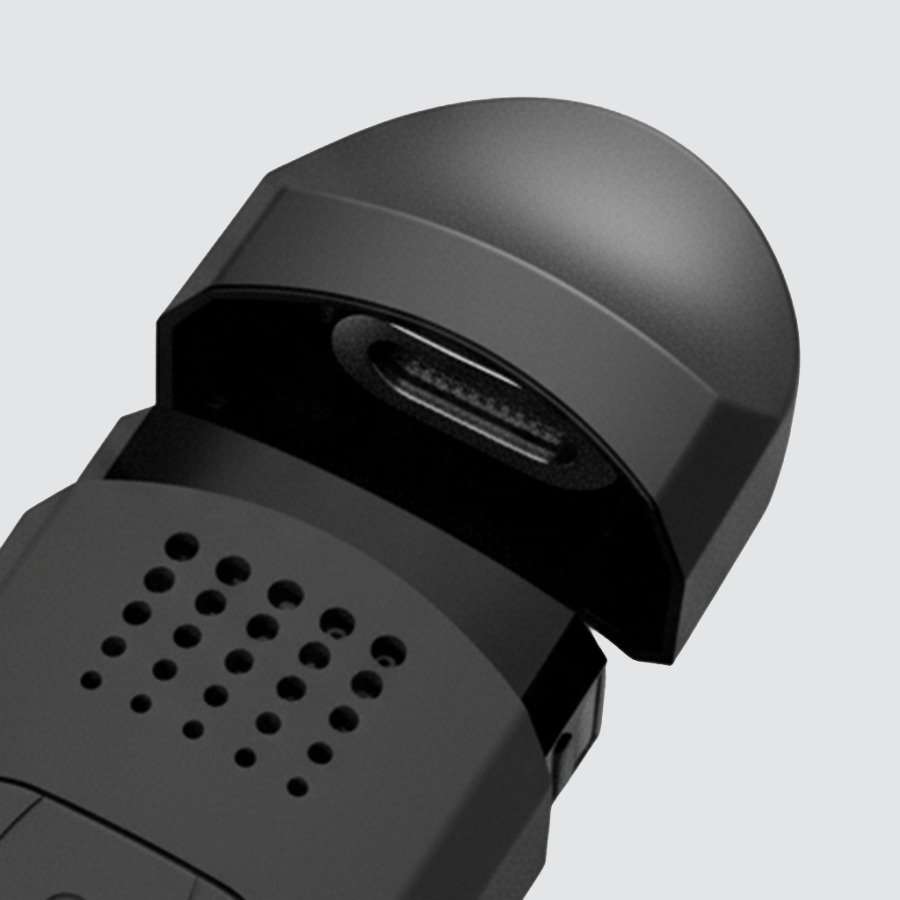
1Charge
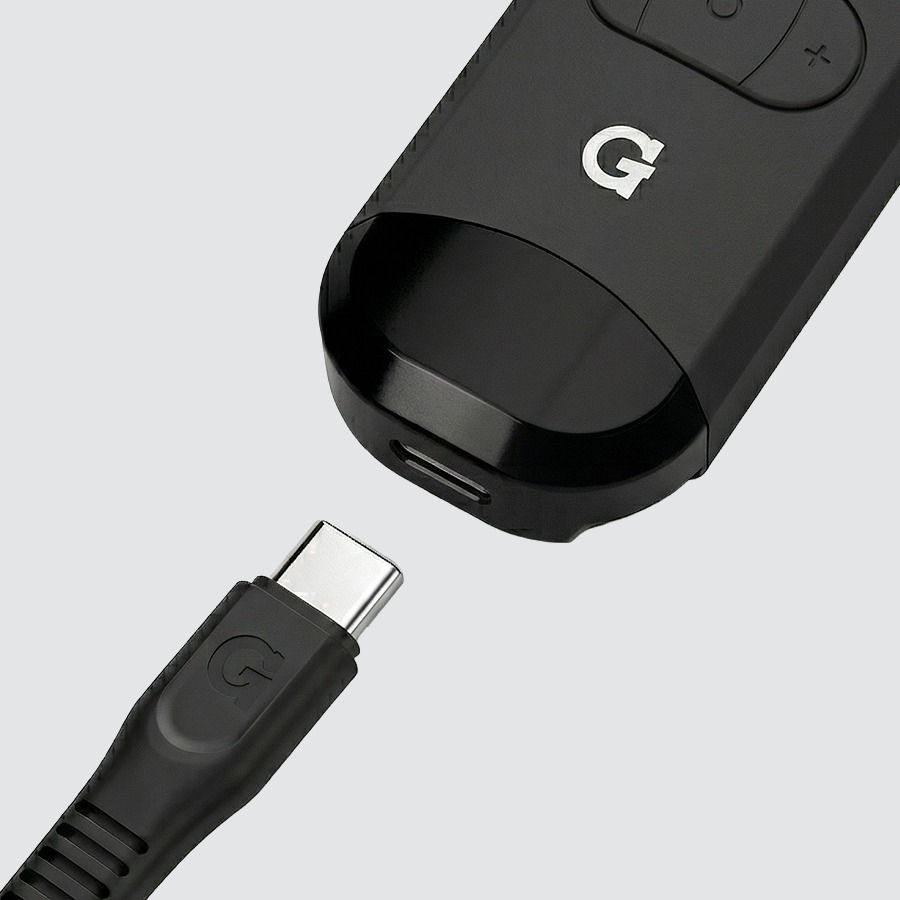
- Plug any USB-C cable into the port on the device.
- Give it a full charge before first use.
USB-C cable not included.
-
 2
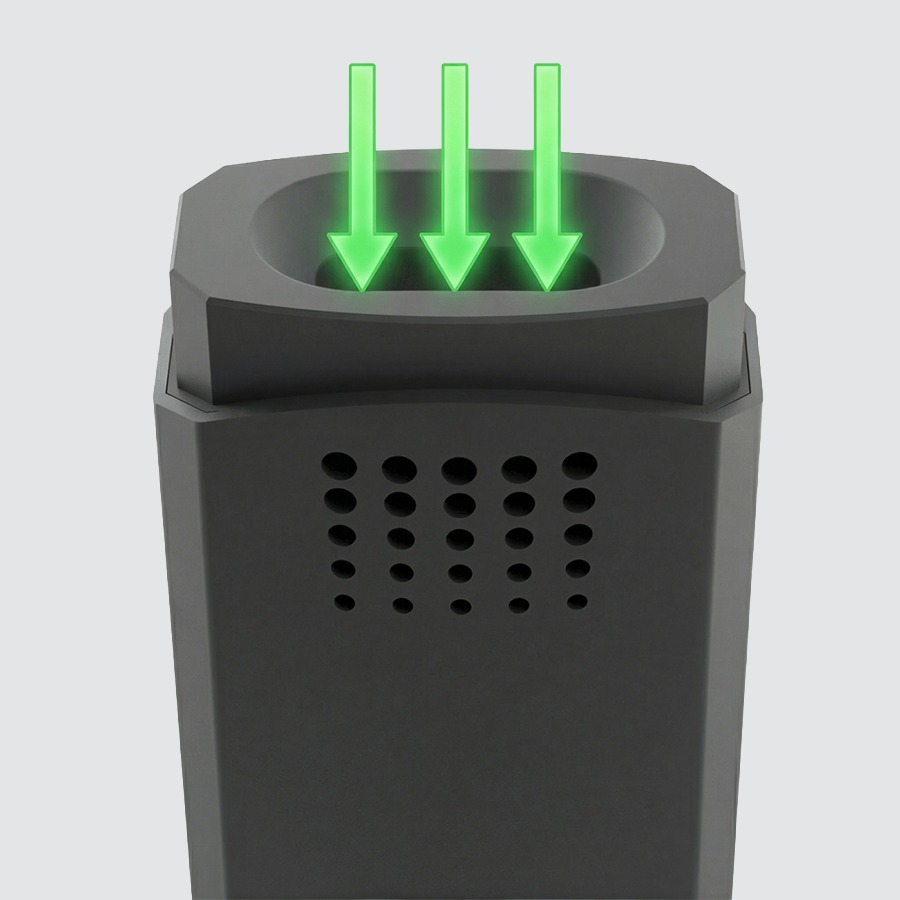
2Load
- Remove the magnetic mouthpiece.
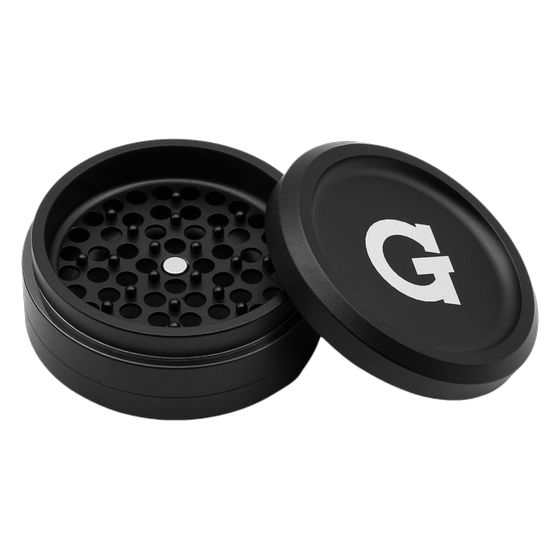
- Fully load the chamber with ground dry herb.
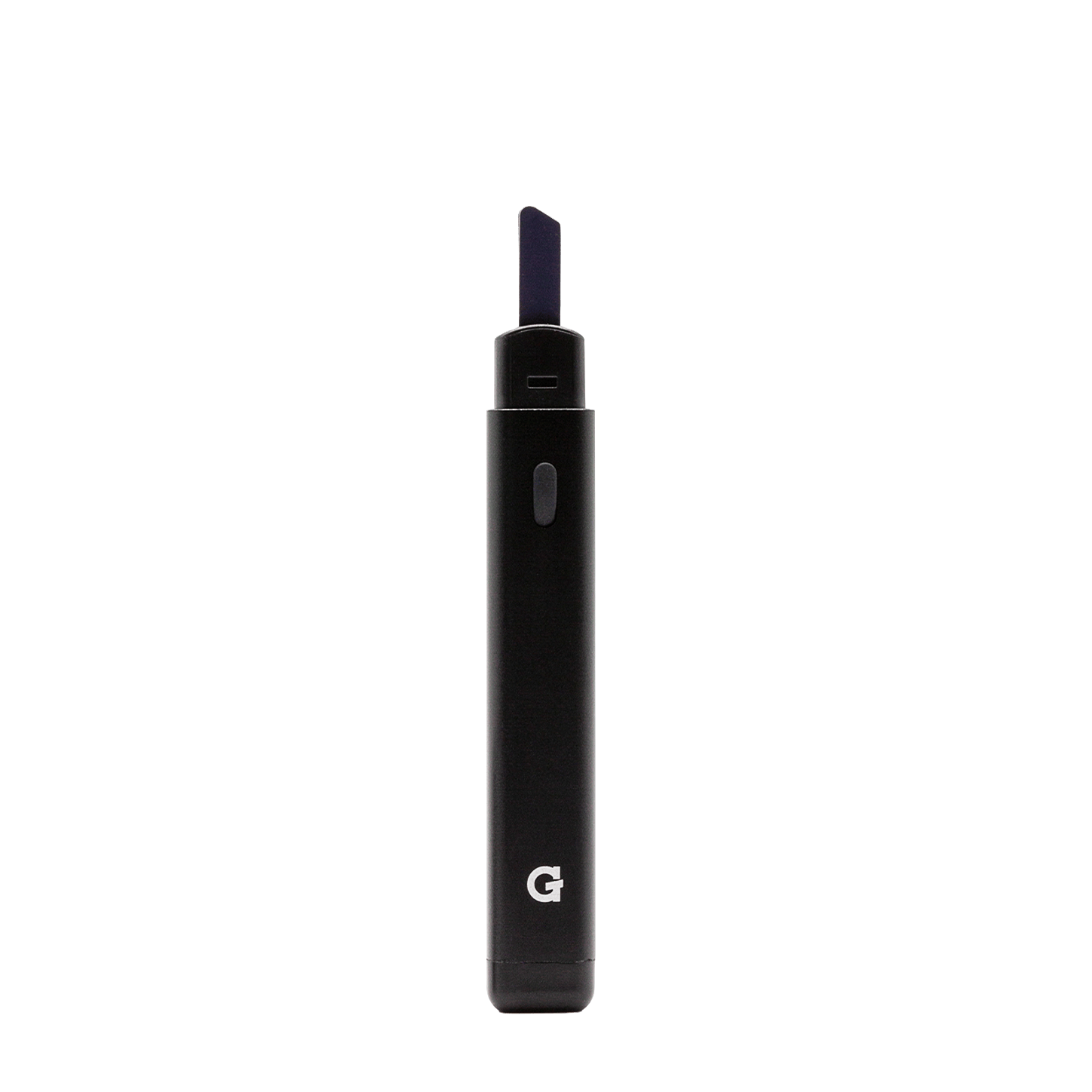
- Pack lightly with the included pick tool — do not overpack.
- Re-attach the mouthpiece before powering on.
~0.4g capacity. A proper pack allows airflow — overpacking restricts draws and reduces vapor quality.
-
 3
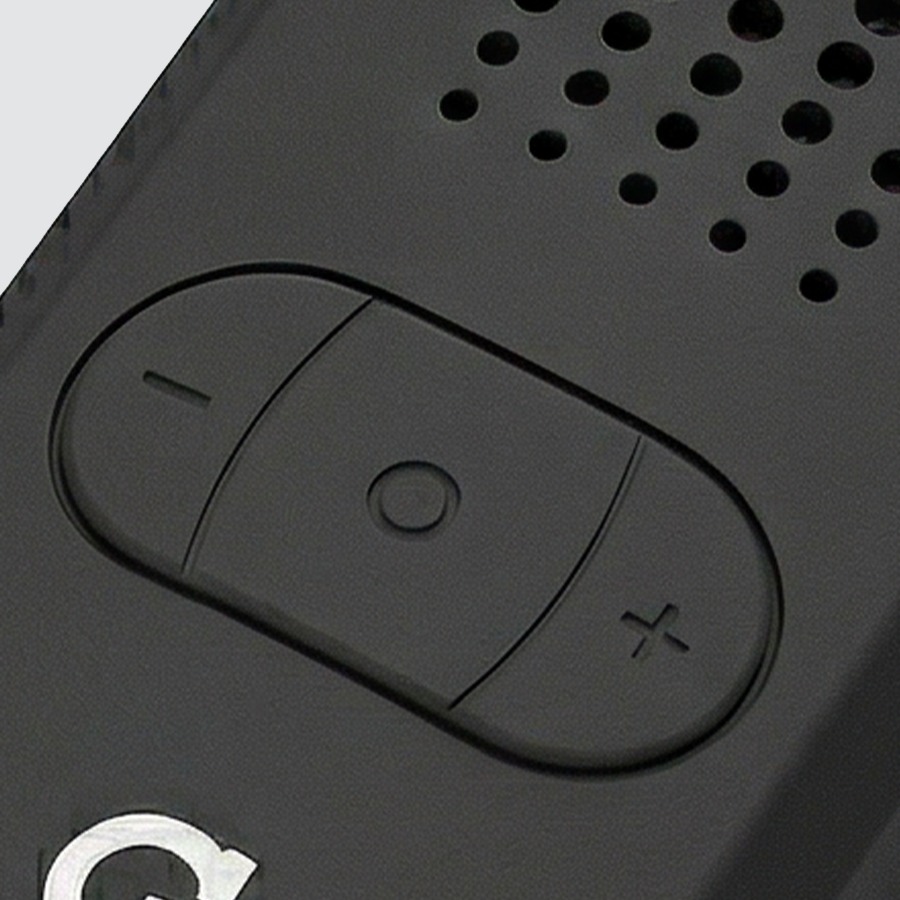
3Activate
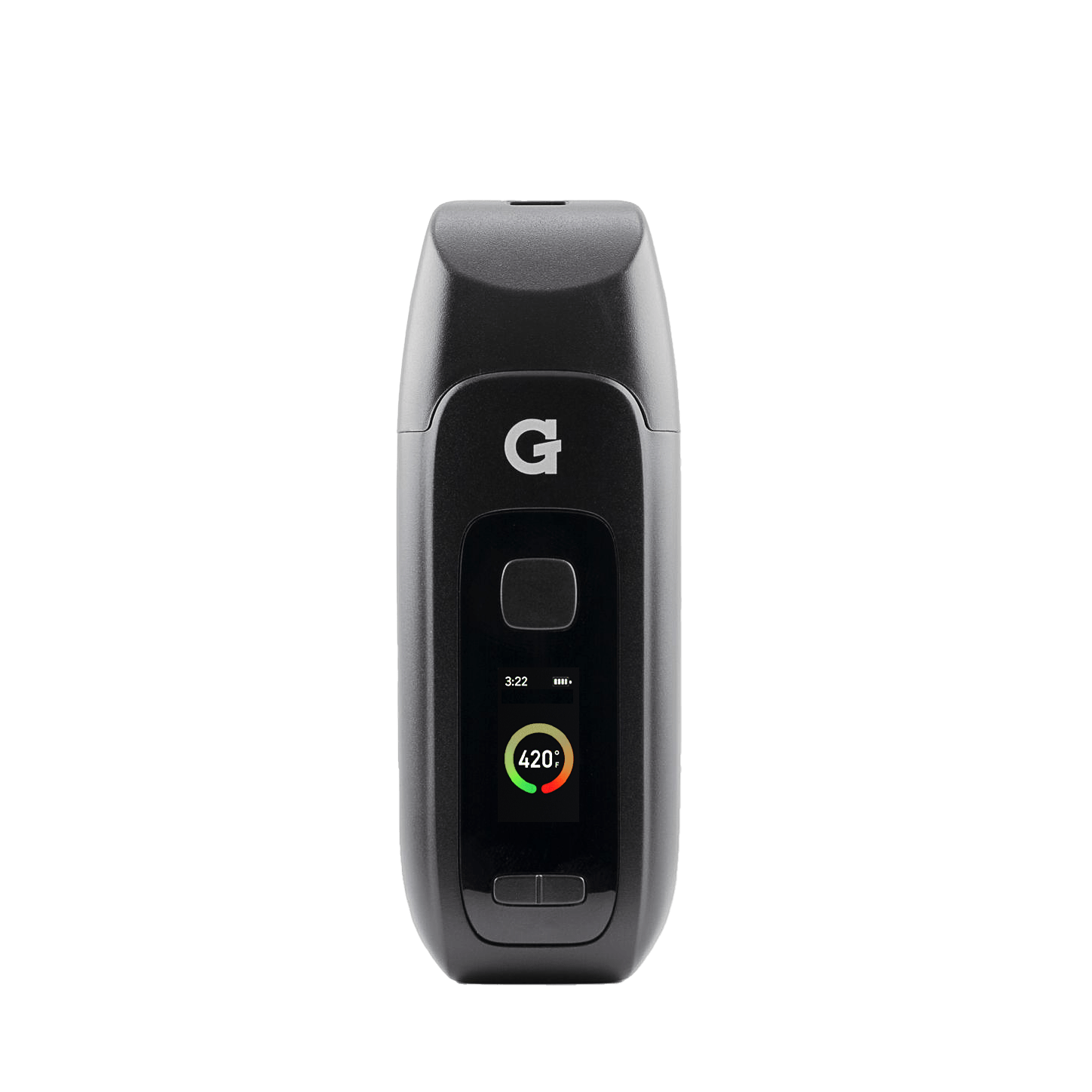
holdPower on Hold button 3 seconds+/−Adjust temperature Use + and − buttons2×Start session Double-tap within 2 secondsdrawInhale from mouthpiece Long, sustained draws work best2×Cancel session Double-tap anytime to stop5×Device settings Five quick pressesLower temperatures preserve flavor. Higher temperatures produce bigger clouds.
-
 4
4Clean
- Clean the mouthpiece filter screen & bowl after every use with the pick tool.
- Deep clean: remove the mouthpiece insert, clean with isopropyl alcohol (ISO).
- Let all parts dry completely before reassembling.
Never soak the battery in alcohol or any liquid.
Videos
Upgrades
Accessories & replacement parts for your Dash II.


Specs
View Product Details
| Type | Dry Herb Vaporizer |
|---|---|
| Battery | 1,100 mAh |
| Chamber | 0.4g ceramic |
| Charging | USB-C |
| Temperature | Adjustable with + / − buttons |
| Session mode | Double-tap to start / cancel · 2 min / 3 min / 4 min |
| Haptic feedback | Yes |
| Included | Pick tool, mouthpiece insert |
| Dimensions | 97 × 35 × 21 mm |
| Weight | 59.5 g |
| SKU | GPD-001-APZZ |
| UPC | 852570004441 |
| Warranty | 6-Month Limited Warranty (1 year with registration) |
Help
Common questions
How do I turn it on?
Hold the main button for 3 seconds. The device will vibrate and the display will turn on, indicating it is powered up and ready.
How do I start a session?
Once the device is on and at your desired temperature, double-tap the button within 2 seconds to start a session. Double-tap again anytime to cancel it early.
My vapor tastes burnt — what's wrong?
You may have the temperature too high, or the bowl may need cleaning. Try a lower temperature setting and clean the screen and bowl with the pick tool after each session.
How tight should I pack the chamber?
Pack firmly enough that material won't fall out but loose enough that you can draw air through easily. Overpacking restricts airflow and reduces vapor production.
How do I deep clean the mouthpiece?
Remove the mouthpiece insert and soak or wipe it with isopropyl alcohol (ISO). Let it dry completely before reassembling and using the device.
What does the warranty cover?
The Dash II comes with a 6-Month Limited Warranty, or a 1-Year Limited Warranty when you register your device at gpen.com. Read the full terms on gpen.com, or contact support with your order details.