Using your
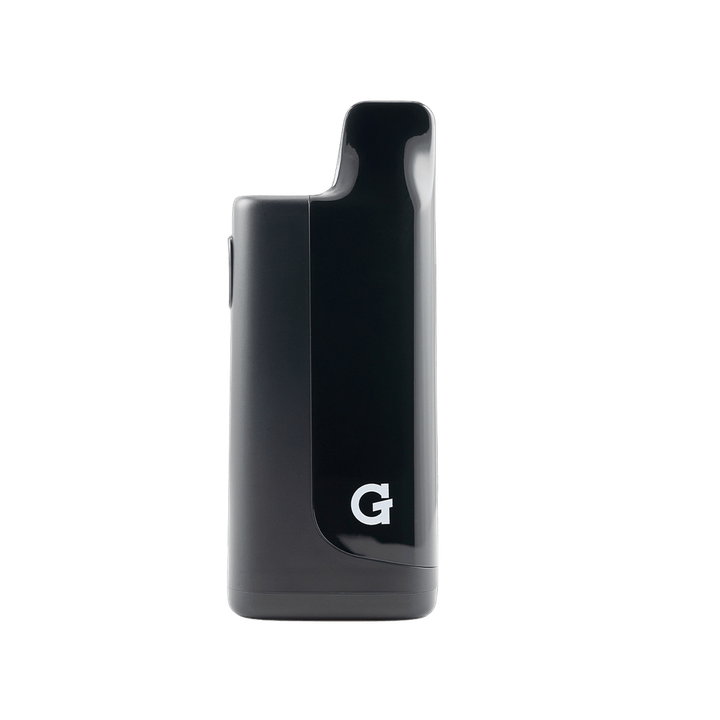
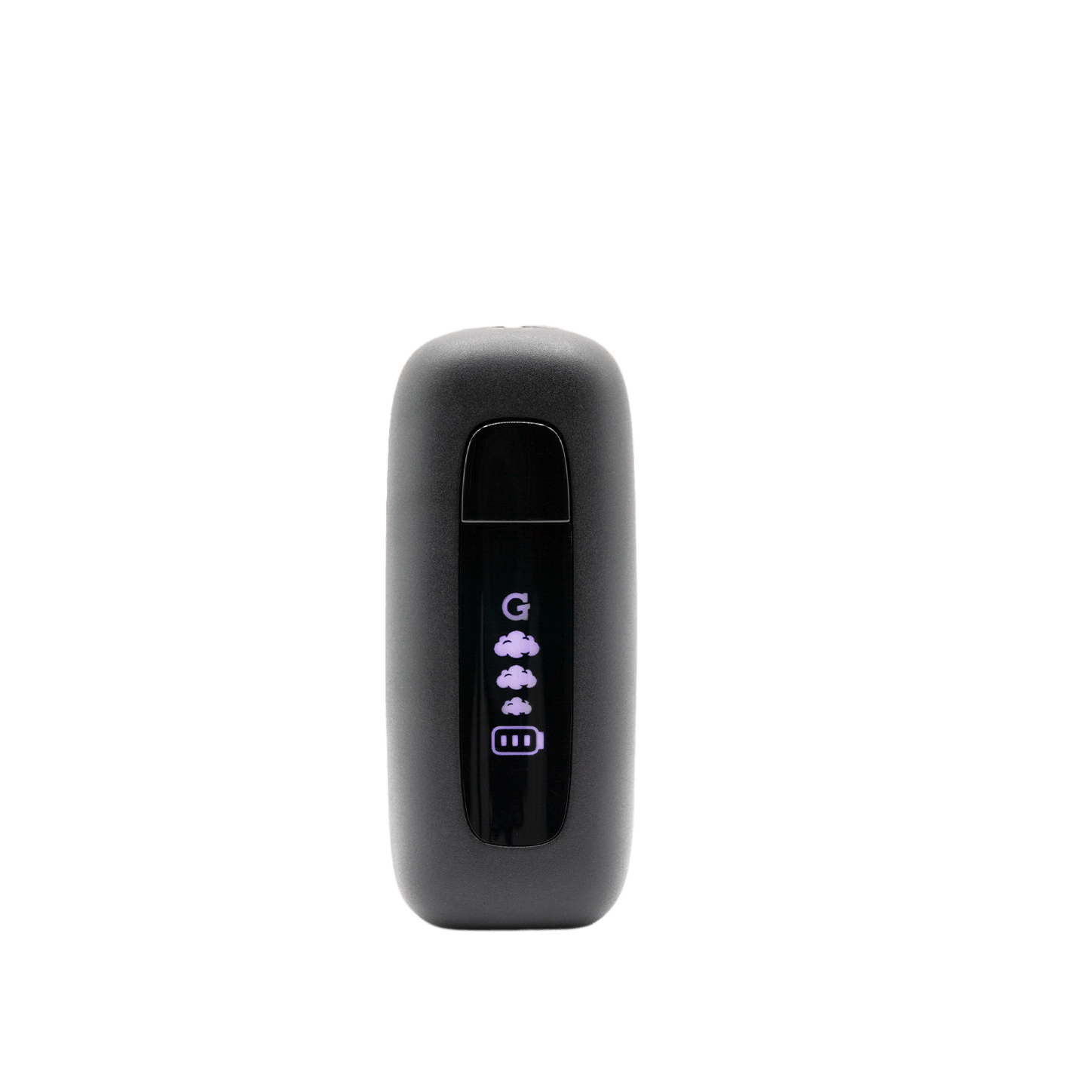
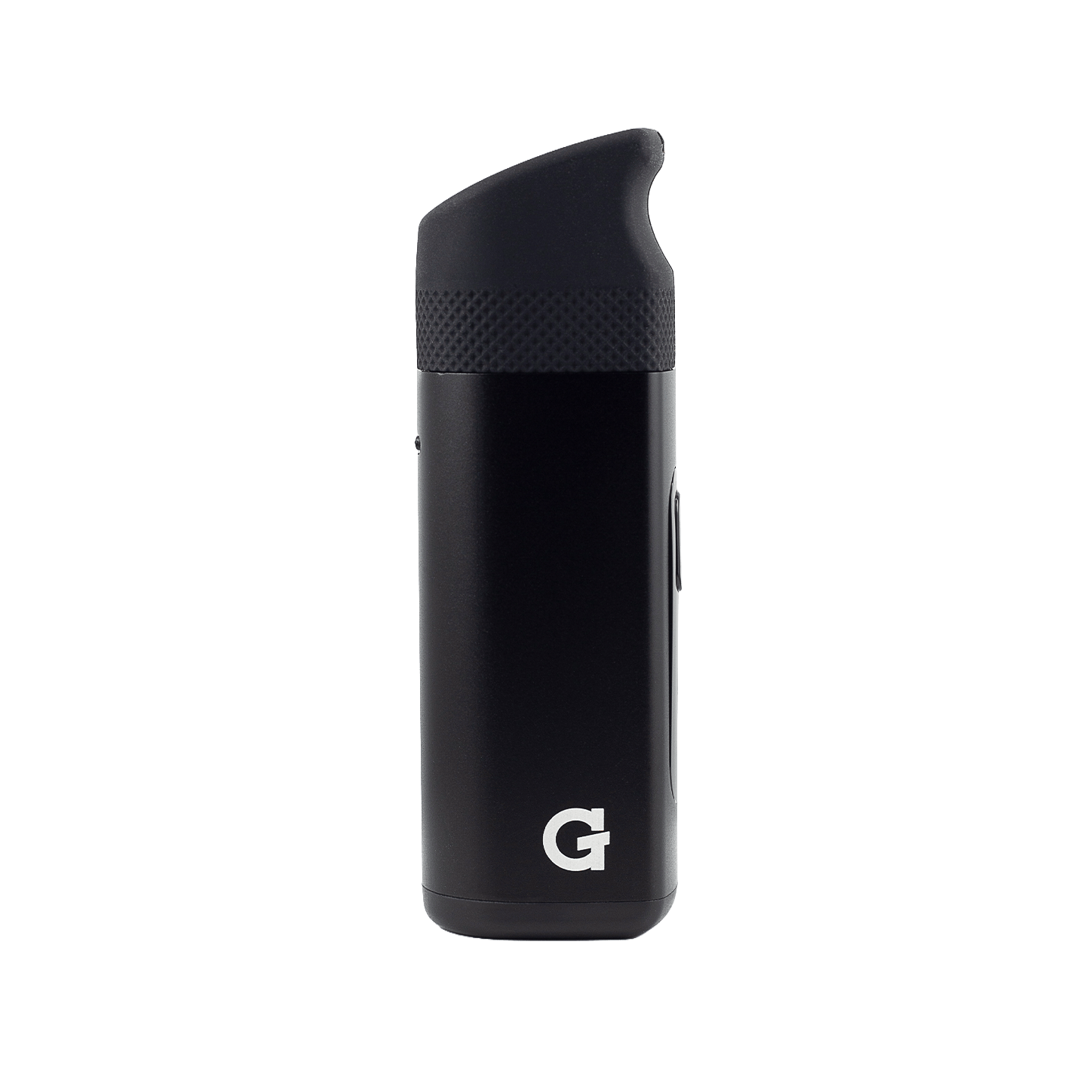
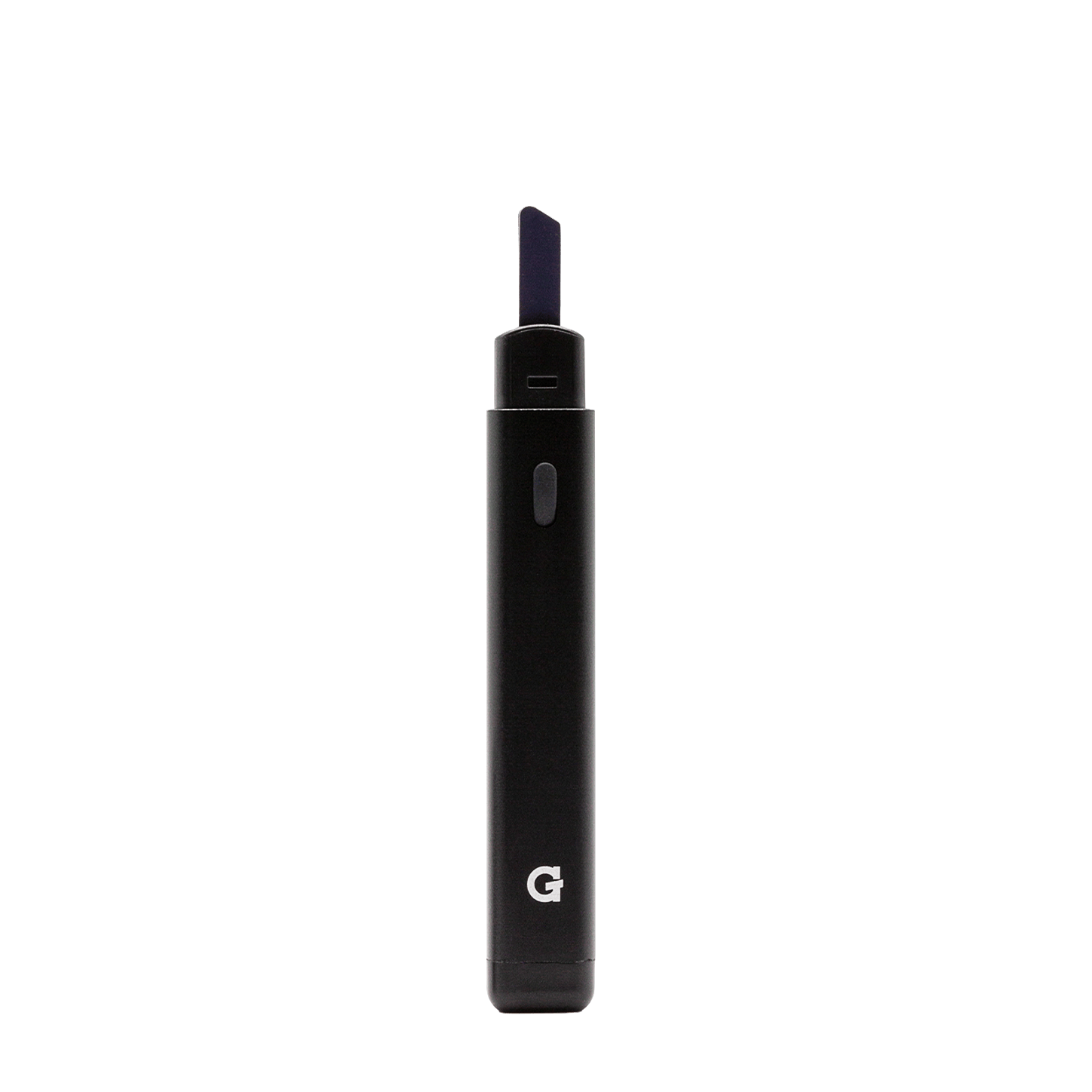
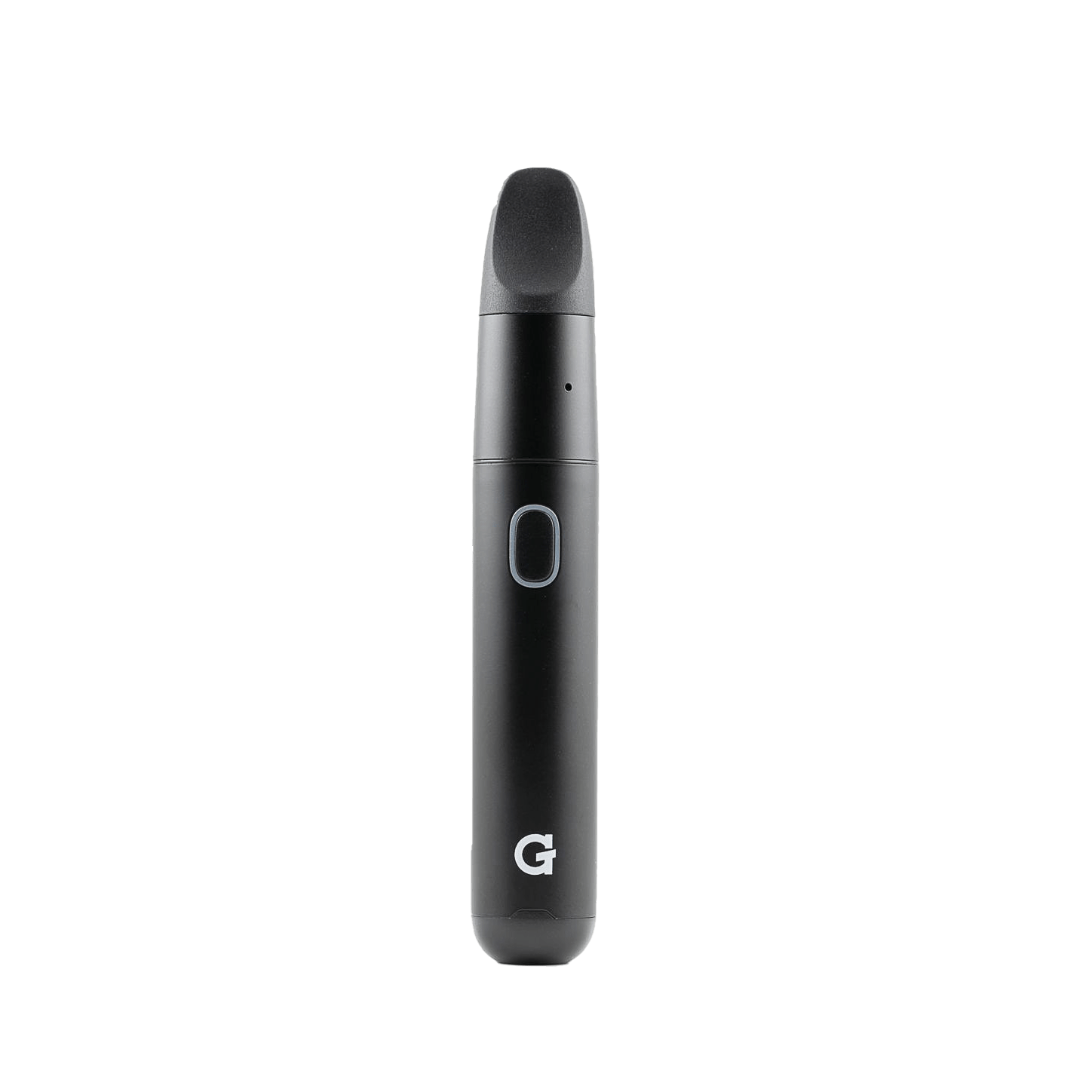
G Pen Hyer
Register your productHow to use
-
 1
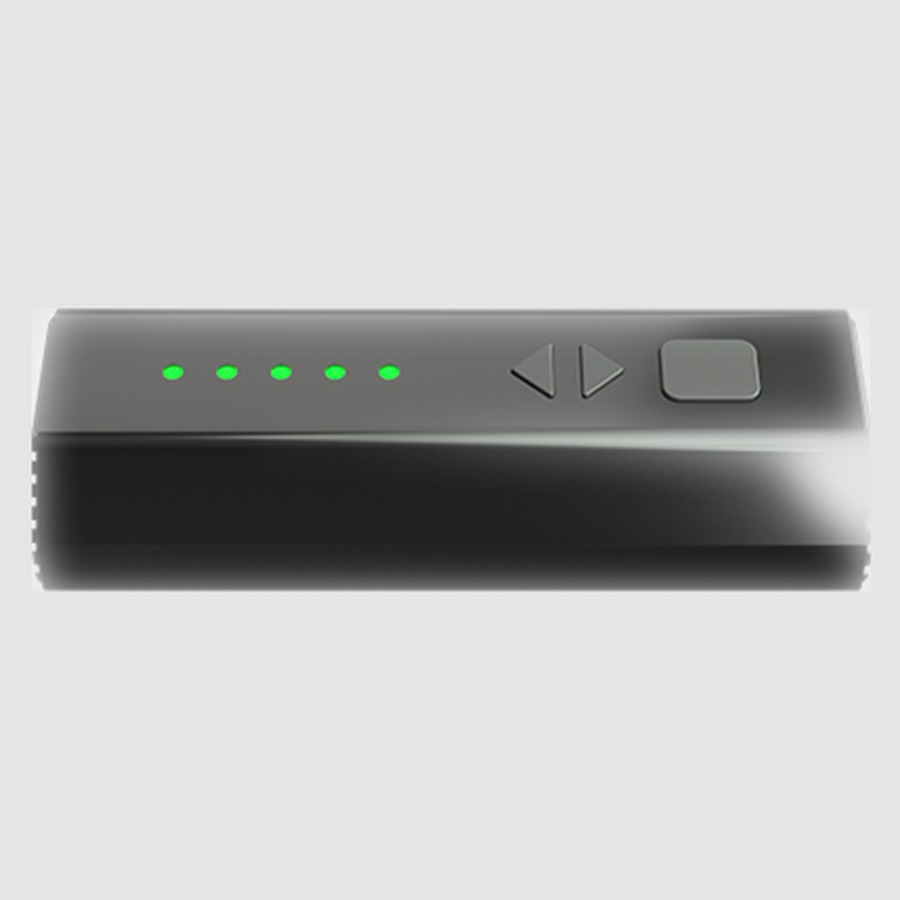
1Charge
- Plug a USB‑C cable into the charging port.
- Give it a full charge before first use.
- Press the power button once while off to check battery: 5 LEDs = full, 1 LED = low.
-
 2
2Set Up
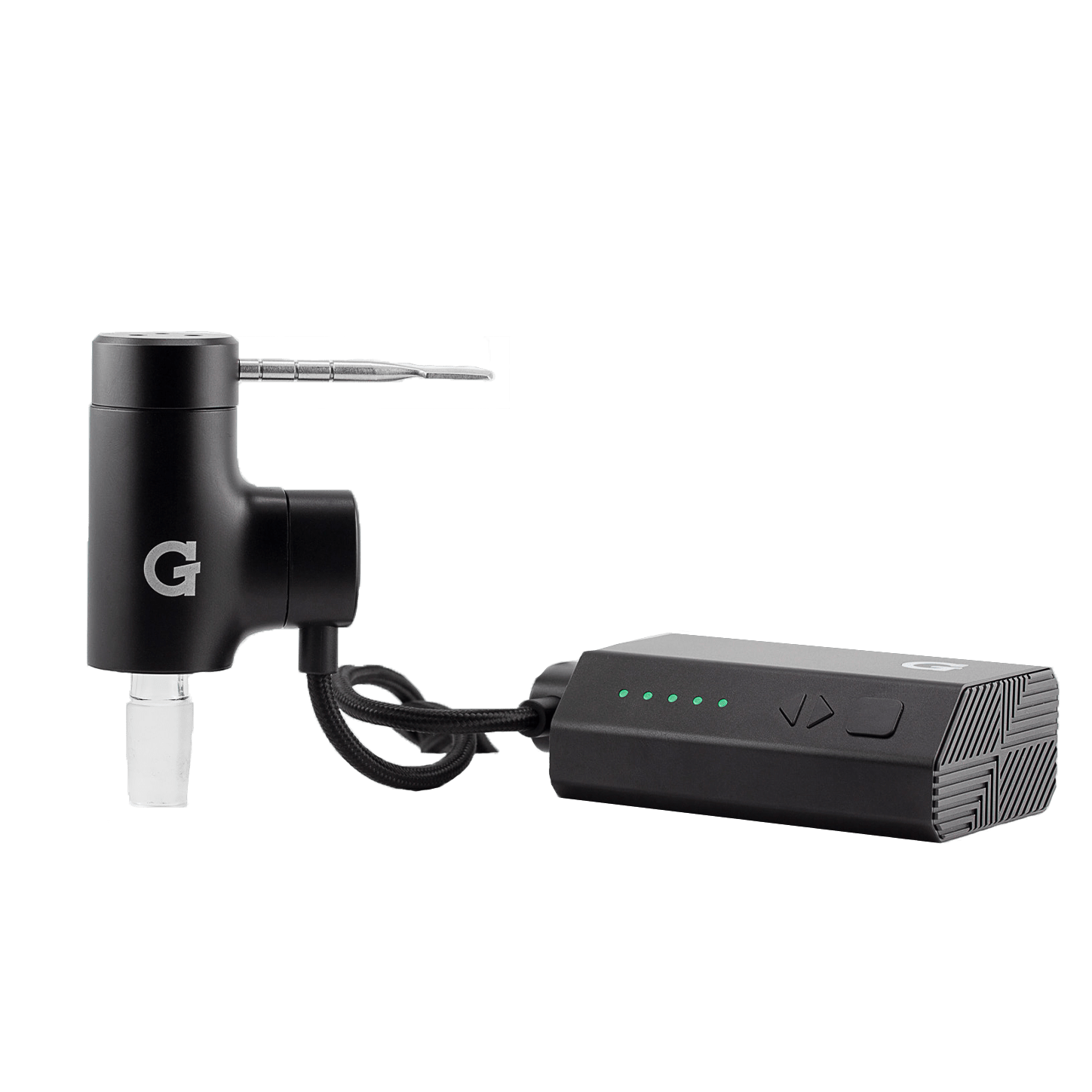
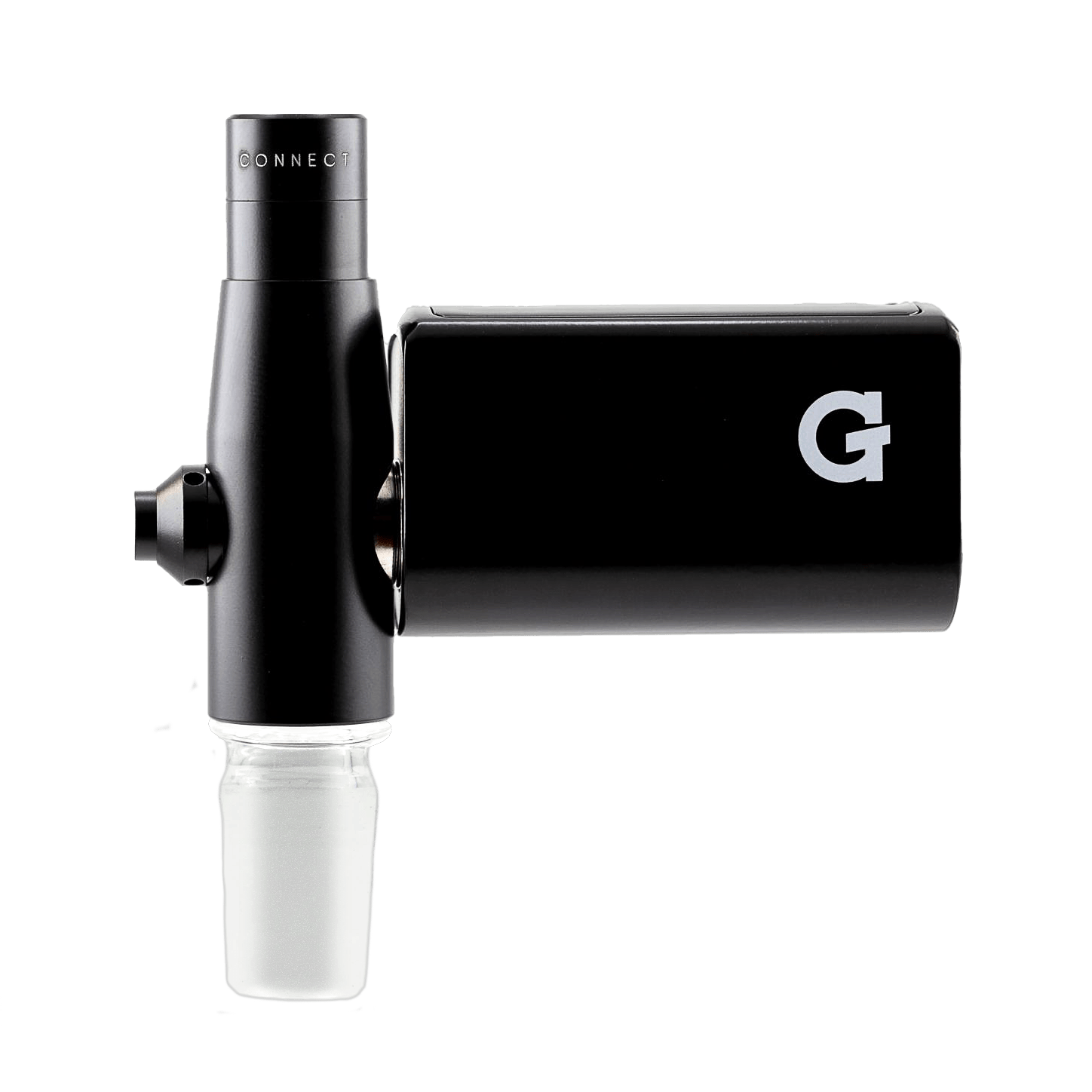
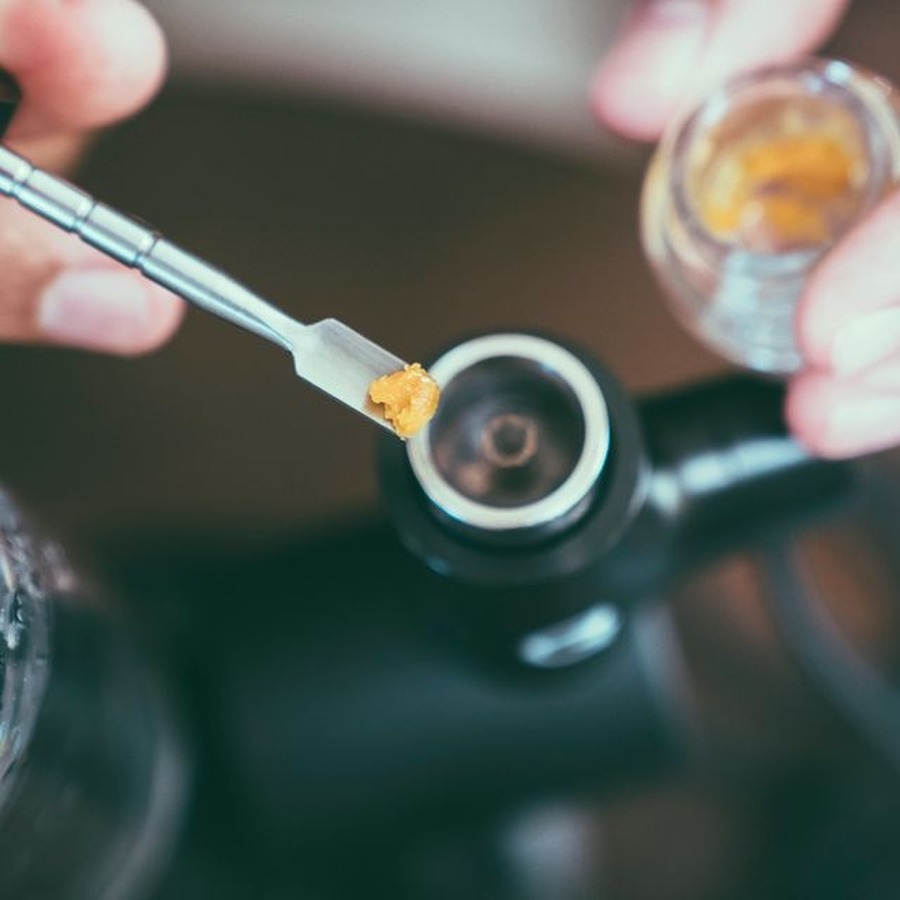
- Insert the glass adapter end of the Hyer housing into the 14mm female joint of your glass rig.
- Load concentrate into the bottom of the Concentrates Tank.
- Place the tank cap on top. Thread your dab tool into the side hole for easy access.
14mm male glass adapter is included. Other adapter sizes sold separately.
-
 3
3Set Heat
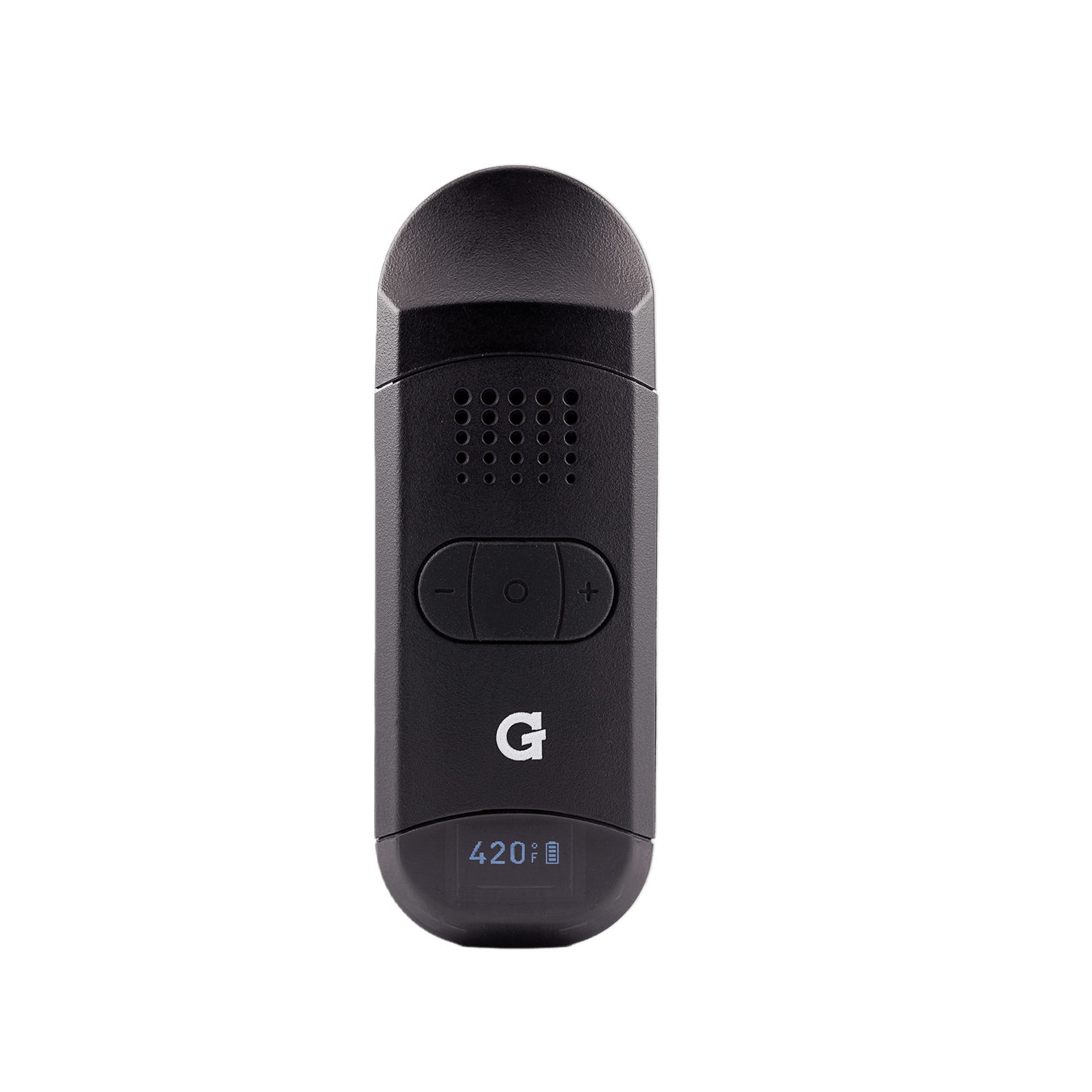
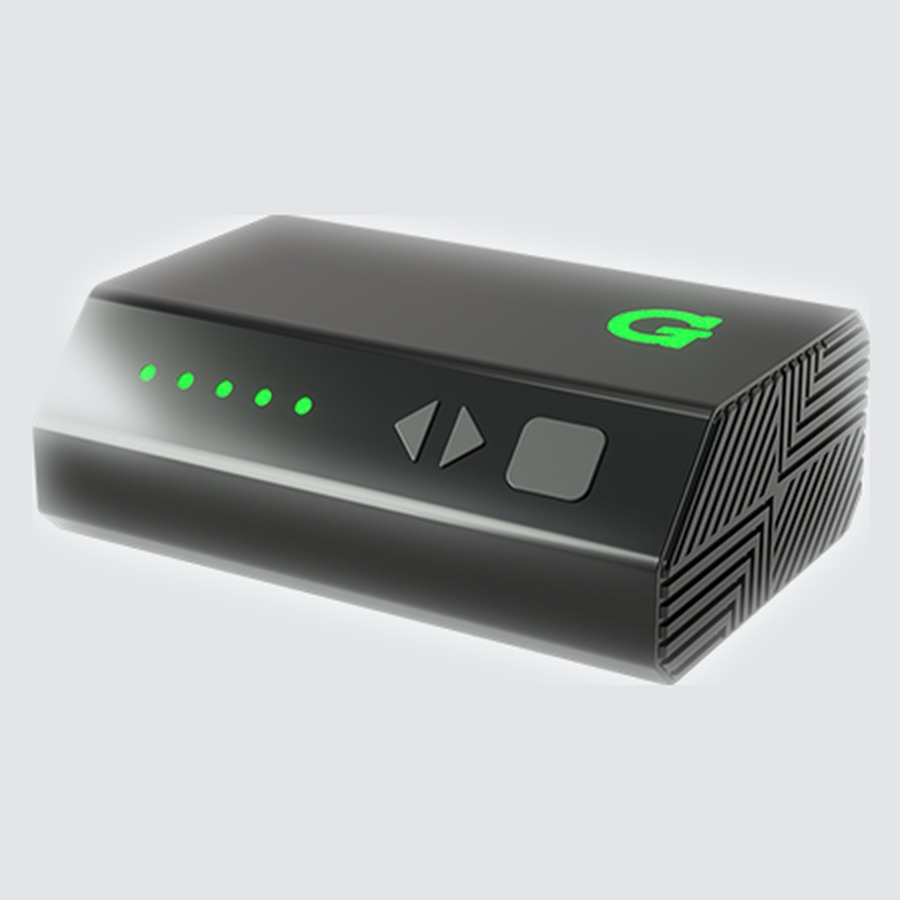
- Hold the power button for 3 seconds to turn on.
- Press Left or Right to cycle through the 5 heat levels.
HoldPower on / off Hold the power button for 3 seconds◀▶Heat level Blue 482°F · Turquoise · Green · Yellow · Red 842°FHoldSession timer Hold both buttons 2s · 15 / 30 / 45 / 60 / 75 sec3×Sound on / off 3 clicks to toggle audio notifications -
 4
4Draw
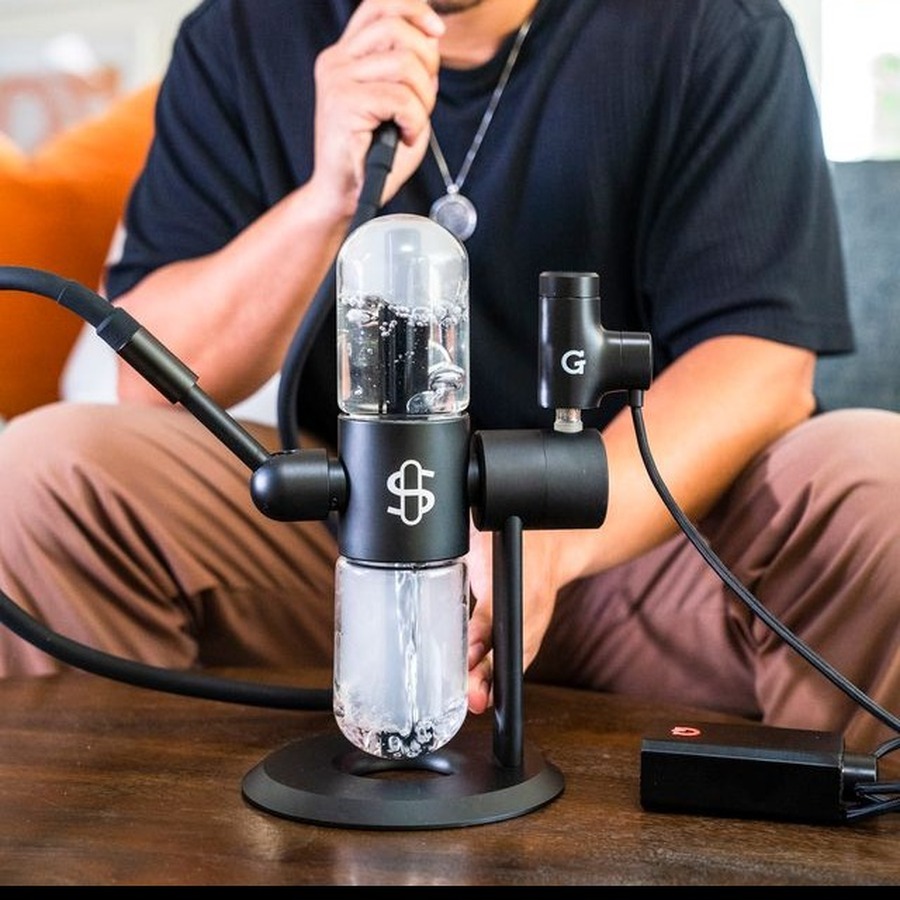
- Double-click the power button to activate a session.
- Draw through your glass piece while the session runs.
- Single click or wait for the timer to end the session.
2×Activate session Double-click to startHoldIncreased airflow Hold the side button during a sessionAfter your session: Wait at least 1 minute, then wipe the quartz chamber with a cotton swab while still warm.
Videos
Upgrades
Accessories & replacement parts for your Hyer.


Specs
View Product Details
| Type | Concentrate Vaporizer |
|---|---|
| Battery | 6,000 mAh |
| Chamber | Quartz |
| Heat levels | 5 (Blue 482°F → Red 842°F) |
| Session timer | 15 / 30 / 45 / 60 / 75 seconds |
| Battery indicator | 5 LED dots (press power while off) |
| Charging | USB‑C |
| Glass connection | 14mm male adapter (included) |
| Warranty | 2‑Year Limited Warranty |
| Dimensions | 140 × 100 × 30 mm |
| Package weight | 670 g |
| SKU | GPH-001‑ALZZ |
| UPC | 811736026475 |
Help
Common questions
Device won't turn on
Hold the power button for a full 3 seconds. If nothing happens, charge the device. Press the power button once while off to check the battery level. Only 1 LED lit means it needs a charge.
How do I check the battery level?
Press the power button once while the device is off. The 5 LED dots show remaining charge: 1 LED means 0–20%, 5 LEDs means 80–100%.
Vapor flavor or density is off
Clean the quartz chamber regularly with a cotton swab after sessions while still warm. Residue buildup is the most common cause of off flavor. Try a lower heat level for a cleaner, more flavorful draw.
How do I change the session timer?
While the device is on, hold the Left and Right buttons simultaneously for 2 seconds. Each press cycles through 15, 30, 45, 60, or 75 seconds. The concentrate timer applies to the Concentrates Tank. The dry herb timer cycles separately if you have the dry herb tank attachment.