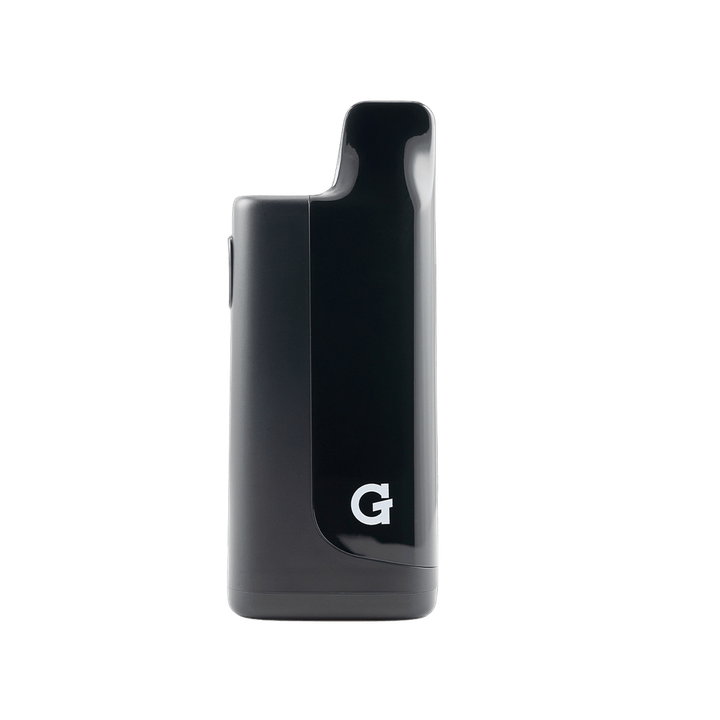
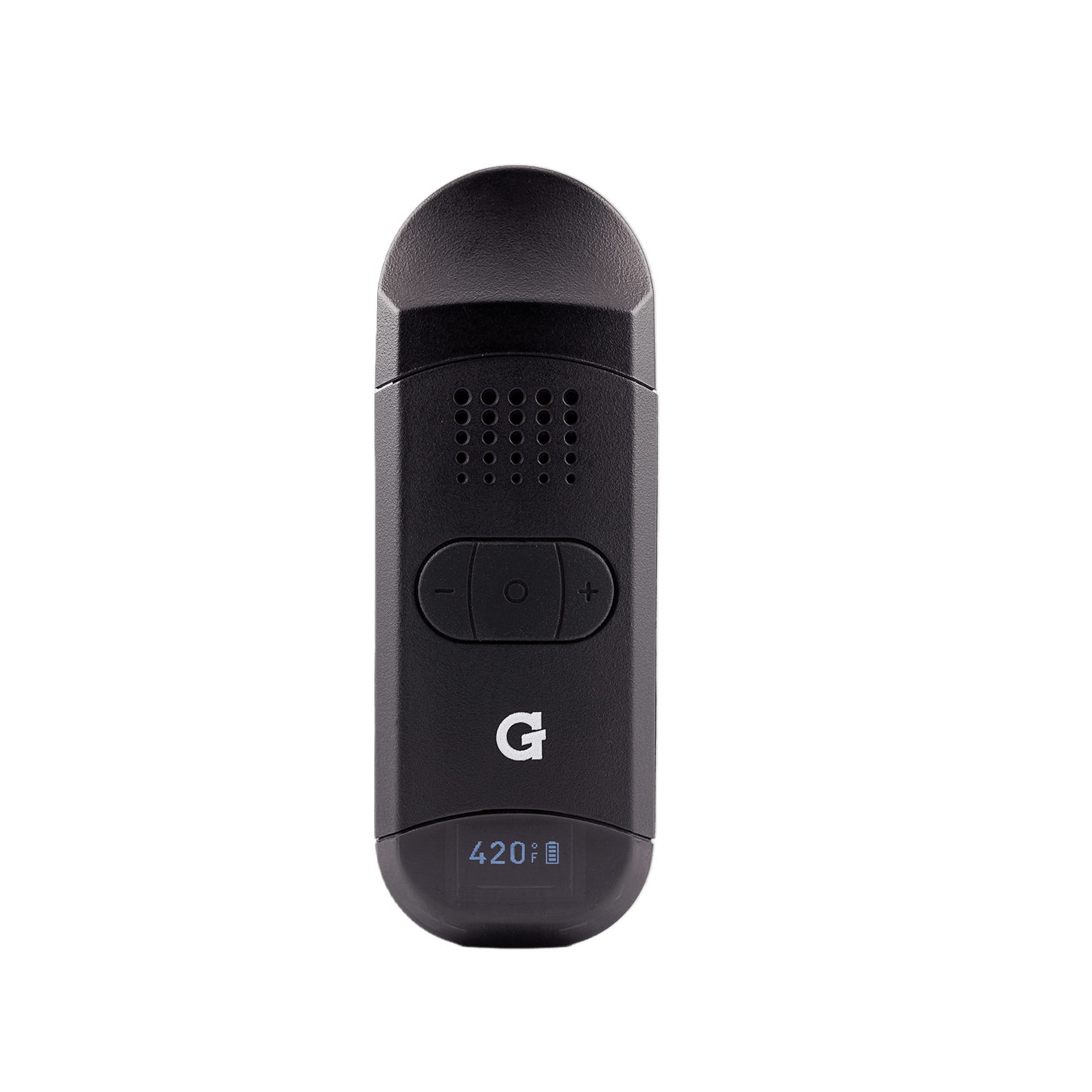
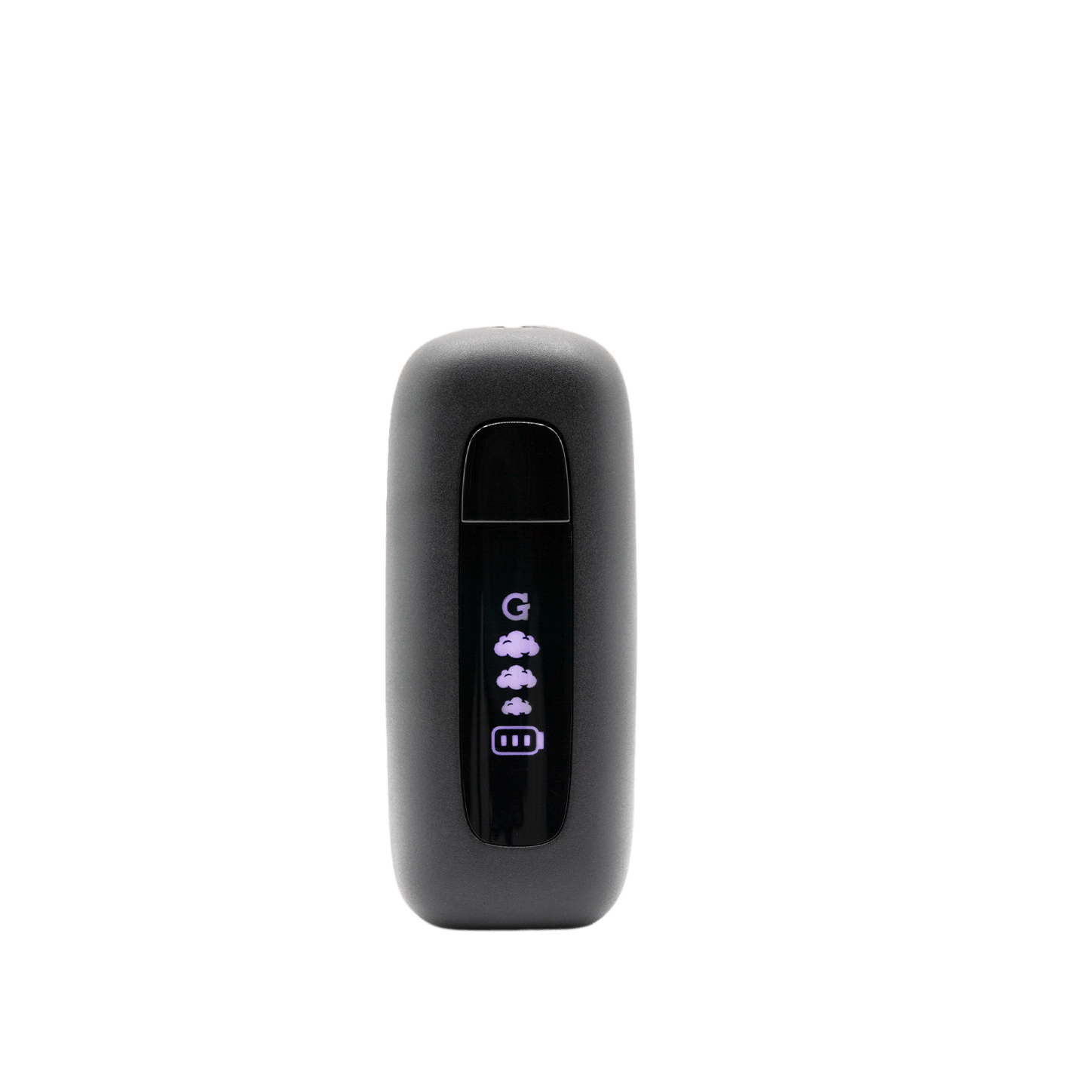
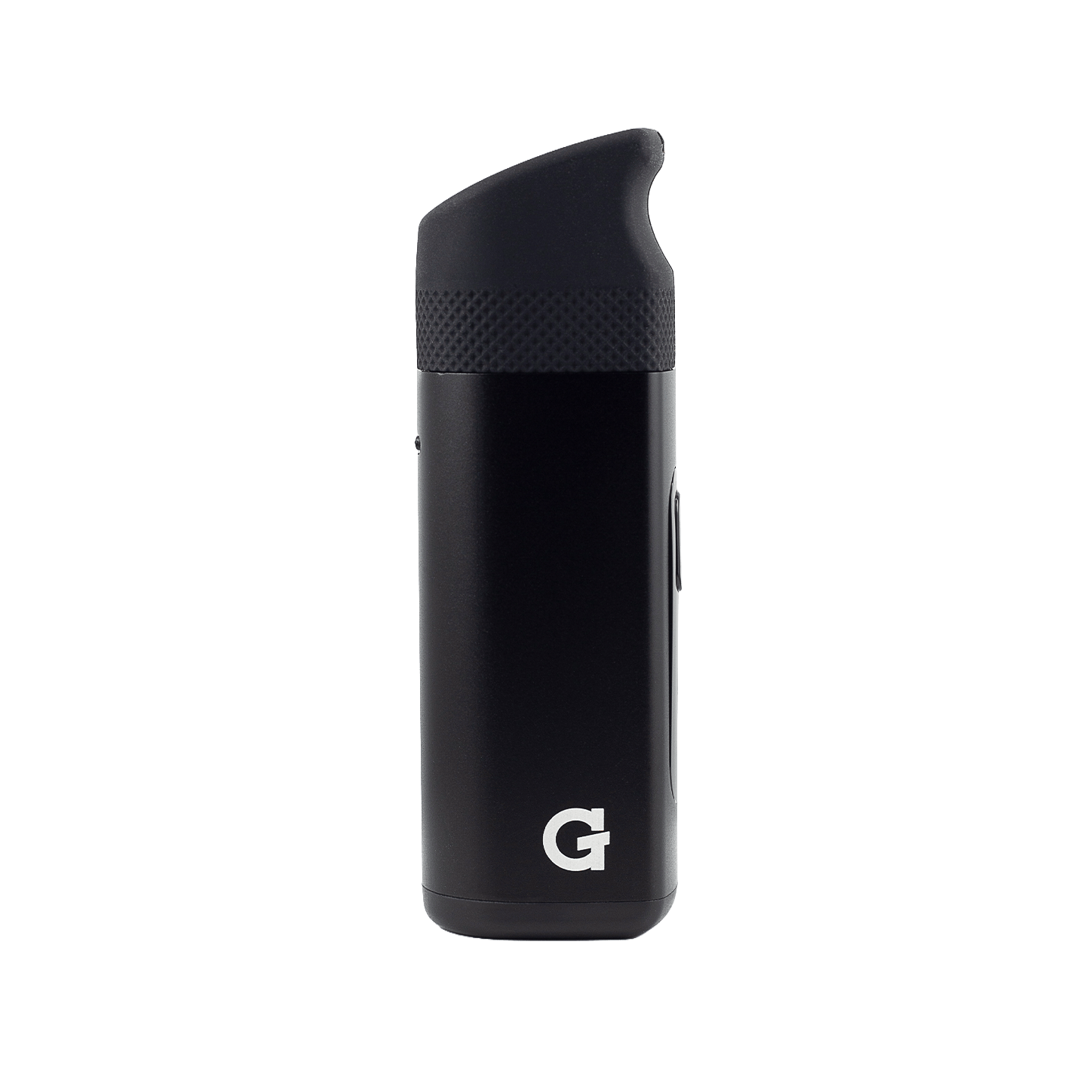
Using your
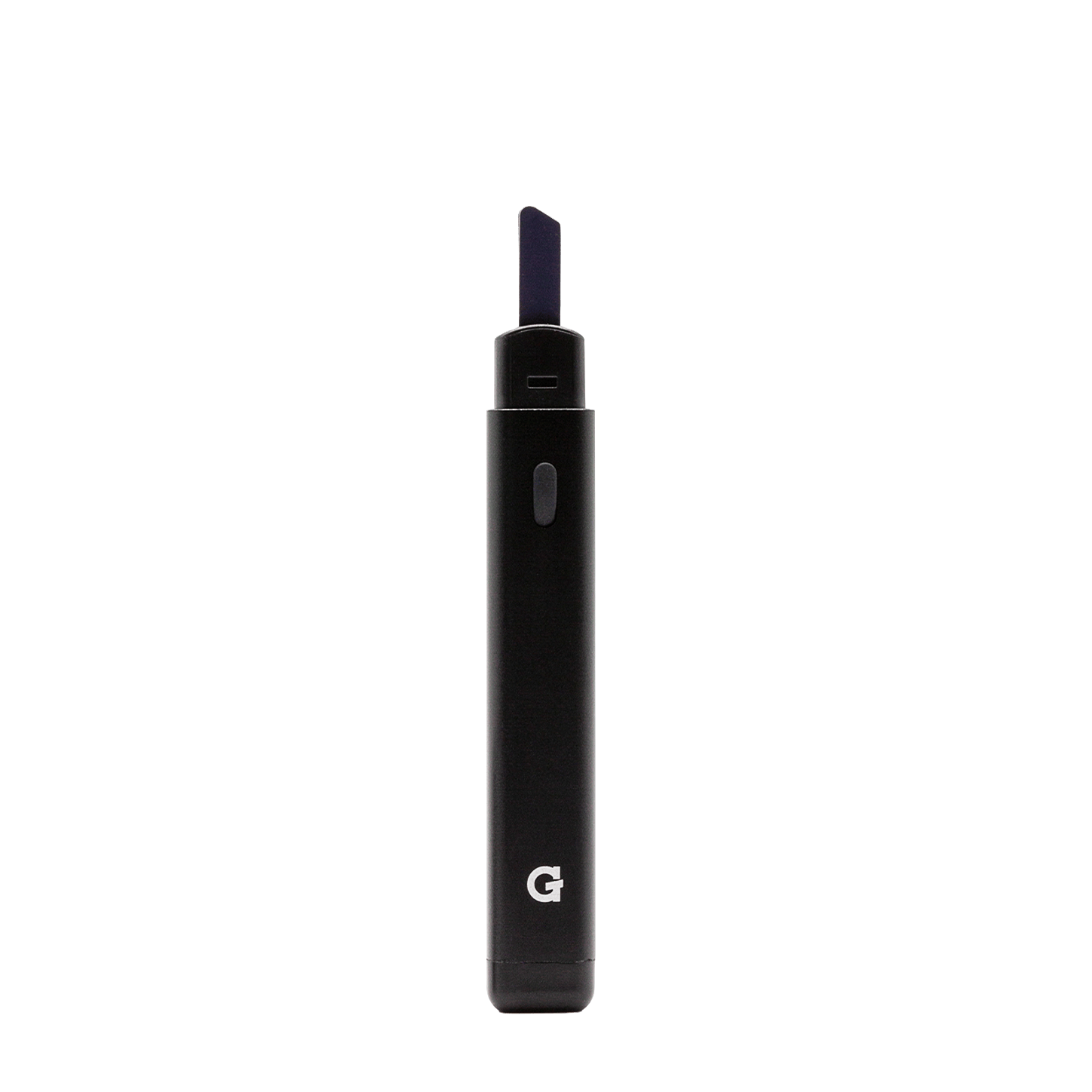
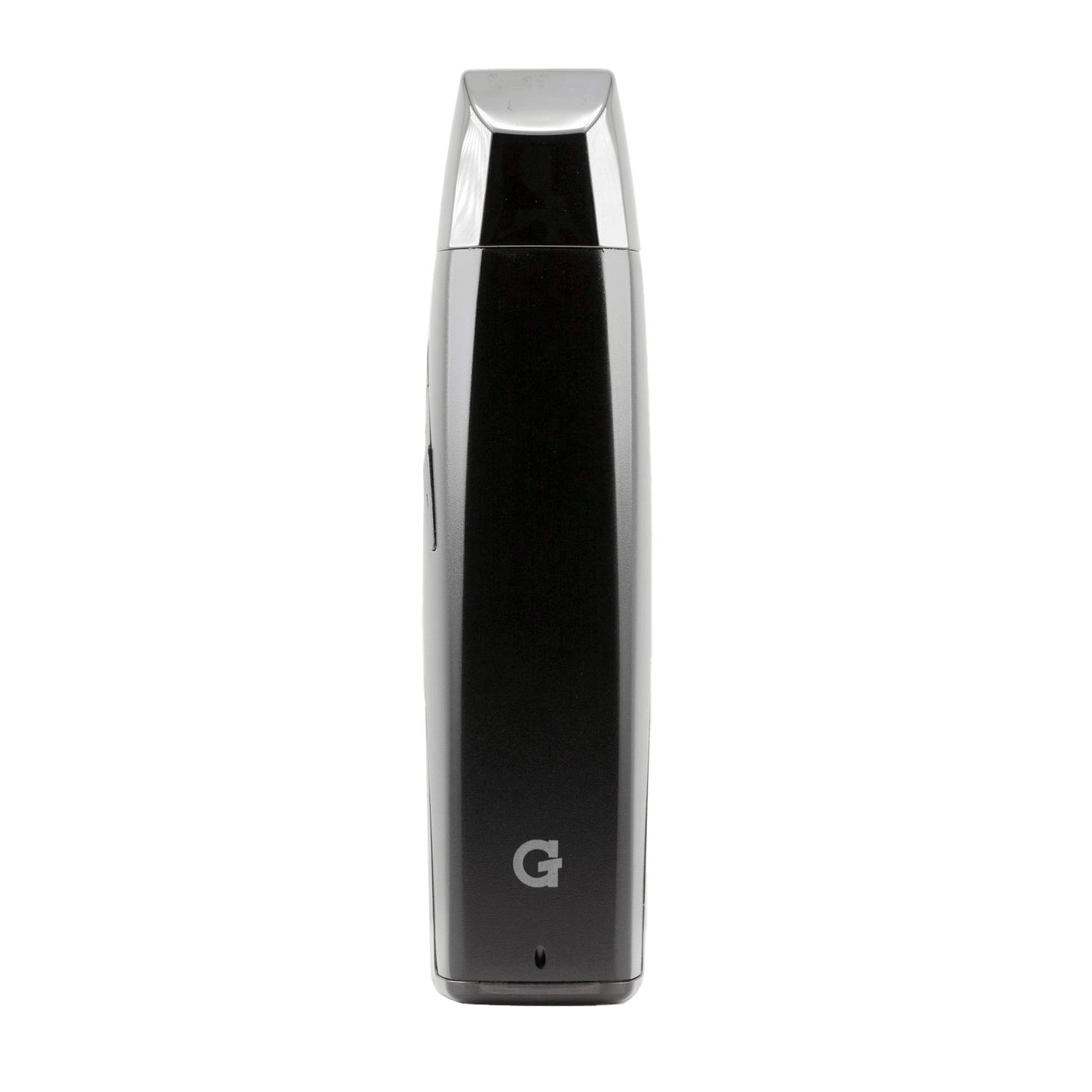
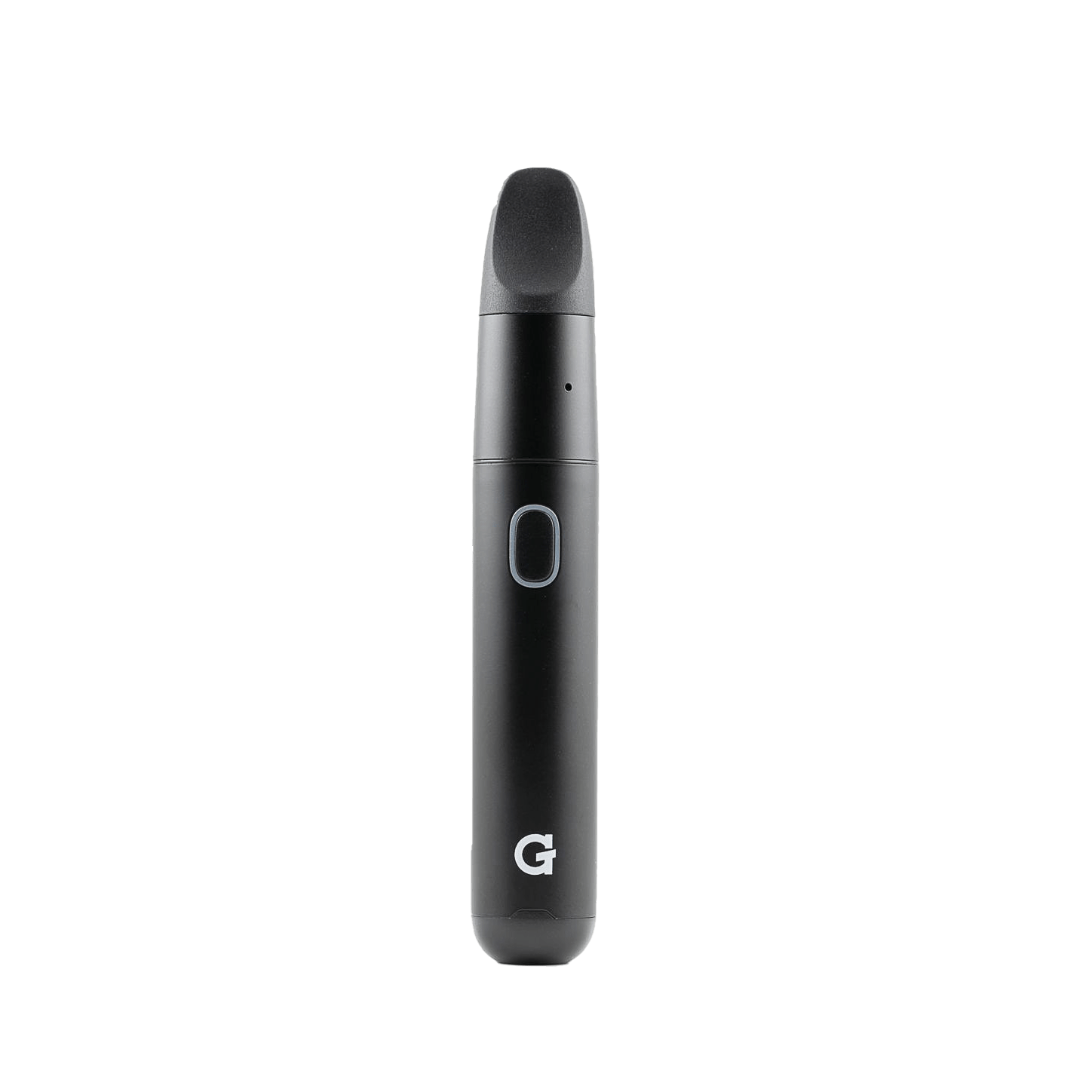
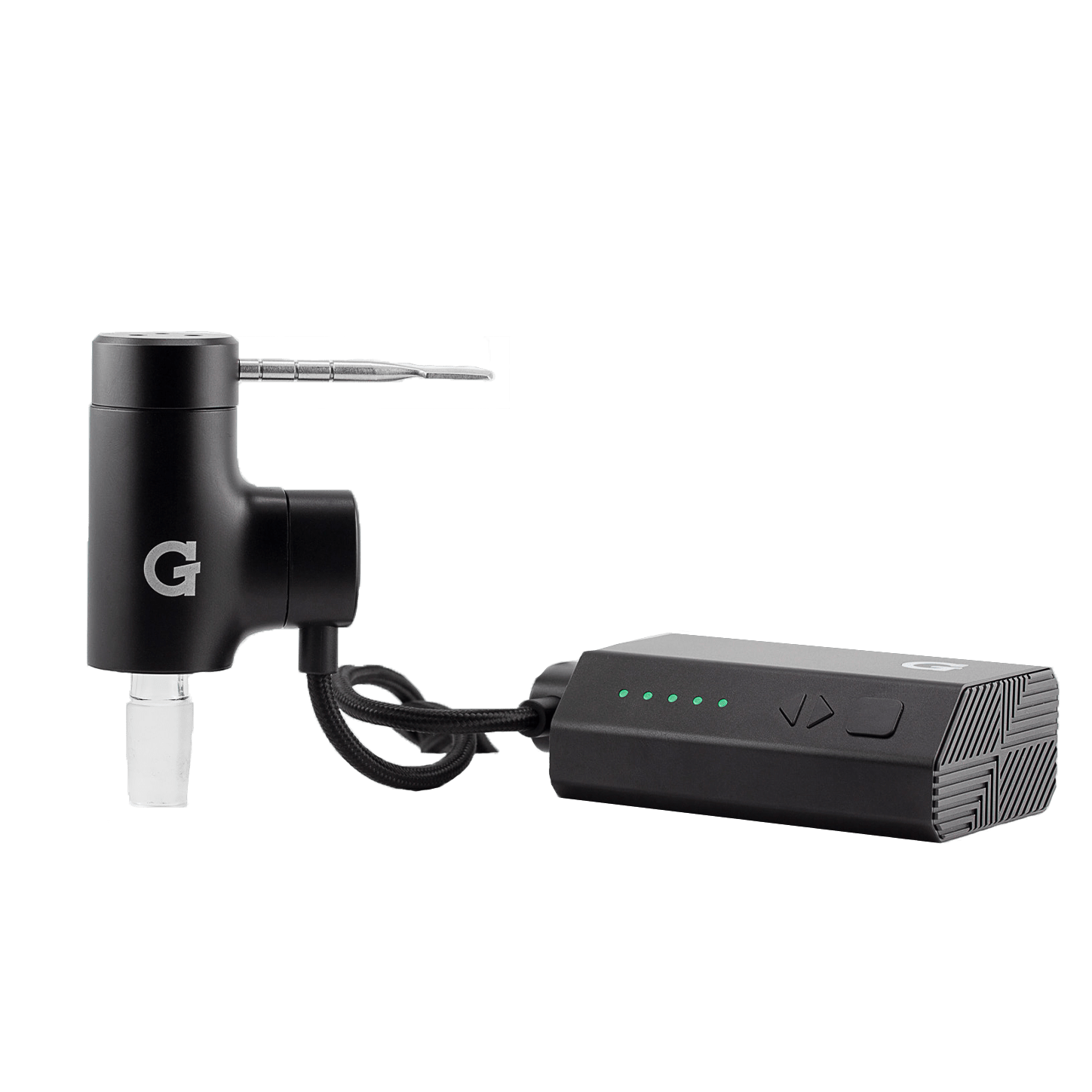
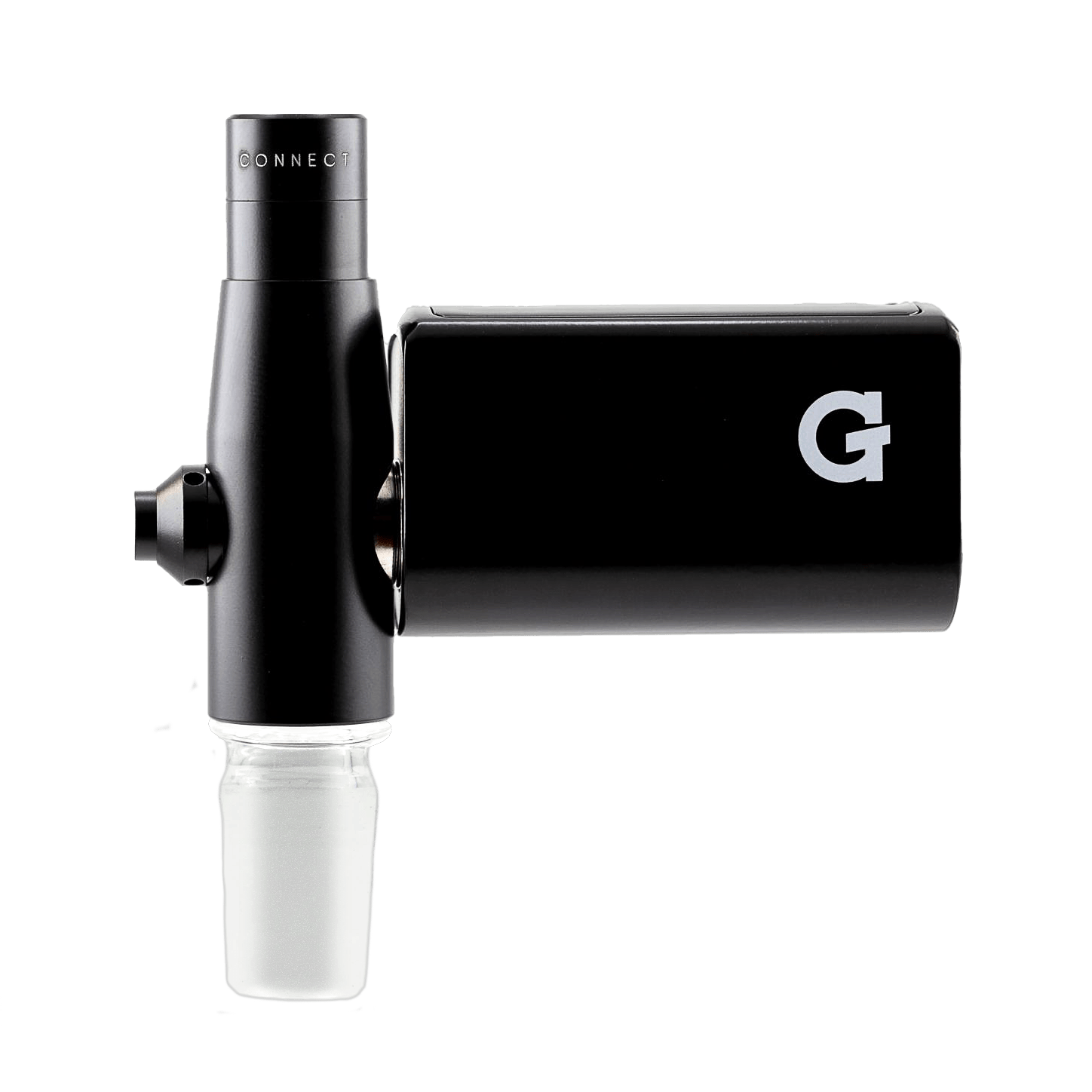
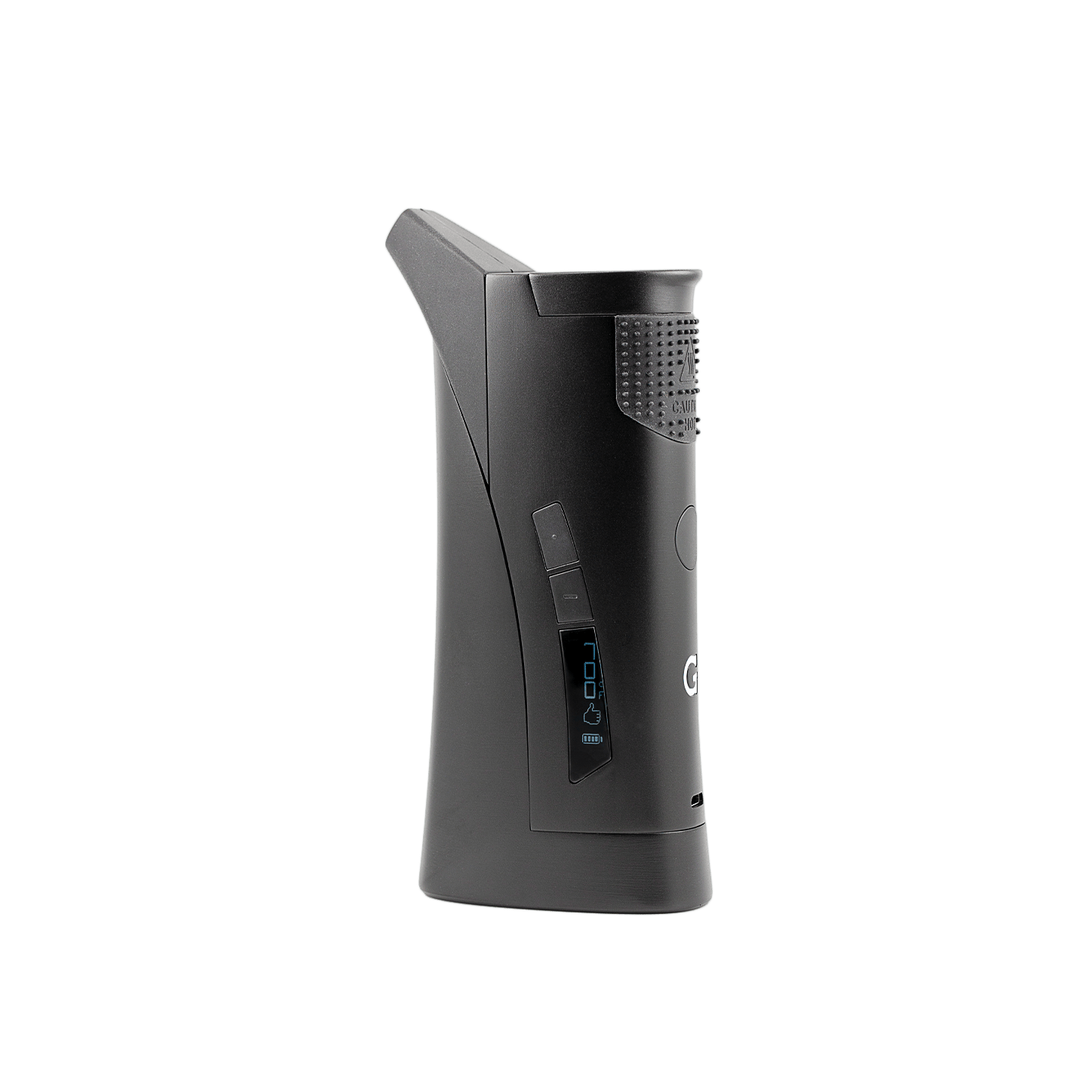
G Pen Connect
Register your productHow to use
-
 1
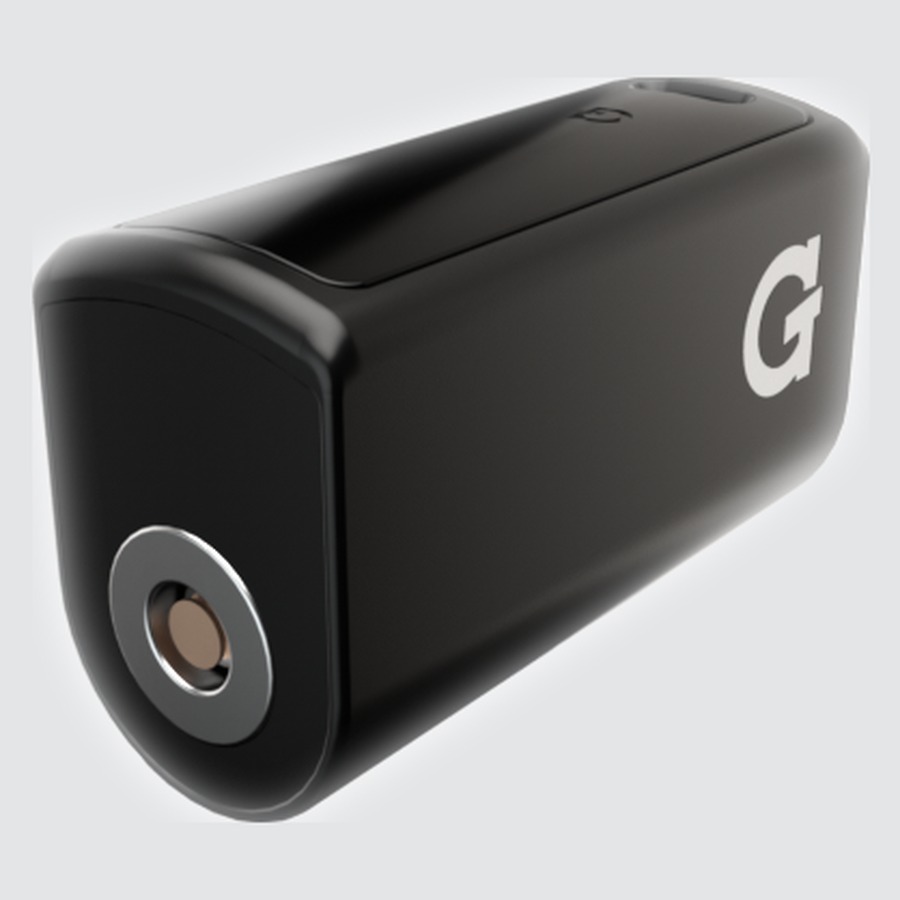
1Charge
- Plug a Micro USB cable into the port on the side of the battery housing.
- Red LED = charging · Green LED = fully charged.
- LED blinks 8 times when the battery is low.
-
 2
2Set Up
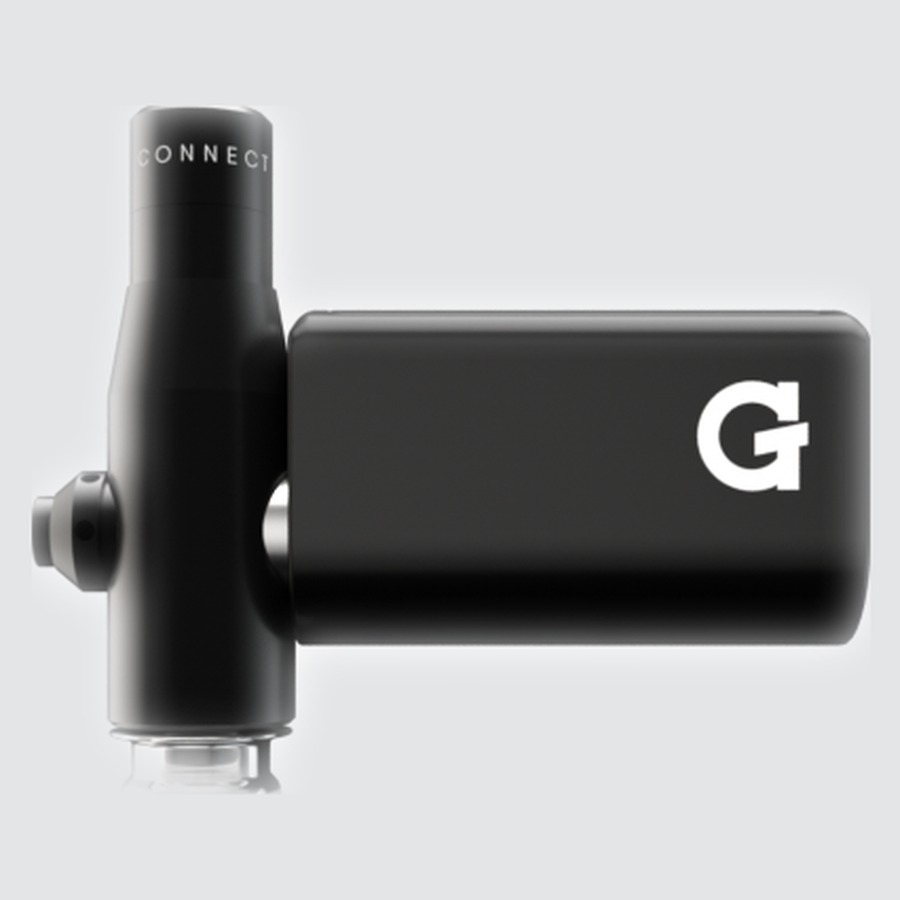
- Twist the tank onto the top of the adapter.
- Twist the male glass adapter onto the bottom of the adapter.
- Insert the adapter into the 14mm female joint of your water piece.
14mm male adapter fits standard water pieces. Other adapter sizes available separately.
-
 3
3Load
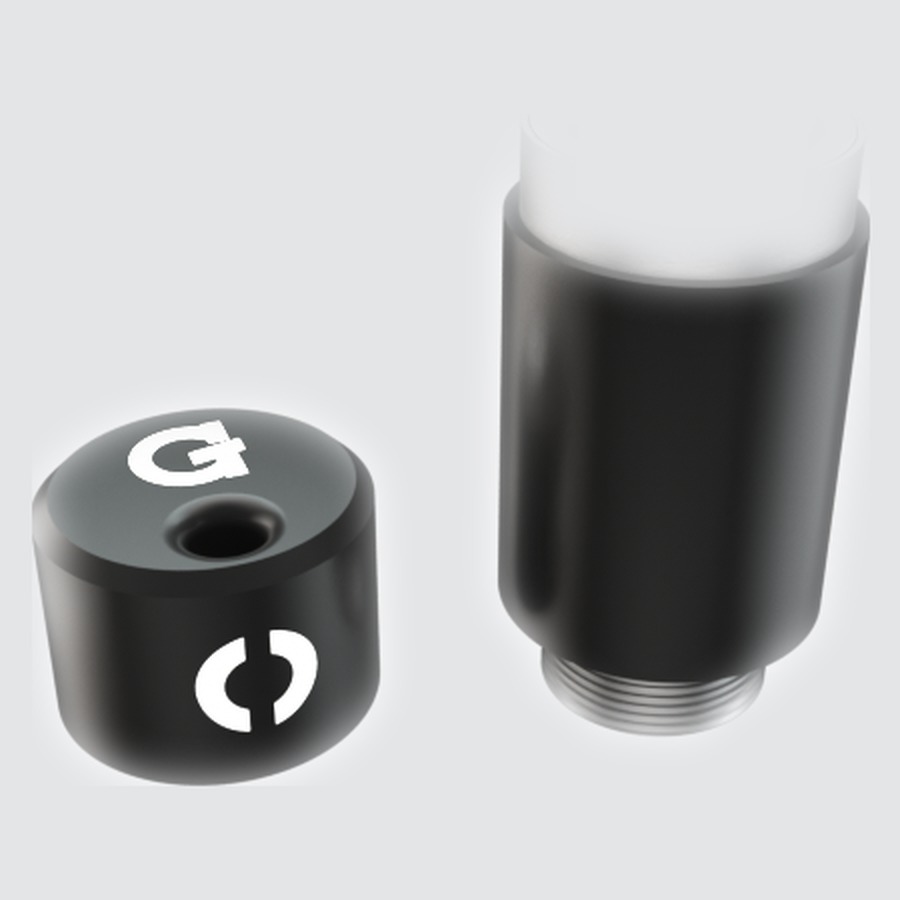
- Remove the tank cover and load concentrate onto the ceramic plate inside.
- Reattach the tank cover.
- Attach the battery to the tank to complete the connection.
-
 4
4Heat & Draw
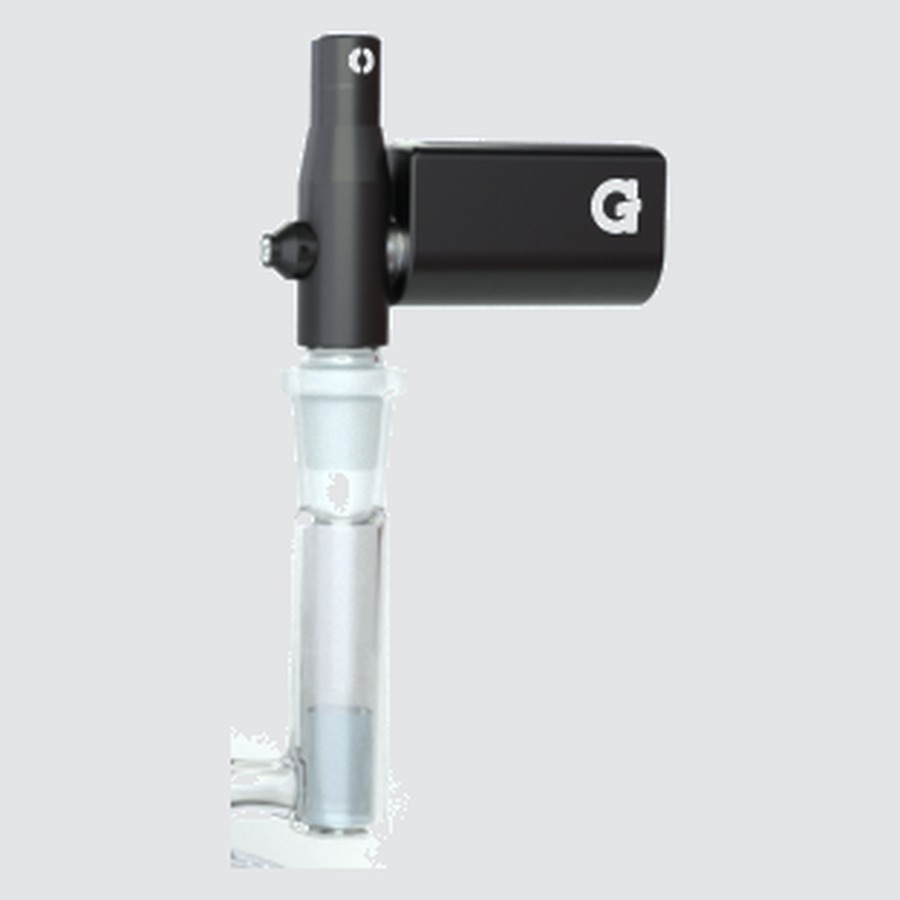
- Click 5 times to power on. LED lights up in your current voltage color.
- Draw through your water piece while heating.
5×Power on / off 5 clicks to power on or off3×Voltage level Blue 3.1V · Green 3.6V · Red 4.1V2×Auto heat 5s heat-up flash, then 10s max solid heatHoldManual heat Hold button · up to 15 secondsSideIncreased airflow Hold the side button during a sessionAfter consecutive max-heat sessions: Wait at least 2 minutes before touching the tank cover.
Videos
Upgrades
Accessories & replacement parts for your Connect.


Specs
View Product Details
| Type | Concentrate Vaporizer |
|---|---|
| Battery | 850 mAh |
| Chamber | Quartz ceramic plate |
| Voltage | 3.1V / 3.6V / 4.1V |
| Auto heat duration | 5s heat-up + 10s max |
| Manual heat duration | Up to 15 seconds |
| Charging | Micro USB |
| Glass connection | 14mm male adapter (included) |
| Warranty | 2‑Year Limited Warranty |
| Dimensions | 33 × 22.5 × 54.6 mm |
| Weight | 99 g |
| SKU | GPC-100‑AJZZ |
| UPC | 811736023986 |
Help
Common questions
Device won't turn on
Click the button 5 times quickly. Make sure the battery is attached to the tank. The connection must be complete for power to work. If nothing happens, charge the device first.
LED blinks 3 times on startup
Three blinks usually means a short circuit or the tank isn't properly connected. Remove the battery, check the tank connection, reattach firmly, and try again.
Vapor is thin or has poor flavor
Try a higher voltage setting (3× to cycle). Make sure the concentrate is on the ceramic plate, not the walls of the chamber. Clean the tank regularly. Residue buildup is the most common cause of reduced performance.
Tank cover is too hot to handle
This is normal after consecutive max-heat sessions. Wait at least 2 minutes before touching the tank cover. The tank surface is designed to get hot. That's how it vaporizes concentrate efficiently.